1
1
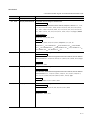
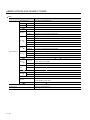
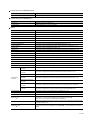
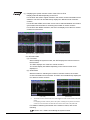
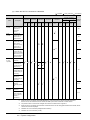
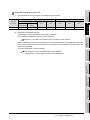
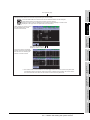
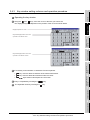
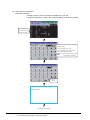
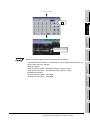
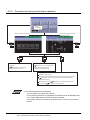
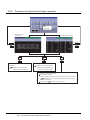
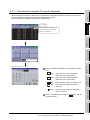
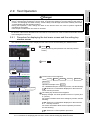
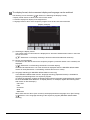
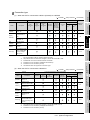
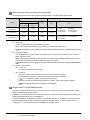
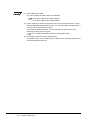
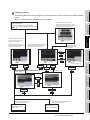
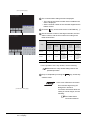
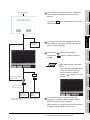
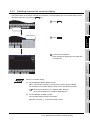
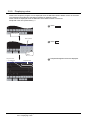
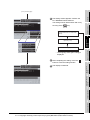
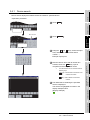
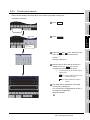
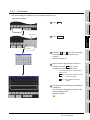
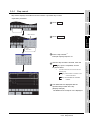
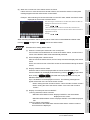
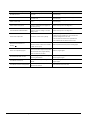
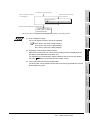
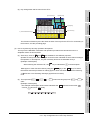
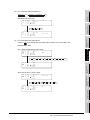
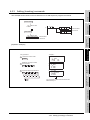
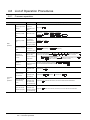
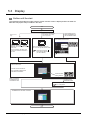
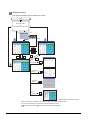
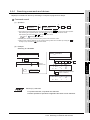
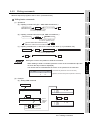
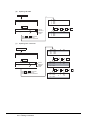
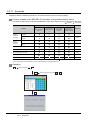
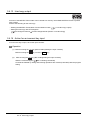
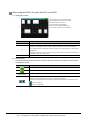
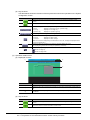
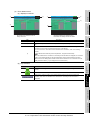
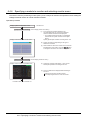
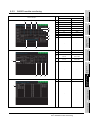
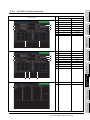
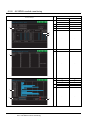
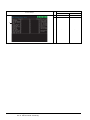
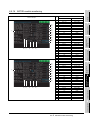
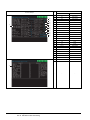
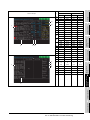
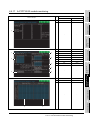
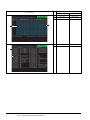
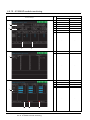
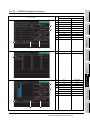
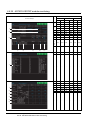
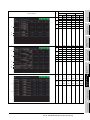
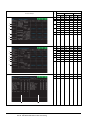
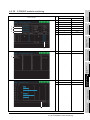
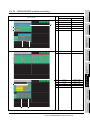
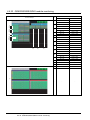
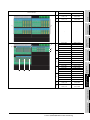
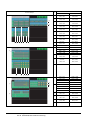
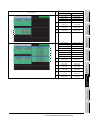
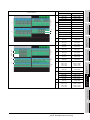
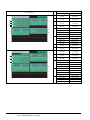
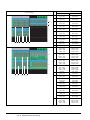
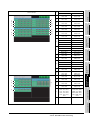
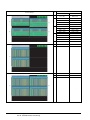
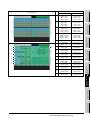
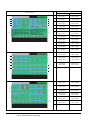
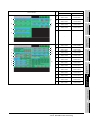
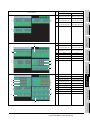
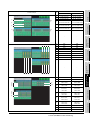
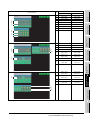
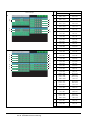
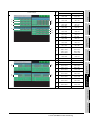
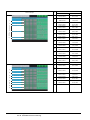
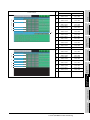
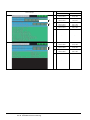
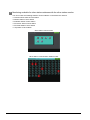
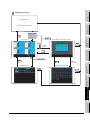
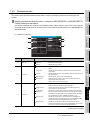
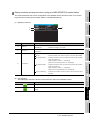
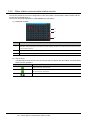
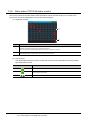
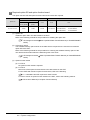
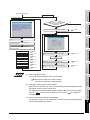
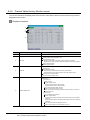
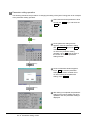
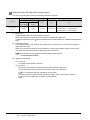
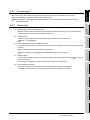
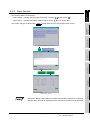
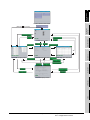
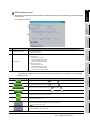
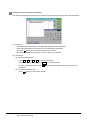
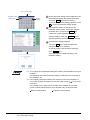
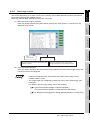
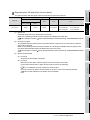
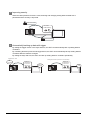
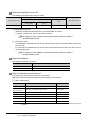
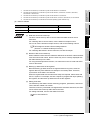
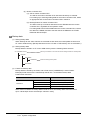
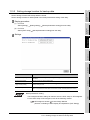
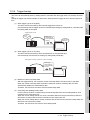
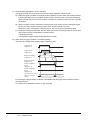
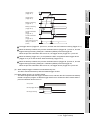
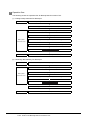
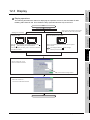
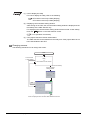
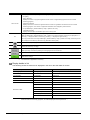
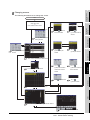
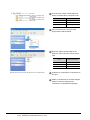
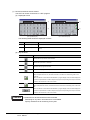
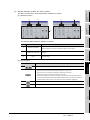
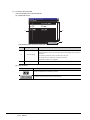
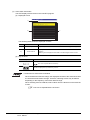
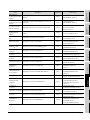
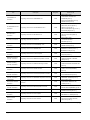
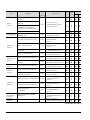
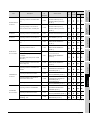
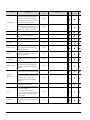
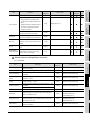
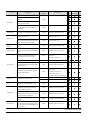
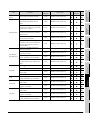
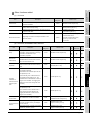
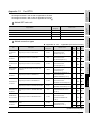
(2) Comment display when the MELSEC-Q/QnA ladder monitor is executed
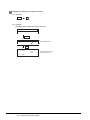
Key operation
Comment display after key operation
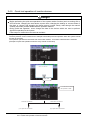
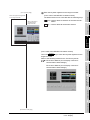
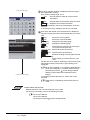
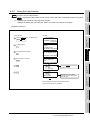
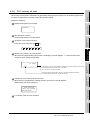
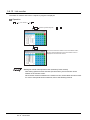
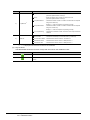
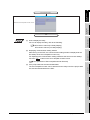
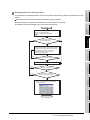
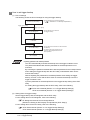
Touch the Cmnt. key.
Comments displayed
Touch the Cmnt.32 key.
32 characters of comments displayed
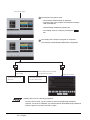
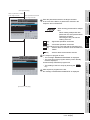
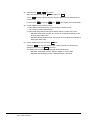
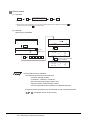
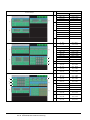
Touch the Cmnt. key.
No comments displayed
Touch the Cmnt.32 key.
32 characters of comments displayed
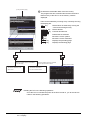
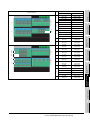
Touch the Cmnt. key.
Comments displayed
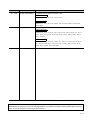
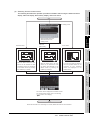
No comments displayed
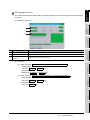
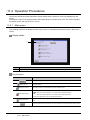
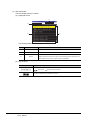
SYSTEM MONITOR
2
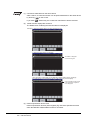
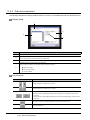
Comments displayed
32 characters of comments displayed
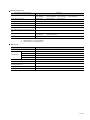
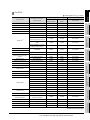
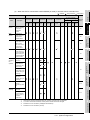
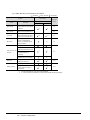
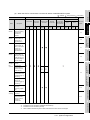
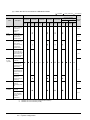
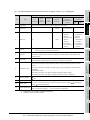
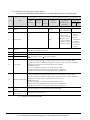
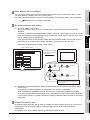
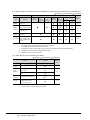
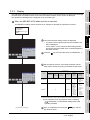
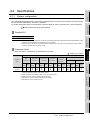
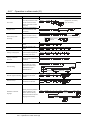
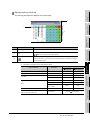
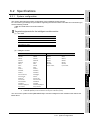
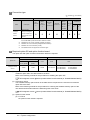
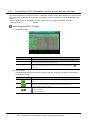
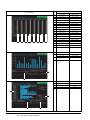
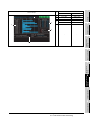
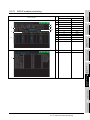
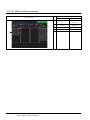
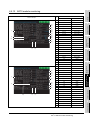
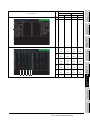
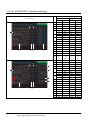
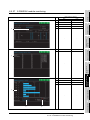
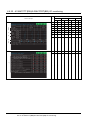
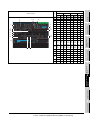
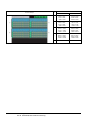
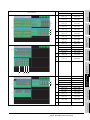
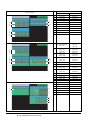
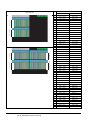
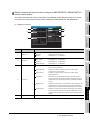
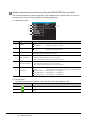
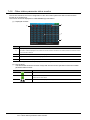
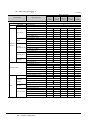
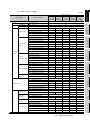
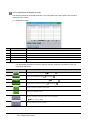
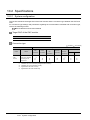
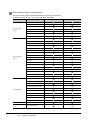
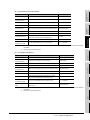
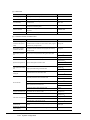
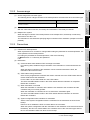
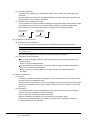
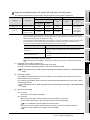
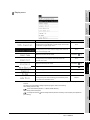
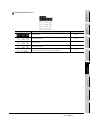
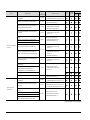
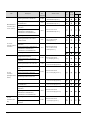
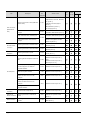
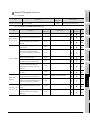
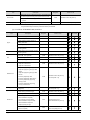
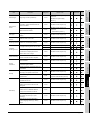
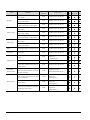
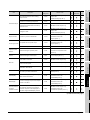
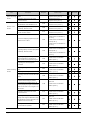
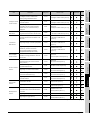
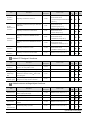
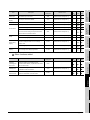
(3) Numbers of lines and contact points that can be displayed when the MELSEC-Q/QnA ladder
monitor is executed
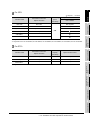
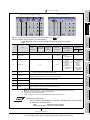
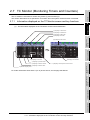
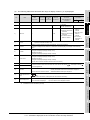
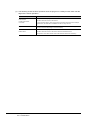
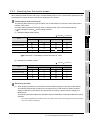
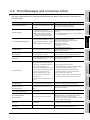
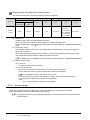
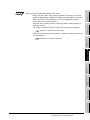
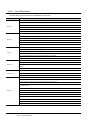
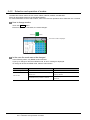
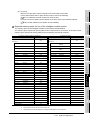
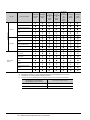
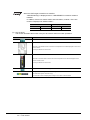
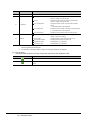
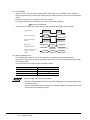
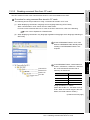
The table below shows the numbers of lines and contact points that can be displayed in the
statuses of no comments displayed, comments displayed, and 32 characters of comments
displayed.
No comments displayed
GOT
Number of lines
that can be
displayed
Comments displayed
Maximum
4
32 characters of comments
displayed
Maximum
Maximum
number of
Number of lines
number of
Number of lines
number of
contact points
displayed
contact points
displayed
contact points
displayed
displayed
3
LADDER MONITOR
FUNCTION
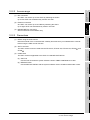
No 32 characters of comments displayed
Cmnt.32 key.
displayed
MELSEC-A LIST EDITOR
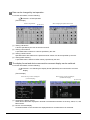
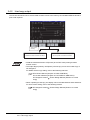
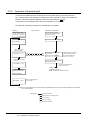
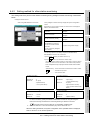
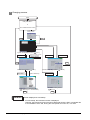
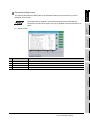
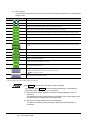
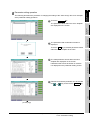
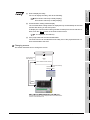
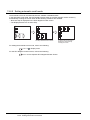
Present comment display status
OVERVIEW
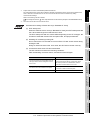
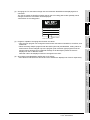
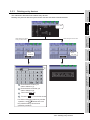
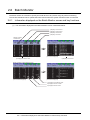
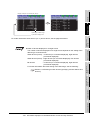
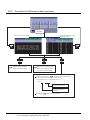
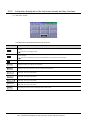
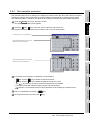
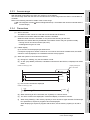
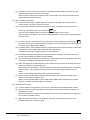
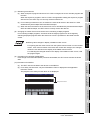
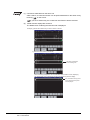
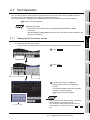
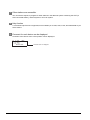
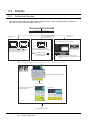
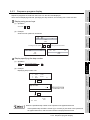
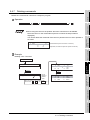
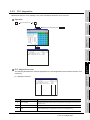
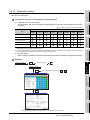
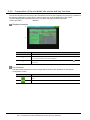
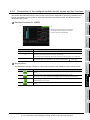
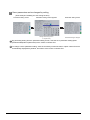
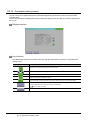
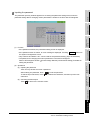
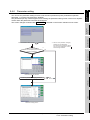
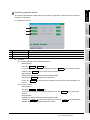
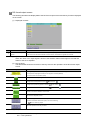
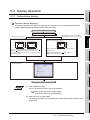
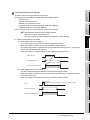
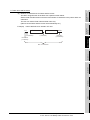
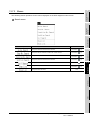
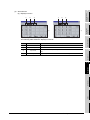
Comments are displayed as shown below when you touch each of the Cmnt. and Cmnt.32 keys.
5
MELSEC-FX LIST
EDITOR
GT1695M-X
GT1685M-S
GT1595-X
GT1585V-S
15
11
6
11
5
6
GT1585-S
GT1575V-S
6
INTELLIGENT MODULE
MONITOR
GT1575-S
GT1575-V
GT1575-VN
GT1572-VN
8
11
3
11
2
6
GT1565-V
GT1562-VN
NETWORK MONITOR
7
Q MOTION MONITOR
8
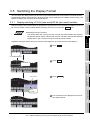
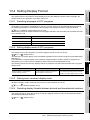
3.5 Switching the Display Format
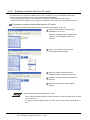
3.5.4 Displaying 32 characters of comments
3 - 49