1
SFC MONITOR
[A]
Switching display formats between
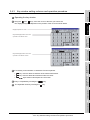
decimal and hexadecimal numbers..................... 13-15
Switching languages of SFC programs ............... 13-15
System configuration............................................. 13-4
Access range ........................................................ 13-8
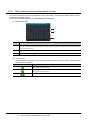
Active block list window....................................... 13-36
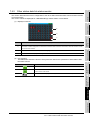
Active step list window ........................................ 13-35
[T]
[C]
[Z]
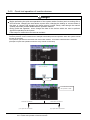
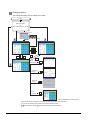
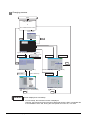
Changing screens ............................................... 13-11
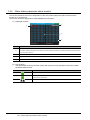
Comment file list window..................................... 13-34
Communication setting window........................... 13-21
Zoom window ...................................................... 13-27
[D]
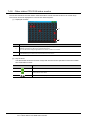
Device/contact/coil search window ..................... 13-30
Devices and range that can be monitored ............ 13-7
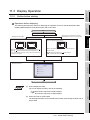
Display Operation.................................................. 13-9
[E]
Error Messages and Corrective Action ............... 13-41
[H]
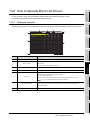
How to Operate Block List Screen ...................... 13-23
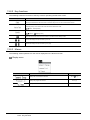
Display menu ..................................................... 13-24
How to Operate device test window.................... 13-38
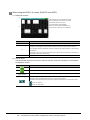
How to Operate PLC Read Screen ..................... 13-17
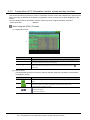
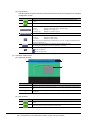
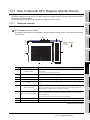
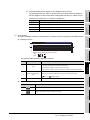
How to Operate SFC Diagram Monitor Screen... 13-25
Display menu ..................................................... 13-33
Search menu ..................................................... 13-29
[M]
Monitoring Mode menu ....................................... 13-37
[O]
Outline before starting........................................... 13-9
[P]
Password input window....................................... 13-19
Precautions ........................................................... 13-8
Program list window ............................................ 13-22
[R]
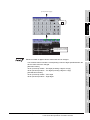
Reading comment files from CF card.................. 13-13
[S]
Setting automatic scroll mode ............................. 13-16
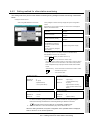
Setting Display Format........................................ 13-15
Setting display mode of SFC programs .............. 13-15
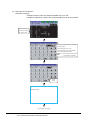
Setting SFC data storage location ...................... 13-12
Setting zoom comment display mode ................. 13-15
Specifications ........................................................ 13-4
Step list window .................................................. 13-32
Step No./transition condition
No. search window.............................................. 13-31
Index - 8
Test Operation..................................................... 13-38