1
1
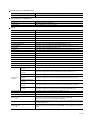
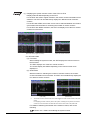
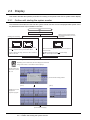
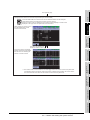
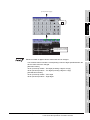
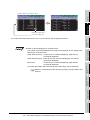
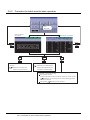
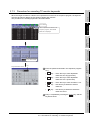
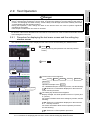
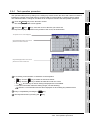
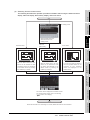
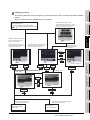
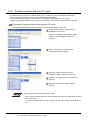
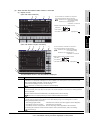
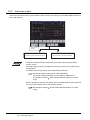
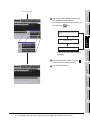
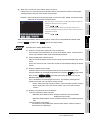
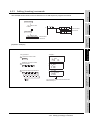
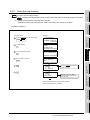
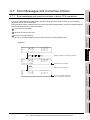
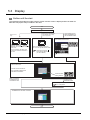
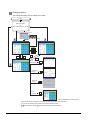
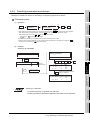
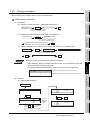
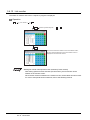
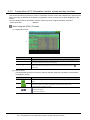
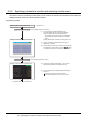
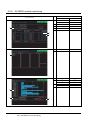
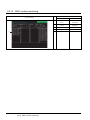
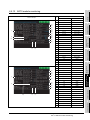
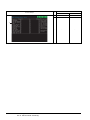
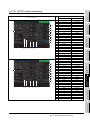
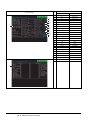
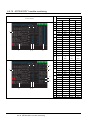
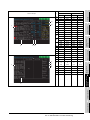
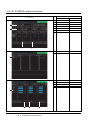
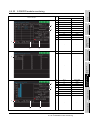
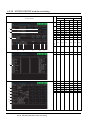
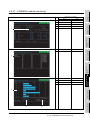
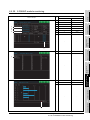
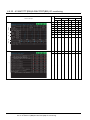
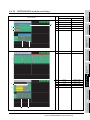
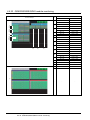
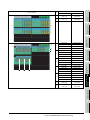
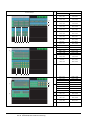
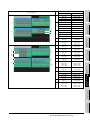
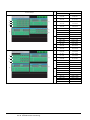
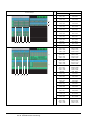
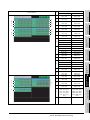
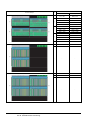
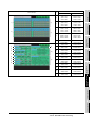
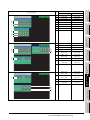
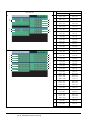
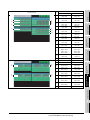
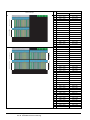
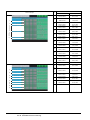
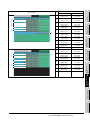
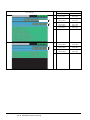
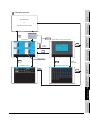
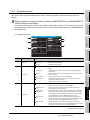
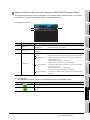
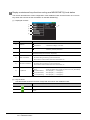
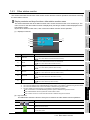
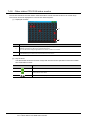
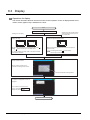
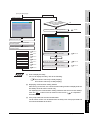
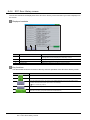
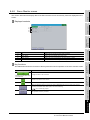
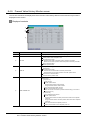
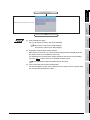
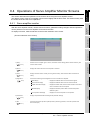
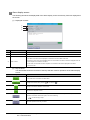
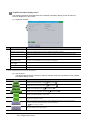
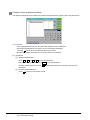
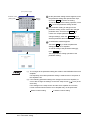
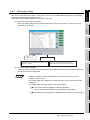
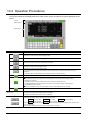
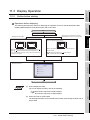
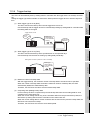
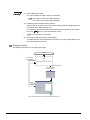
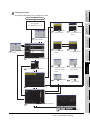
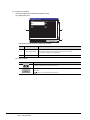
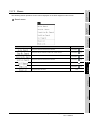
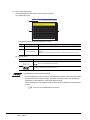
(3) Error details screen
1)
2)
1)
2)
2)
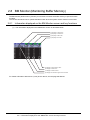
OVERVIEW
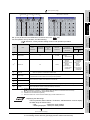
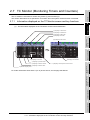
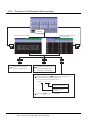
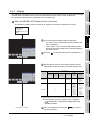
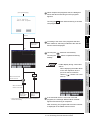
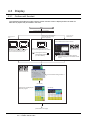
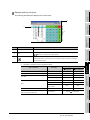
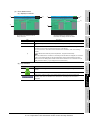
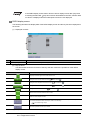
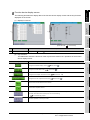
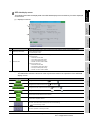
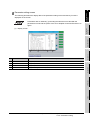
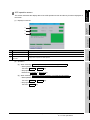
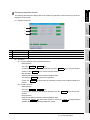
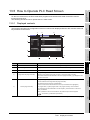
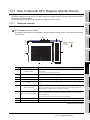
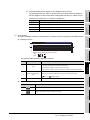
(a) Displayed contents
2
3)
SYSTEM MONITOR
3)
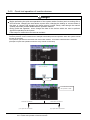
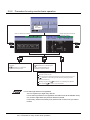
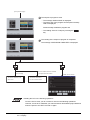
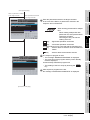
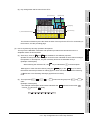
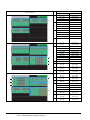
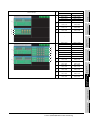
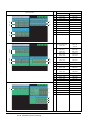
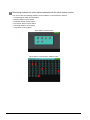
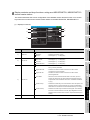
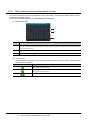
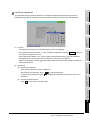
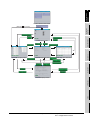
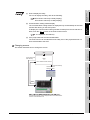
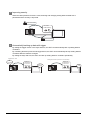
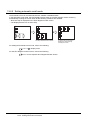
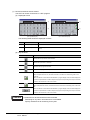
(Example) Displaying individual error
information for safety remote I/O station
1)
2)
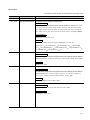
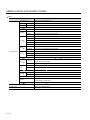
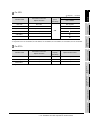
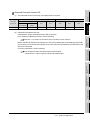
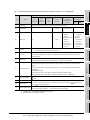
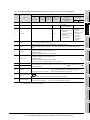
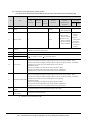
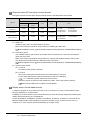
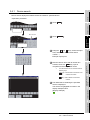
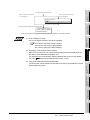
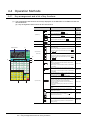
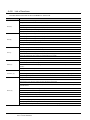
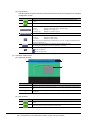
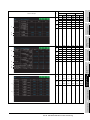
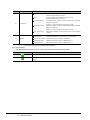
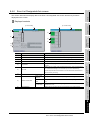
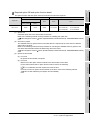
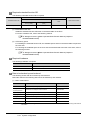
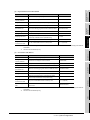
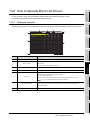
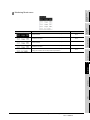
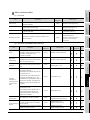
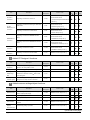
Description
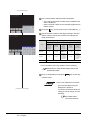
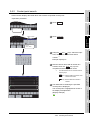
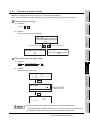
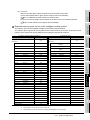
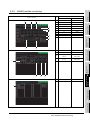
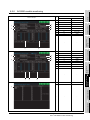
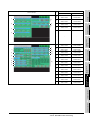
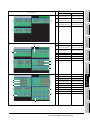
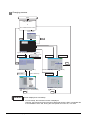
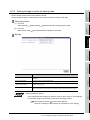
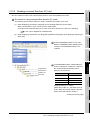
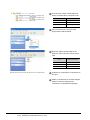
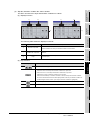
Displays the channel number, network number, and station number of the monitored station.
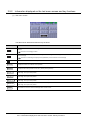
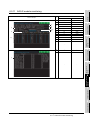
Displays the keys that are used for the operation on the System Configuration screen shown in
(b).
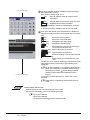
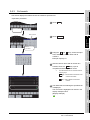
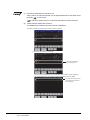
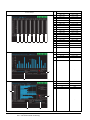
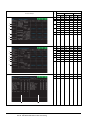
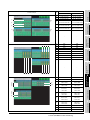
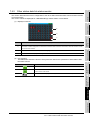
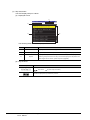
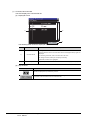
Displays the common error information and the individual error information according to the
information stored in SD4 and subsequent devices of the QSCPU.
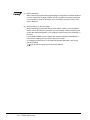
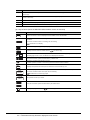
For the common error information and the individual error information, refer to the following
manual.
3)
QSCPU User's Manual (Function Explanation, Program Fundamentals)
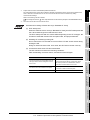
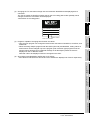
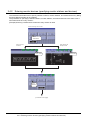
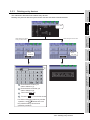
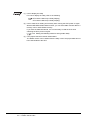
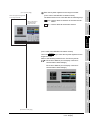
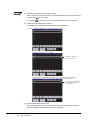
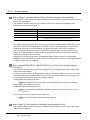
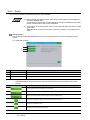
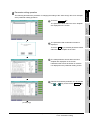
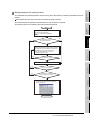
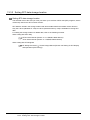
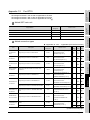
When the individual error information for the safety remote I/O station is displayed, the numerical
notation of the displayed data can be switched between decimal and hexadecimal numbers.
(When the CC-Link Safety system master module cannot receive the error information from the
safety remote I/O station, [****] is displayed for unreceived items.)
LADDER MONITOR
FUNCTION
Item
3
4
MELSEC-A LIST EDITOR
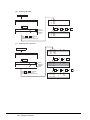
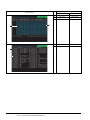
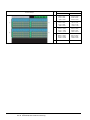
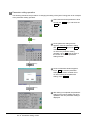
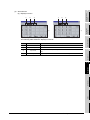
(Example) Error details screen for
safety CPU error
5
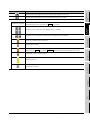
Key
MELSEC-FX LIST
EDITOR
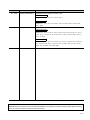
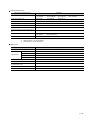
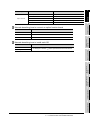
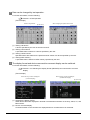
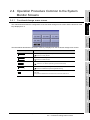
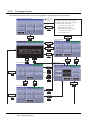
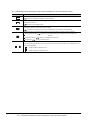
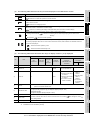
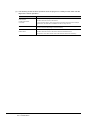
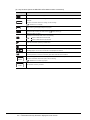
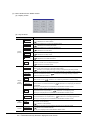
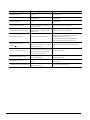
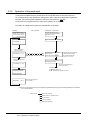
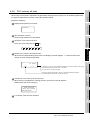
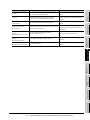
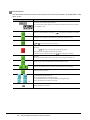
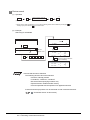
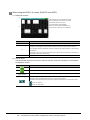
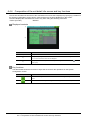
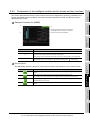
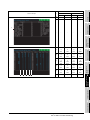
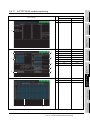
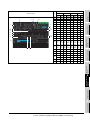
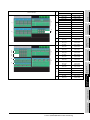
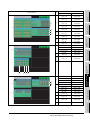
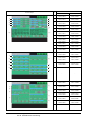
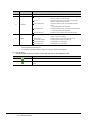
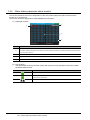
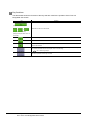
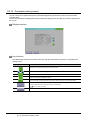
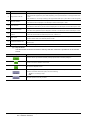
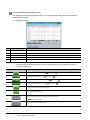
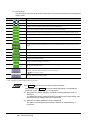
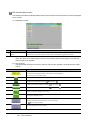
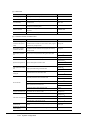
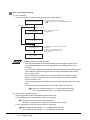
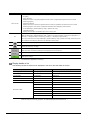
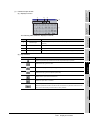
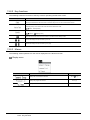
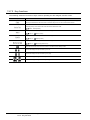
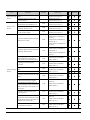
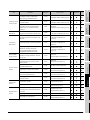
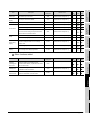
(b) Key functions
Function
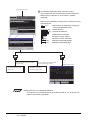
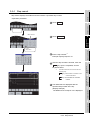
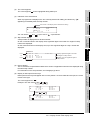
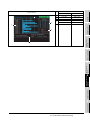
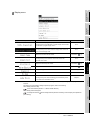
Closes the monitoring and returns the screen to the one for starting the intelligent module
monitor.
Returns the screen to the PC Information monitor screen.
6
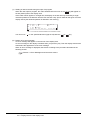
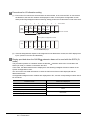
Switches the numerical notation of the displayed data between decimal and hexadecimal
INTELLIGENT MODULE
MONITOR
numbers. (Only when the individual error information for the safety remote I/O station is
displayed)
NETWORK MONITOR
7
Q MOTION MONITOR
8
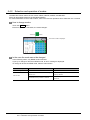
6.4 Operation of Each Intelligent Module Monitor Screen
6.4.3 Composition of PC Information monitor screen and key functions
6 - 21