1
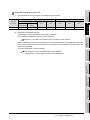
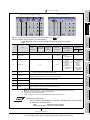
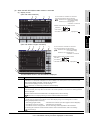
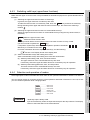
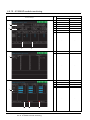
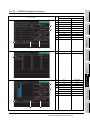
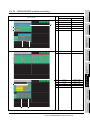
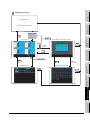
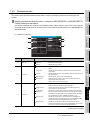
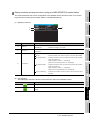
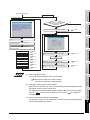
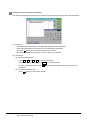
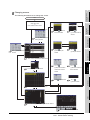
2 Parameter setting screen
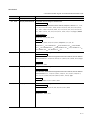
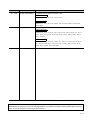
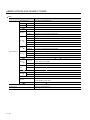
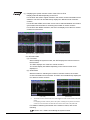
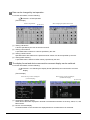
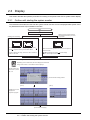
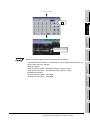
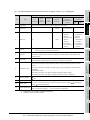
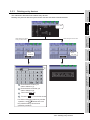
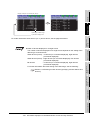
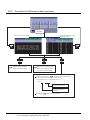
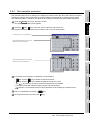
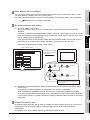
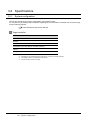
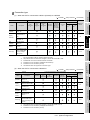
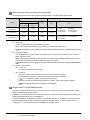
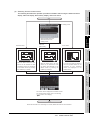
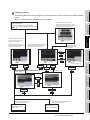
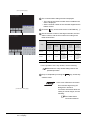
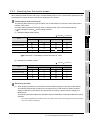
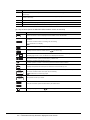
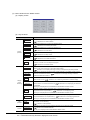
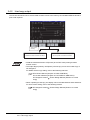
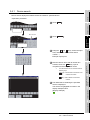
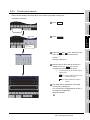
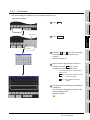
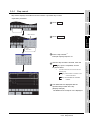
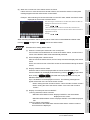
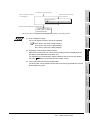
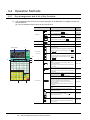
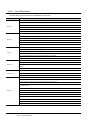
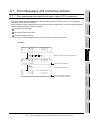
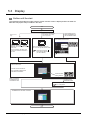
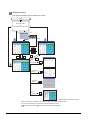
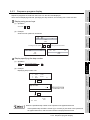
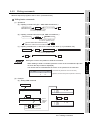
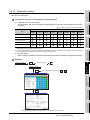
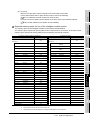
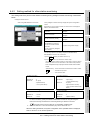
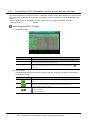
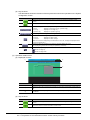
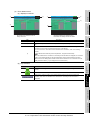
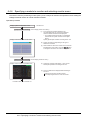
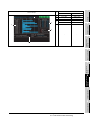
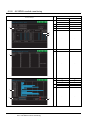
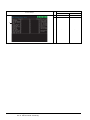
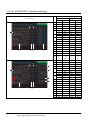
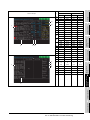
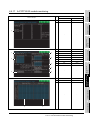
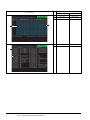
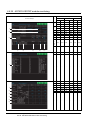
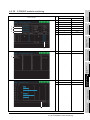
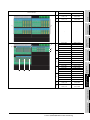
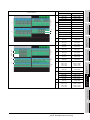
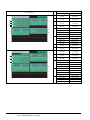
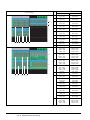
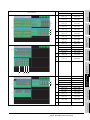
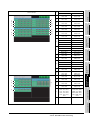
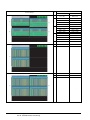
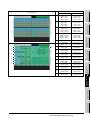
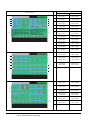
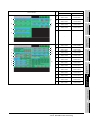
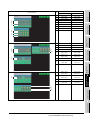
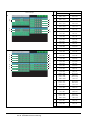
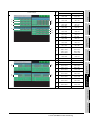
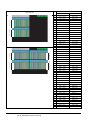
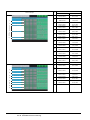
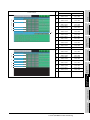
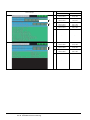
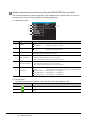
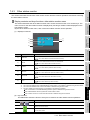
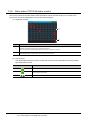
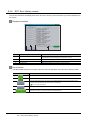
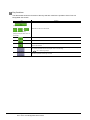
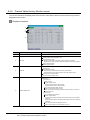
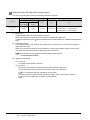
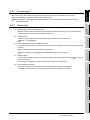
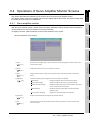
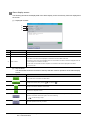
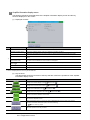
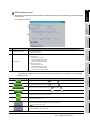
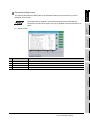
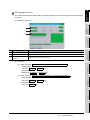
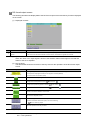
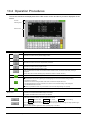
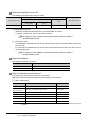
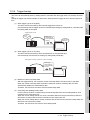
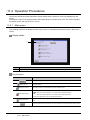
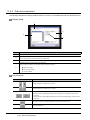
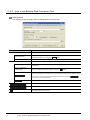
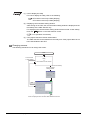
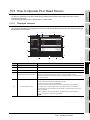
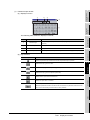
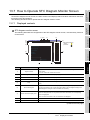
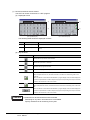
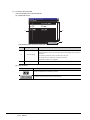
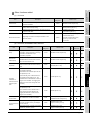
The following describes the display data of the parameter setting screen and the key functions
displayed on the screen.
10
CNC MONITOR
FUNCTION
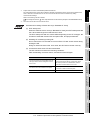
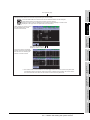
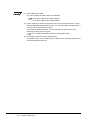
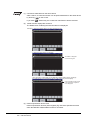
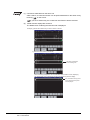
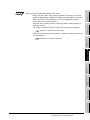
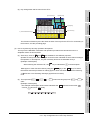
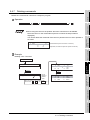
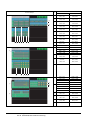
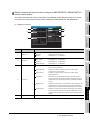
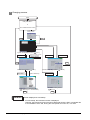
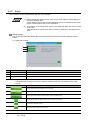
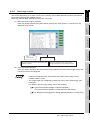
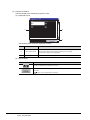
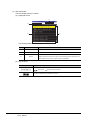
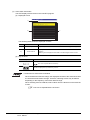
Parameters with an asterisk (*) preceding the name become valid after the
parameters are set and the power of the servo amplifier is turned off and then on
again.
SERVO AMPLIFIER
MONITOR
9
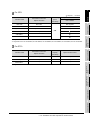
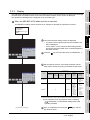
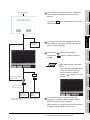
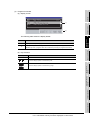
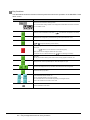
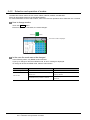
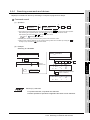
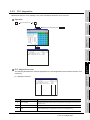
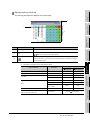
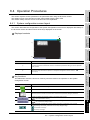
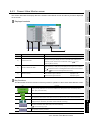
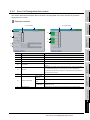
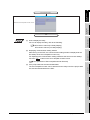
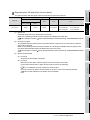
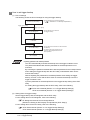
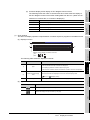
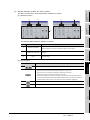
(1) Display screen
BACKUP/RESTORE
11
12
3)
4)
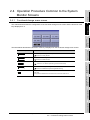
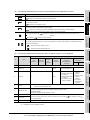
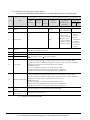
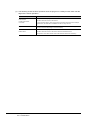
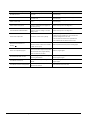
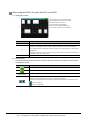
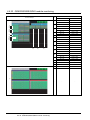
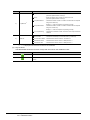
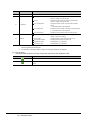
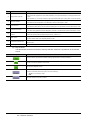
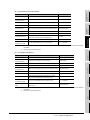
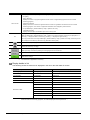
Item
Description
Pr.
Displays the parameter number.
2)
Name
Displays the parameter name.
3)
Value
Displays the present set value of the parameter.
4)
Unit
Displays the setting unit for each parameter.
13
NDEX\
IAPPENDICES
1)
SFC MONITOR
No.
2)
CNC DATA I/O
1)
9.4 Operations of Servo Amplifier Monitor Screens
9.4.6 Parameter setting
9 - 31