1
4.5.2
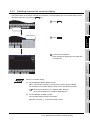
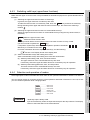
Changing (Overwriting) commands
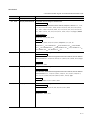
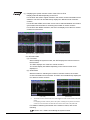
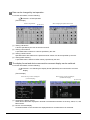
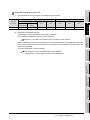
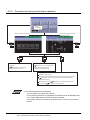
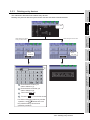
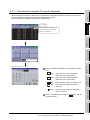
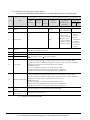
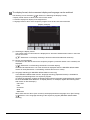
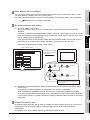
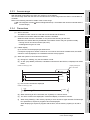
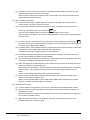
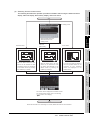
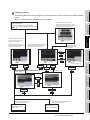
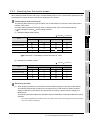
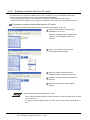
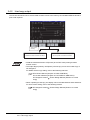
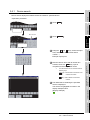
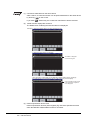
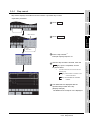
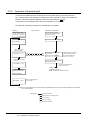
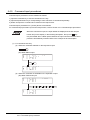
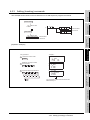
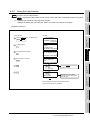
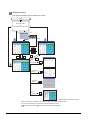
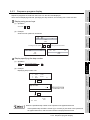
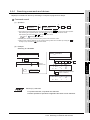
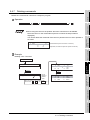
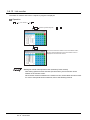
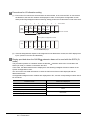
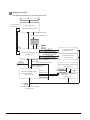
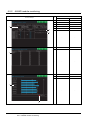
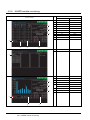
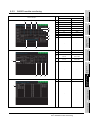
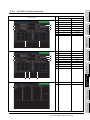
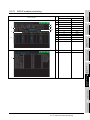
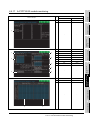
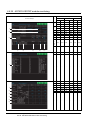
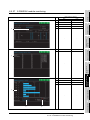
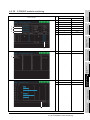
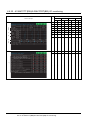
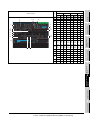
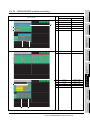
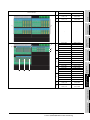
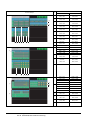
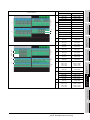
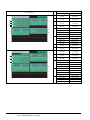
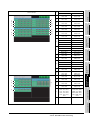
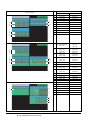
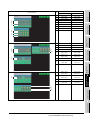
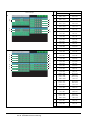
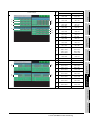
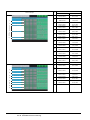
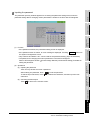
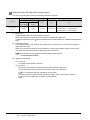
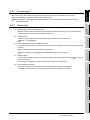
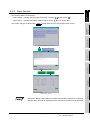
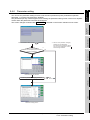
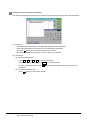
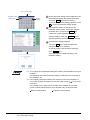
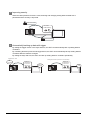
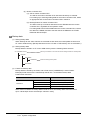
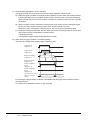
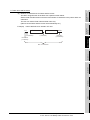
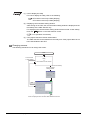
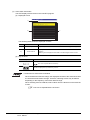
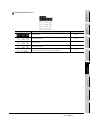
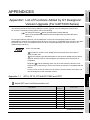
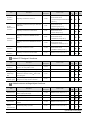
The example shown below is used to describe how to change sequence program commands.
Before change
3 OUT
4 OUT
Y010
T0 K10
X000
X001
0
Y010
K100
Y010
T0
After change
3 OUT
4 OUT
Y010
T0 K100
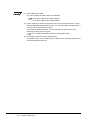
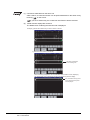
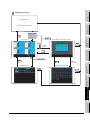
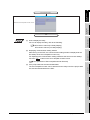
Change the timer setting
value from K10 to K100.
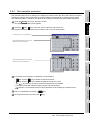
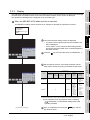
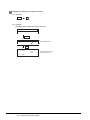
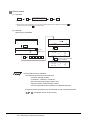
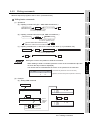
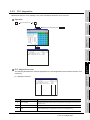
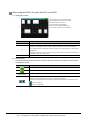
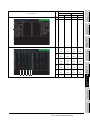
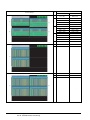
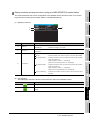
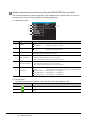
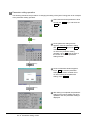
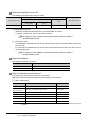
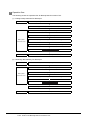
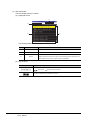
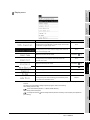
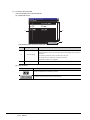
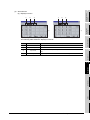
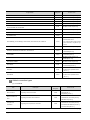
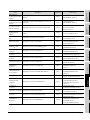
[Operation example]
<Key operation>
<Display>
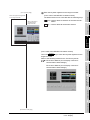
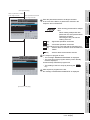
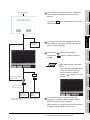
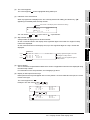
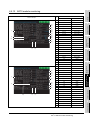
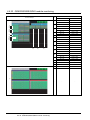
Select the "Write" mode.
7 K80
7 K5
7 D2 0
1 4 END
W
3 OUT
4 OUT
4 K10
5 LD
Y0 010
T0
3 OUT
4 OUT
4 K10
Y0 010
T0
WRITE
SHIFT
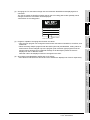
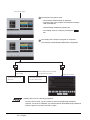
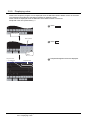
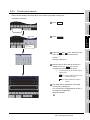
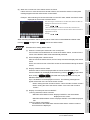
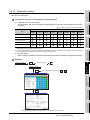
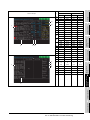
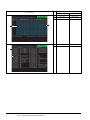
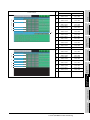
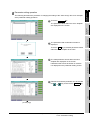
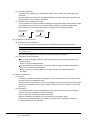
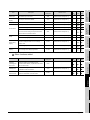
Read the 4th step that changes
the setting value.
4
SET
W
GO
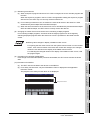
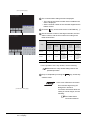
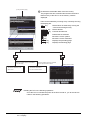
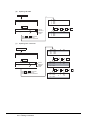
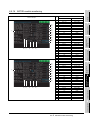
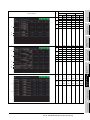
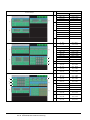
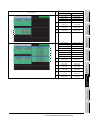
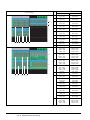
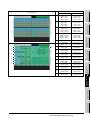
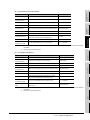
Move the cursor to setting
value "K10" of T0.
W
GO
T0
K10
K
1
0
0
GO
W
4 OUT
T0
4 K1 00
5 LD
T0
6 A NI
M0
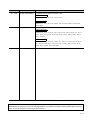
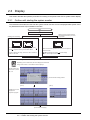
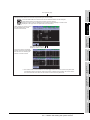
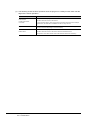
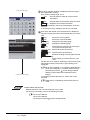
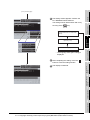
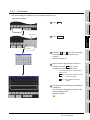
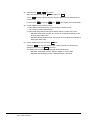
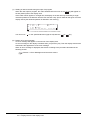
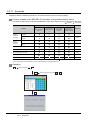
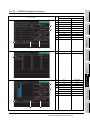
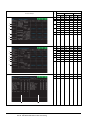
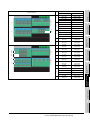
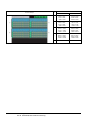
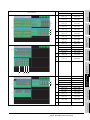
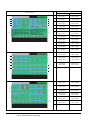
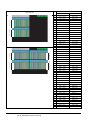
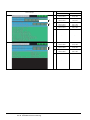
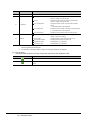
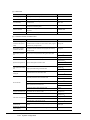
The setting value of timer T0
was changed from "K10" to "K100".
4 - 22
4.5 Basic Operation
4.5.2 Changing (Overwriting) commands
Change the timer setting
value from K10 to K100.