1
Part V - Properties
Chapter 15 - Unique Geometry
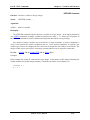
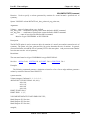
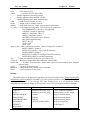
DAMPER Command
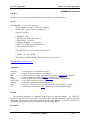
Function: Applies a membrane damper to an area object in a 3D simulation.
Syntax:
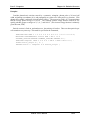
DAMPER area { material, conductivity } thickness ;
Arguments:
area
name of spatial area, defined in AREA command.
material
name of material, defined in MATERIAL command.
conductivity
membrane conductivity (mhos/m).
thickness membrane thickness (m).
Description:
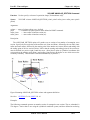
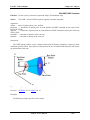
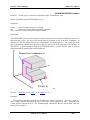
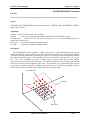
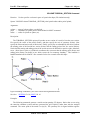
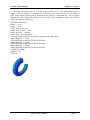
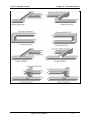
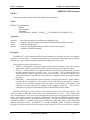
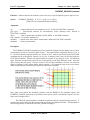
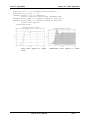
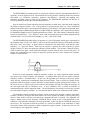
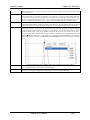
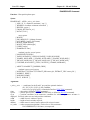
The DAMPER command simulates a thin membrane of electrically conducting material which is
applied over the specified spatial area. The area must be conformal. Only components of the electric
field which are parallel to and lie within the plane of the area will be attenuated. The membrane
conductivity can be specified either by entering the name of a material or by entering conductivity
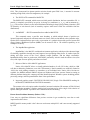
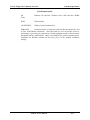
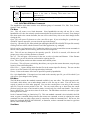
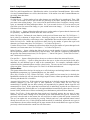
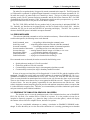
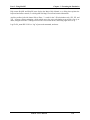
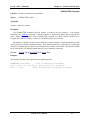
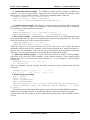
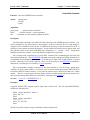
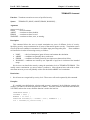
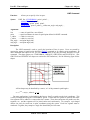
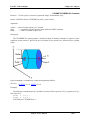
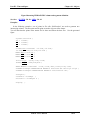
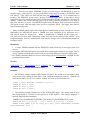
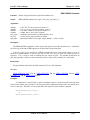
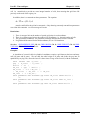
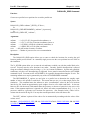
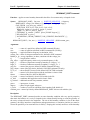
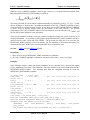
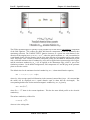
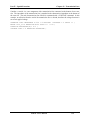
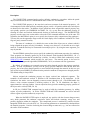
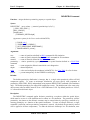
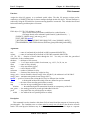
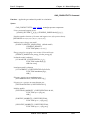
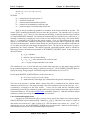
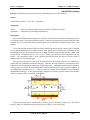
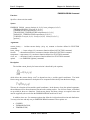
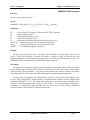
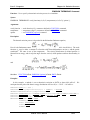
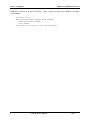
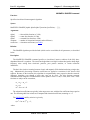
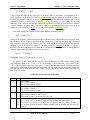
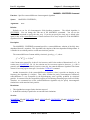
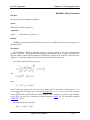
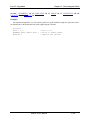
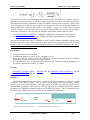
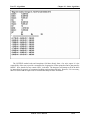
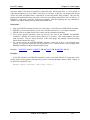
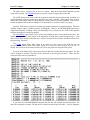
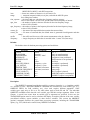
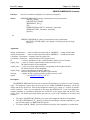
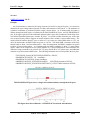
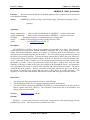
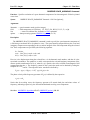
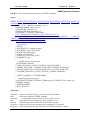
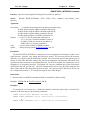
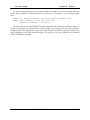
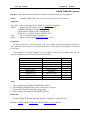
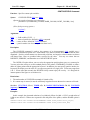
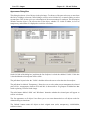
directly. The membrane resistivity is calculated from
where σ is the conductivity and t is the thickness.
Restrictions:
1.
2.
3.
4.
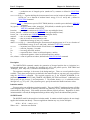
The area object must be conformal.
Only 50 DAMPER commands may be entered.
This algorithm functions only in time-domain simulations (not EIGENMODE).
This command is available only in 3D simulations.
See Also: AREA, Ch. 10, MATERIAL, Ch.14.
MAGIC User’s Manual
15-6