1
Part VII –Output
{ PLOT, NOPLOT }
{ NODUMP, DUMP }
{ NOPRINT, PRINT }
Chapter 23 – 1D Plots
(none)
(none)
(none)
(none)
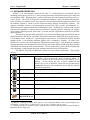
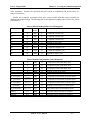
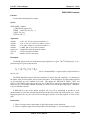
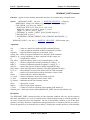
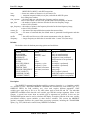
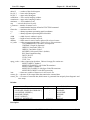
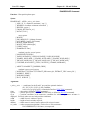
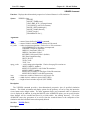
PLOT (output is plotted)
NODUMP (output is not dumped)
NOPRINT (output is not printed)
Description:
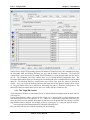
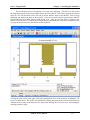
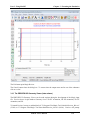
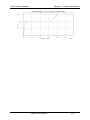
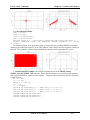
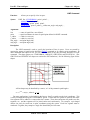
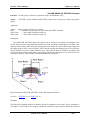
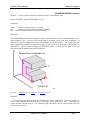
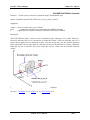
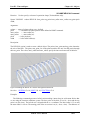
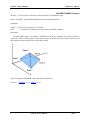
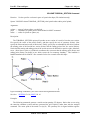
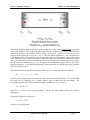
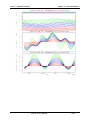
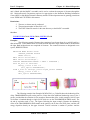
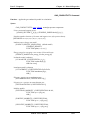
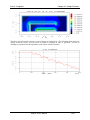
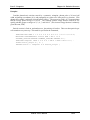
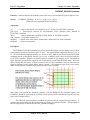
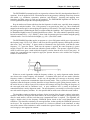
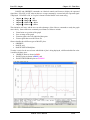
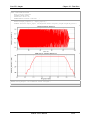
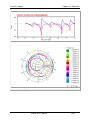
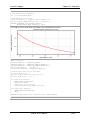
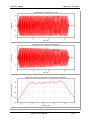
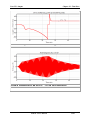
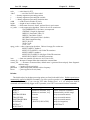
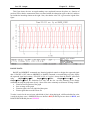
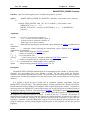
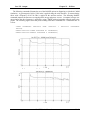
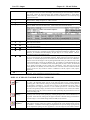
The RANGE command provides the capability to output a 1D plot, i.e., a plot of a simulation variable
vs. spatial position at times specified by a timer. The spatial position will usually be measured along one
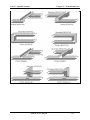
of the simulation axes but may, in certain circumstances, contain multiple segments and bends. (For
example, to plot energy deposition on a curved surface, the spatial distance would be measured along the
perimeter of the surface.) Separate RANGE commands are structured for each variable_type (e.g.,
RANGE FIELD for field variables, etc.), since each variable_type may have unique arguments. Some
variable_types may apply only to 2D or 3D simulations. The RANGE commands describing each
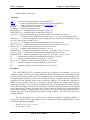
variable_type and its unique arguments follow later in this Chapter. The present RANGE [options]
command describes the general data-processing operations (e.g., FFT) which are common to all RANGE
commands.
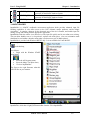
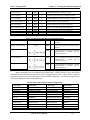
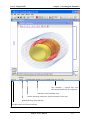
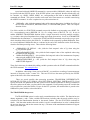
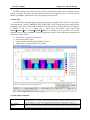
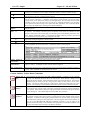
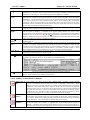
Movie options
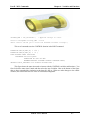
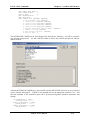
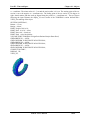
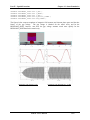
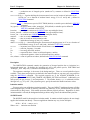
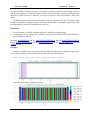
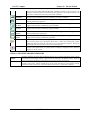
The MOVIE option permits you to generate a sequence of bitmaps (in PNG, BMP, or PCX format)
from a sequence of RANGE plots. In order for this sequence to provide an appealing visual
representation of the data, you should also use the AXIS option to enforce limits. When the MOVIE
option is invoked, MAGIC generates a series of bitmaps that are saved in a folder. There is one movie
folder per command that uses the MOVIE option. You can post process the files to create an avi-file.
You can “play” the movie by using the MOVIE command. Use of the keyword AVI or MPEG, causes
the software to process the frames into an avi-file/mpeg-file automatically at the termination of the
simulation. The individual frames and the movie folder are deleted after this is complete. Use of the
keyword CODEC allows you select among a number of compression schemes.
In addition, you may use the MOVIE_SIZE option to specify the width and height of a free floating
movie window. A maximum of 12 free floating movie windows of all types are allowed. Movie
windows may be of different sizes. When WINDOW_SIZE is specified, it also activates the
NOLEGEND option. The option, MOVIE_NAME, allows you specify the name of a folder for the
movie frames. It must be unique, (i.e. not used with more than one MOVIE option.) If the AVI file type
is selected, the name is also used for the avi-movie file.
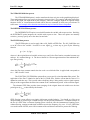
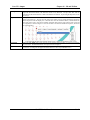
Axis Options
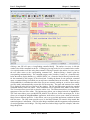
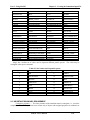
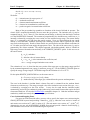
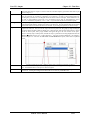
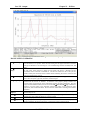
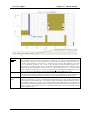
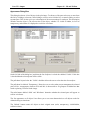
The AXIS option allows refinement of the actual plot boundaries, both in extent (minimum and
maximum) and in the size of plot subdivisions (step). The arguments, AXIS X, refer to the independent
spatial dimension, which is always plotted horizontally as the x-axis in meters. The arguments, AXIS Y,
refer to the dependent simulation variable, which is always plotted vertically as the y-axis. The units of
the variable axis depend upon the variable as well as any data-processing options selected.
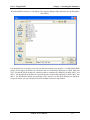
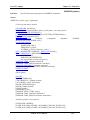
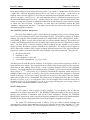
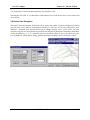
Data Processing Options
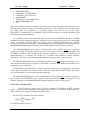
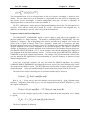
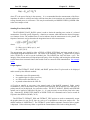
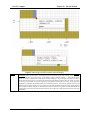
There are several, optional, data-processing operations. These options are normally performed in the
same order as the following list.
MAGIC User’s Manual
23- 4