1
Part VII –Output
Chapter 24 – 2D and 3D Plots
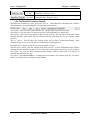
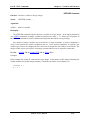
TAGGING Command
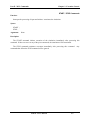
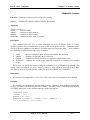
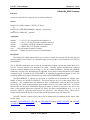
Function: Reduces number of particles plotted.
Syntax:
TAGGING fraction (t) ;
Arguments:
fraction — fraction of particles tagged (0 < fraction ≤ 1), constant or function defined in a FUNCTION
command.
Default:
The default tagging fraction is unity.
Description:
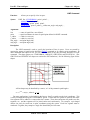
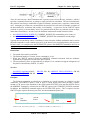
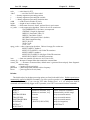
The TAGGING command specifies the fraction of particles chosen to appear in particle plots. By
default, the fraction is 1.0, and particle plots will show all particles in the simulation. However, this default
may produce an extremely dense plot and an extremely large plot file. Setting fraction to a value less than
unity limits the plots to a randomly chosen fraction of the particles. Note that individual output commands,
e.g., PHASESPACE, may offer an option to plot either all the particles or the tagged particles only.
Restrictions:
1. Tagging affects particles of all species.
See Also:
PHASESPACE, Ch. 24
Examples:
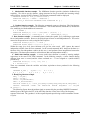
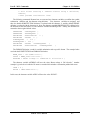
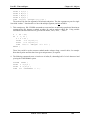
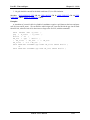
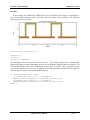
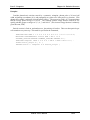
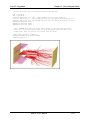
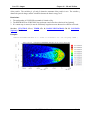
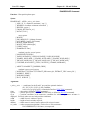
The following example illustrates the use of TAGGING in conjunction with DUMP and PHASESPACE
to create a data file which can be post processed to make a movie. The TAGGING fraction is set to .25 to
prevent the data file from becoming too large. The DUMP command is used to store the phase-space data in
the data file. The TIMER command is used to specify the rate at which the phase-space data is dumped, and
the PHASESPACE command is used to select the specific phase-space data. The commands are:
TAGGING 0.25 ;
DUMP TYPE PHASESPACE NOPLOT ;
TIMER For_Movie PERIODIC INTEGER 1 99999 8 ;
PHASESPACE AXES X1 X2 For_Movie TAG ;
MAGIC User’s Manual
24- 43