1
Chapter 3. Multidimensional NMR
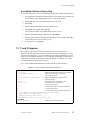
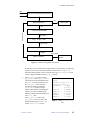
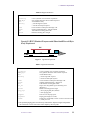
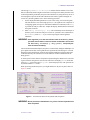
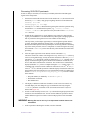
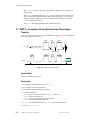
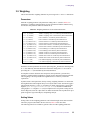
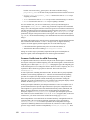
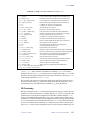
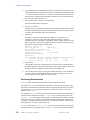
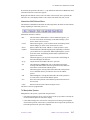
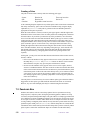
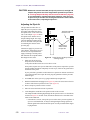
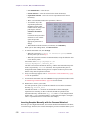
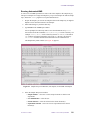
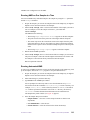
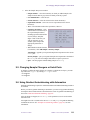
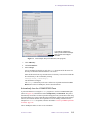
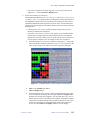
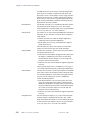
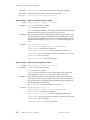
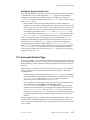
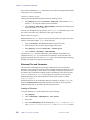
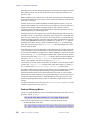
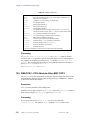
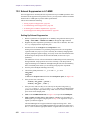
• 2D Peak Picking Display Menu for controlling the display of peaks, selected by the
Display button in the 2D Peak Picking Main Menu.
Each of the buttons on these menus is described in the sections below.
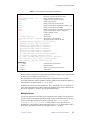
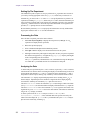
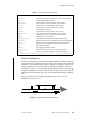
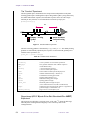
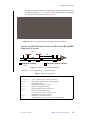
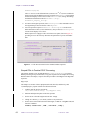
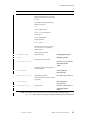
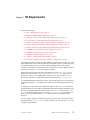
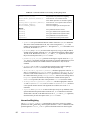
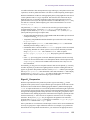
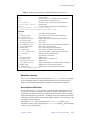
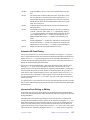
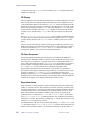
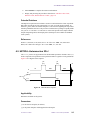
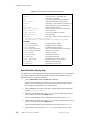
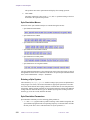
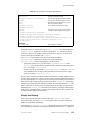
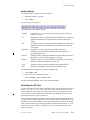
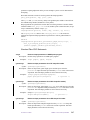
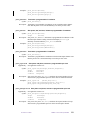
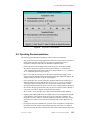
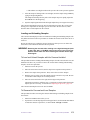
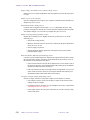
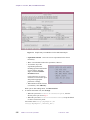
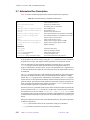
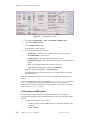
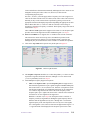
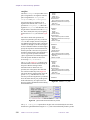
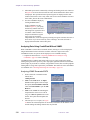
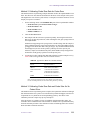
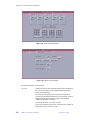
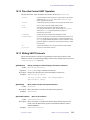
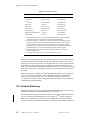
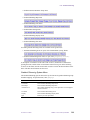
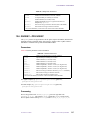
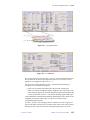
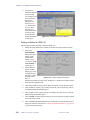
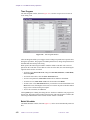
2D Peak Picking Main Menu
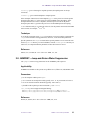
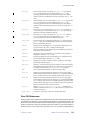
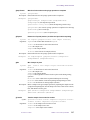
This menu selects another 2D peak picking menu. The buttons function as follows:
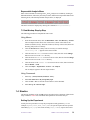
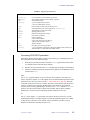
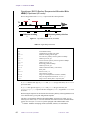
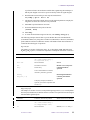
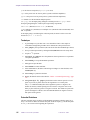
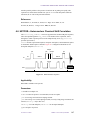
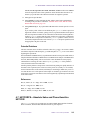
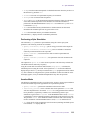
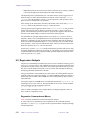
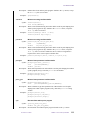
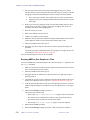
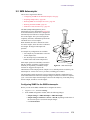
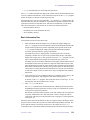
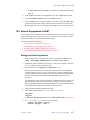
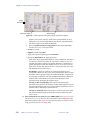
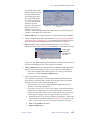
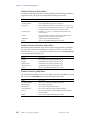
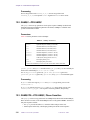
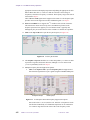
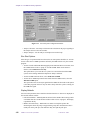
2D Peak Picking Automatic Menu
Auto
Edit
File
Display
Return
Displays the 2D Peak Picking Automatic Menu (see below)
Displays the 2D Peak Picking Editing Menu (see below)
Displays the 2D Peak Picking File Menu (see below)
Displays the 2D Peak Picking Display Menu (see below)
Displays the 2D Display Main Menu (see page 117).
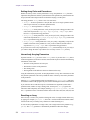
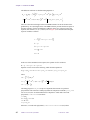
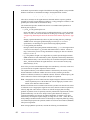
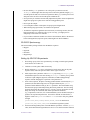
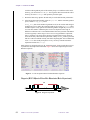
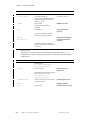
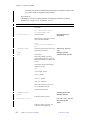
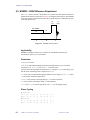
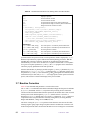
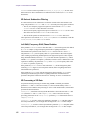
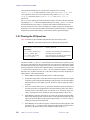
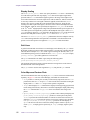
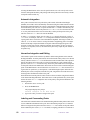
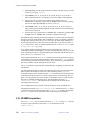
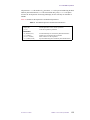
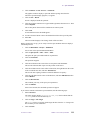
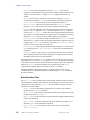
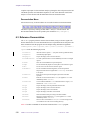
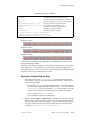
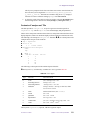
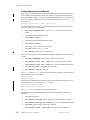
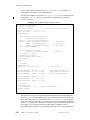
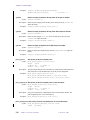
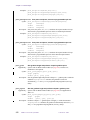
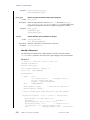
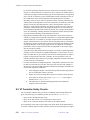
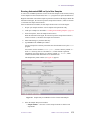
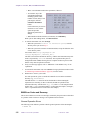
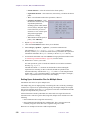
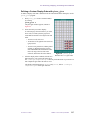
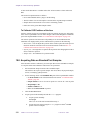
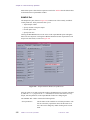
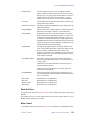
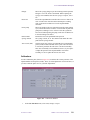
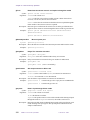
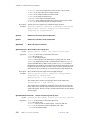
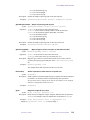
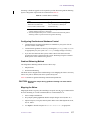
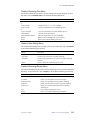
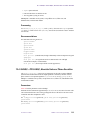
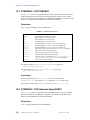
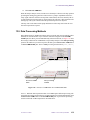
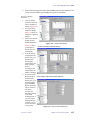
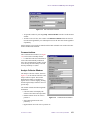
This menu provides automatic peak picking. The buttons functions as follows:
Box
Cursor
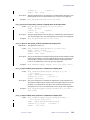
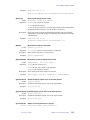
Peak
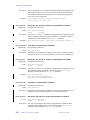
Volume
Expand
Full
Both
124
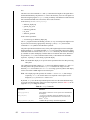
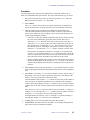
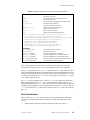
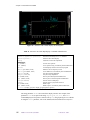
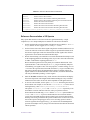
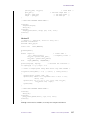
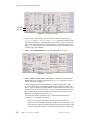
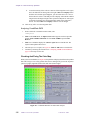
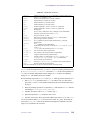
The first button is labeled Box or Cursor, depending on the dconi
display mode you are in. If labeled Box, you are in the dconi
cursor mode, and this button changes the display to the dconi box
mode with two pairs of cursors.
If labeled Cursor, you are in the dconi box mode, and this button
changes the display to the dconi cursor mode with one pair of
cursors.
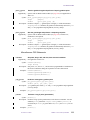
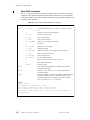
Automatically finds peaks in the 2D spectrum. If one cursor is
visible (dconi cursor mode), all peaks above the current threshold
in the currently displayed region of the spectrum are found and
marked. A peak is defined as a data point that is higher than the eight
points around it. Once such a point is found, the actual peak location
is determined by interpolation in both dimensions.
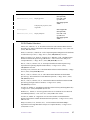
Automatically finds the bounds of a peak and the integral of all
points within these bounds. The bounds are found by descending
down the sides of a peak until the point is reached where the
amplitude of a data point is less than th2d times the current
threshold. Thus, using a smaller value for th2d will cause ll2d to
find and integrate a larger area for the bounds of the peaks. The peak
volume is calculated by summation of all data points within these
bounds. If the bounds of a peak already exist, the volume is
recalculated.
The fourth button is labeled Expand or Full depending on the mode
you are in. If labeled Expand, you are in the box mode and this
button expands the area between the cursors.
If labeled Full, you are in the cursor mode and this button displays
the full area.
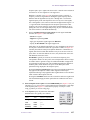
Pick peaks and calculate volumes. The Both button does both the
peak and volume operations at once.
VNMR 6.1C User Guide: Liquids NMR
01-999161-00 A0800