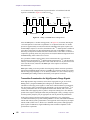
1
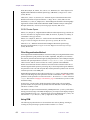
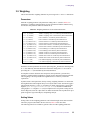
13.2 Solvent Suppression in LC-NMR
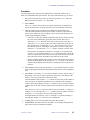
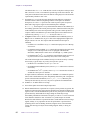
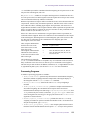
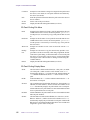
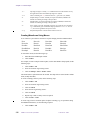
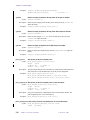
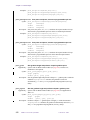
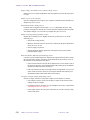
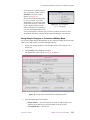
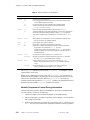
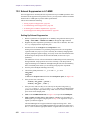
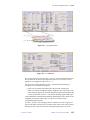
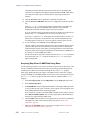
Sequence pane, up to 7 signals can selected. Solv 1 must be active and search
selected if two or more signals are to be suppressed.
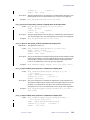
Both Solv 1 and Solv 2 (see step 9 for description of Solv 1 and Solv 2
frequency search) use algorithms for finding the signal frequency that are
different from the algorithm used by Solv 3 through Solv 7 to locate the
signal frequency. If the search option is active for any one of four signals,
Solv 3 through Solv 7, the search is restricted to an approximate range of + or
- 0.2 ppm about the value displayed in the Sequence pane for the Center
frequency. The Center frequency can be either entered manually or set by
placing the cursor over the signal and pressing any one of the SET buttons.
The value of Offset is calculated automatically.
b.
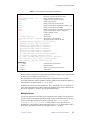
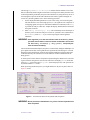
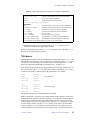
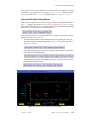
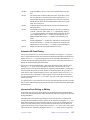
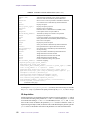
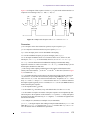
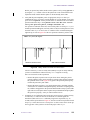
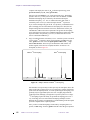
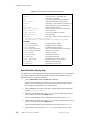
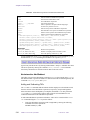
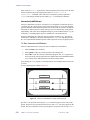
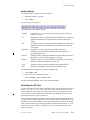
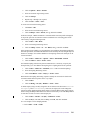
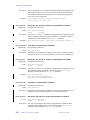
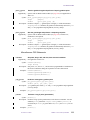
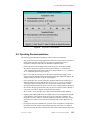
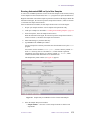
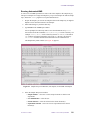
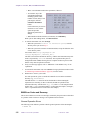
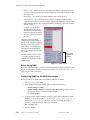
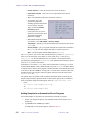
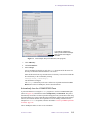
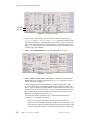
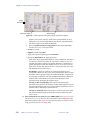
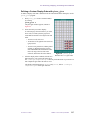
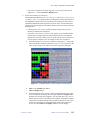
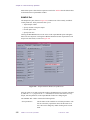
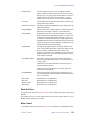
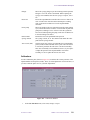
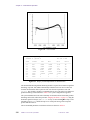
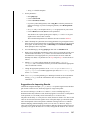
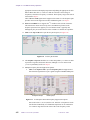
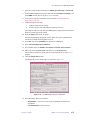
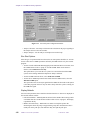
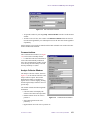
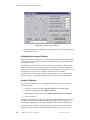
Specify acquisition and processing options for each signal. Each Solv
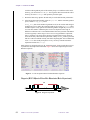
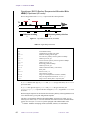
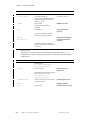
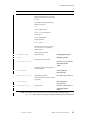
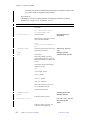
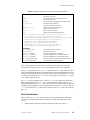
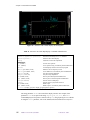
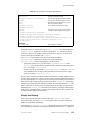
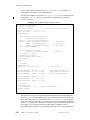
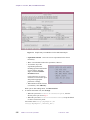
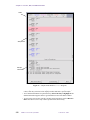
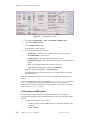
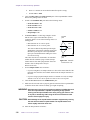
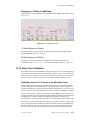
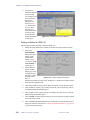
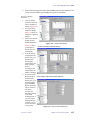
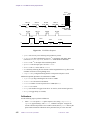
selection, see Figure 117, has four choices:
– Search for a signal.
– Suppress a signal using WET.
– Apply post acquisition signal suppression filtration.
– Specify the Wet Width of the signal suppression.
Each choice can be applied individually or in any combination. The choices
are only active if the Active button for a given Solv is RED, see Figure 117.
Currently the software limits post acquisition filtration to a maximum of 4
signals (more then four then filter buttons to may be set to active in the tcl
pane). If five or more filter buttons are active, only the first four active Solv
with filtration selected are active.
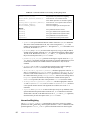
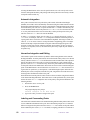
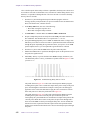
Wet Width is typically set to 80 Hz (for each solvent frequency; this
corresponds to about a 20 msec pulse). You can adjust these entries to larger
or smaller values to generate a larger or smaller bandwidths of suppression
for each signal (as desired). This value of Width determines the duration of
the WET pulse, which influences the power of the WET pulse (both
parameters being displayed in the Sequence pane).
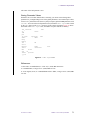
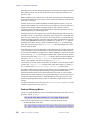
Pressing the Wet (no peak find) button executes scan using the parameters as
they appear in the Sequence window. WET suppression and or post
acquisition Filtering is only applied to those signals that are Active and have
either or both of these options selected.
Pressing the Trial WET button executes a search for each active signal with
search enabled and apply all other options that are enabled for each active
solvent.
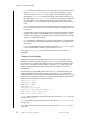
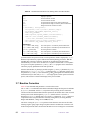
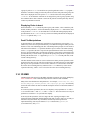
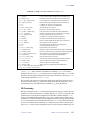
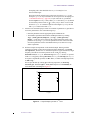
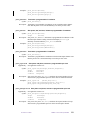
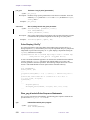
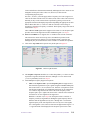
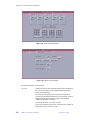
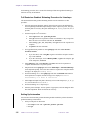
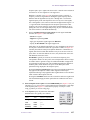
14. Select Composite observe pulse in the LCNMR/STARS pane (Figure 115) if you
can achieve a pw90 of 3.0 or 4.4 µs. This produces better looking data. Comp shape
in the Sequence pane (Figure 117) must also be properly set (for pw=3.0 use
comp_3g and for pw=4.4 use comp_44g).
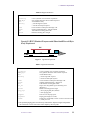
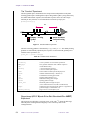
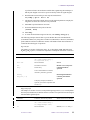
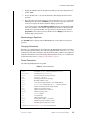
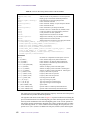
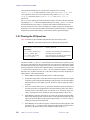
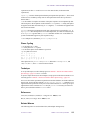
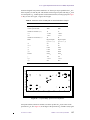
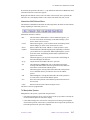
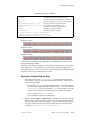
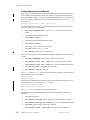
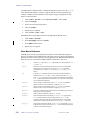
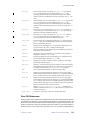
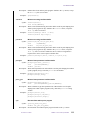
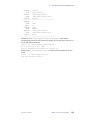
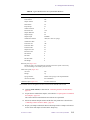
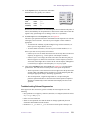
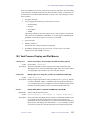
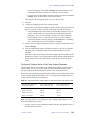
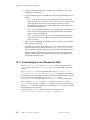
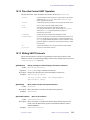
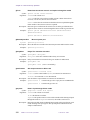
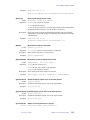
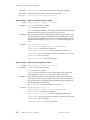
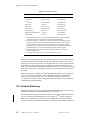
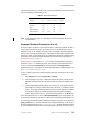
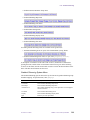
15. In the Sequence pane, the parameters under WET
Gradient Pulses are typically set as follows:
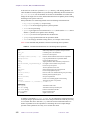
Label
Value
Parameter Equivalent
Strength
2400
gzlvw
Time
0.002
gtw
Recovery
0.002
gswet
Null delay
0.001
dz
01-999161-00 A0800
VNMR 6.1C User Guide: Liquids NMR
407