1
8. Operation
8.1 Power Supply Timing
Ezi-SERVO Plus-R is supplied power through drive module to motor. Therefore, connect
the drive and the motor with a cable and then supply power to the drive module. After
power is supplied, the motor is basically set to Servo OFF.
8.2 Servo ON Operation
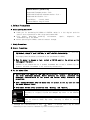
After power is supplied, set the drive module to Servo ON as follows.
① Click ‘Servo OFF’ button at the User Program(GUI).
② Give the drive a command through DLL library.
③ Assign ‘Servo ON’ to a control input pin, and supply the drive with the signal
through the pin.
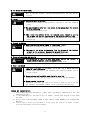
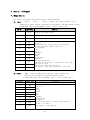
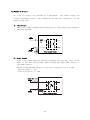
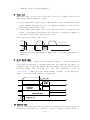
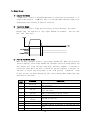
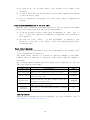
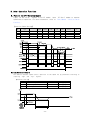
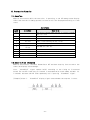
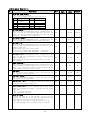
After Servo ON command is given, In-position is finished to the time as shown below.
Servo ON Commander
In-Position
t1
‘t1’ is the time until Servo ON command is given and then the position is decided.
It is about 800 msec. It is subject to the rising time of supplying power and the
motor status.
8.3 Operation Mode
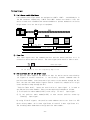
This controller can do three control operations such as I/O command, communication
command(DLL program), and User Program(GUI)
(1) I/O Command Mode
This controller can execute control operation like in-position by I/O command
transmitted from the upper controller. The in-position control operation is
executed by operating position table with I/O command.
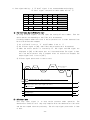
(2) Communication Command Mode
This
controller
can
execute
control
operation
like
in-position
by
command
transmitted from the upper controller. The in-position control operation is
executed by operating position table with I/O command
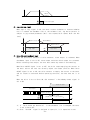
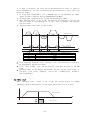
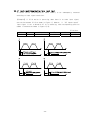
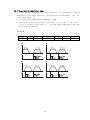
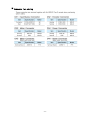
Position Table Operation Sequence
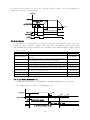
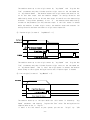
In case of Ezi-SERVO Plus-R, the system can execute continuous operation by
position table at the I/O command mode.
- 33 -