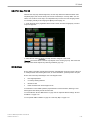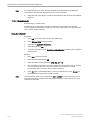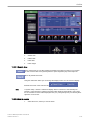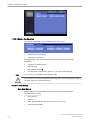
1
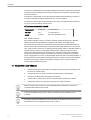
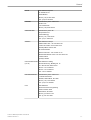
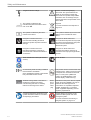
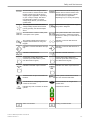
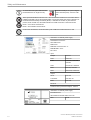
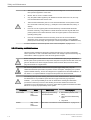
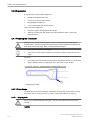
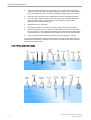
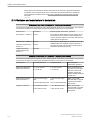
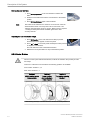
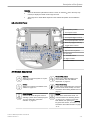
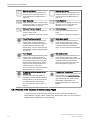
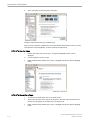
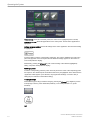
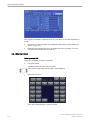
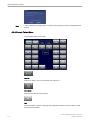
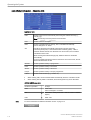
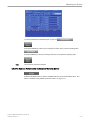
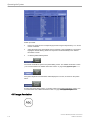
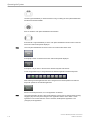
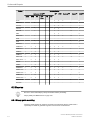
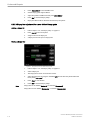
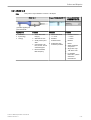
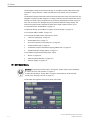
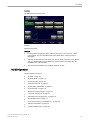
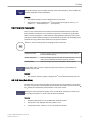
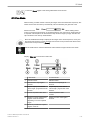
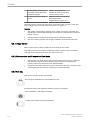
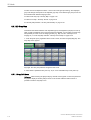
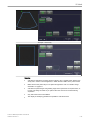
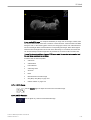
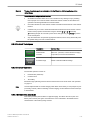
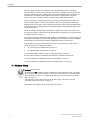
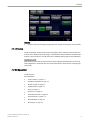
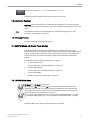
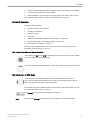
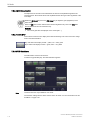
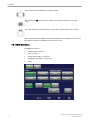
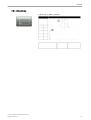
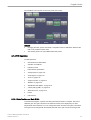
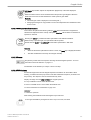
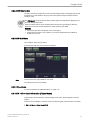
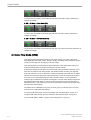
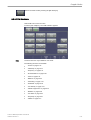
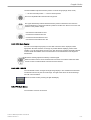
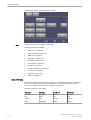
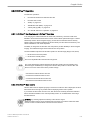
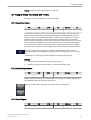
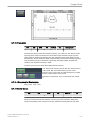
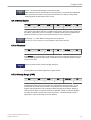
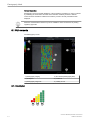
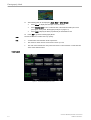
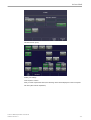
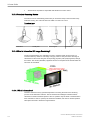
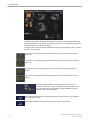
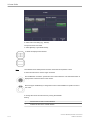
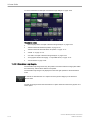
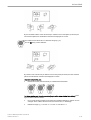
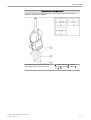
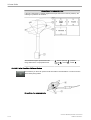
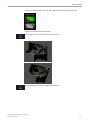
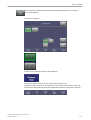
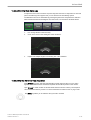
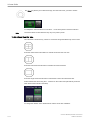
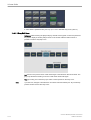
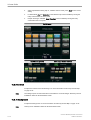
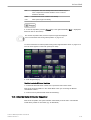
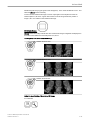
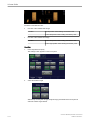
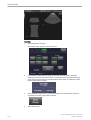
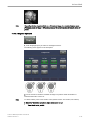
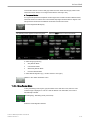
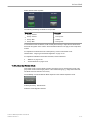
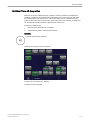
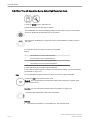
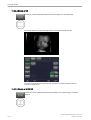
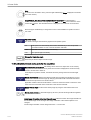
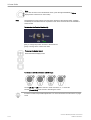
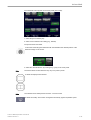
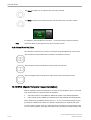
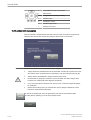
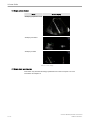
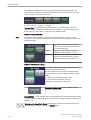
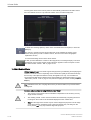
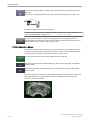
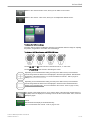
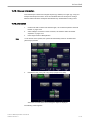
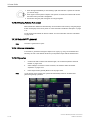
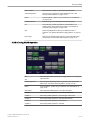
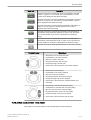
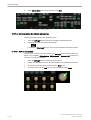
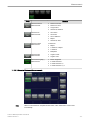
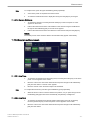
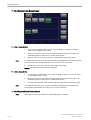
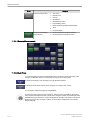
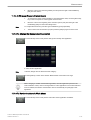
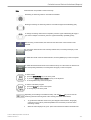
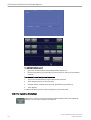
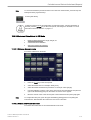
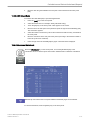
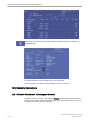
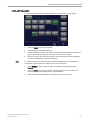
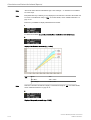
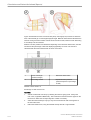
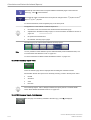
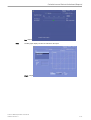
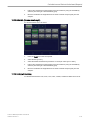
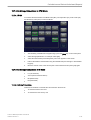
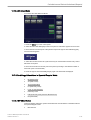
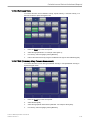
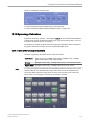
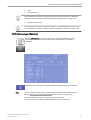
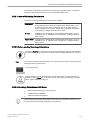
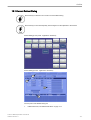
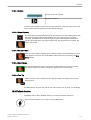
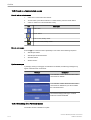
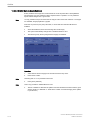
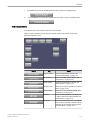
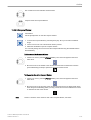
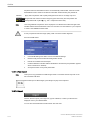
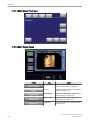
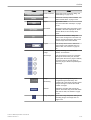
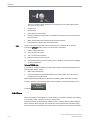
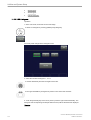
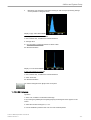
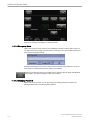
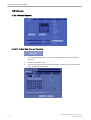
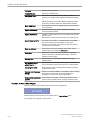
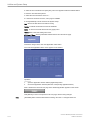
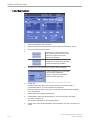
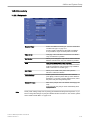
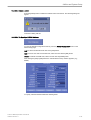
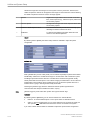
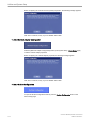
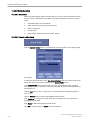
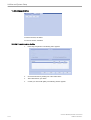
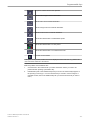
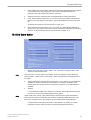
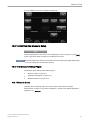
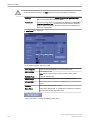
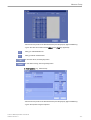
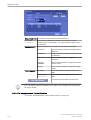
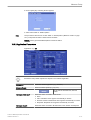
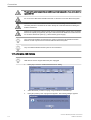
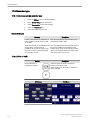
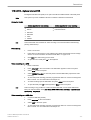
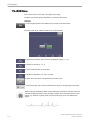
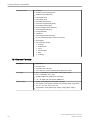
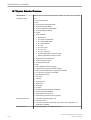
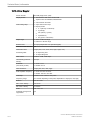
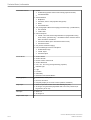
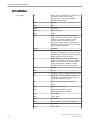
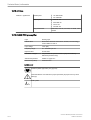
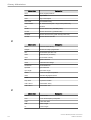
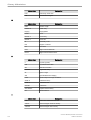
Volume Mode
1
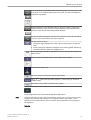
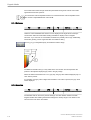
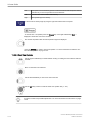
Use trackball to rotate or set position.
2
Start new line
3
Change between moving or rotating.
4
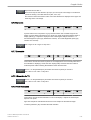
Activate Volpre
5
Activate line control
6
Activate image control
7
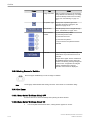
Activate cine control
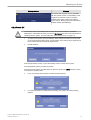
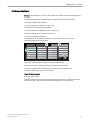
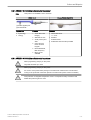
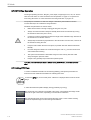
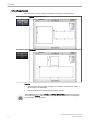
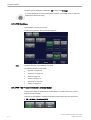
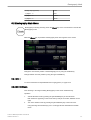
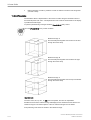
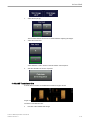
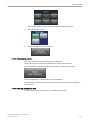
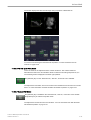
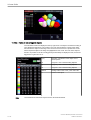
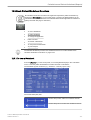
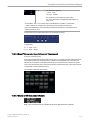
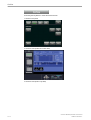
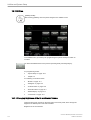
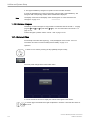
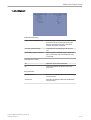
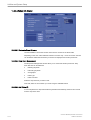
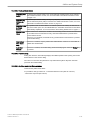
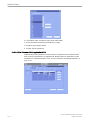
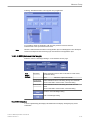
10.10.2 After STIC Calculation
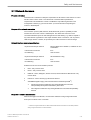
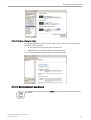
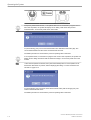
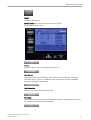
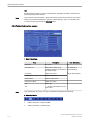
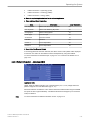
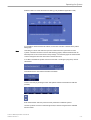
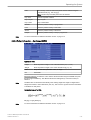
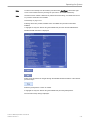
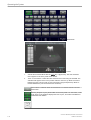
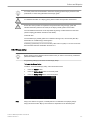
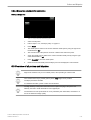
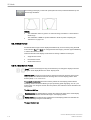
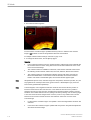
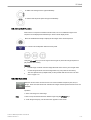
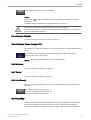
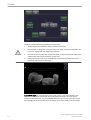
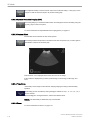
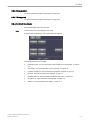
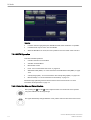
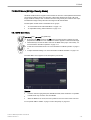
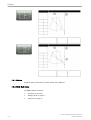
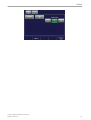
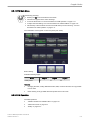
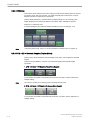
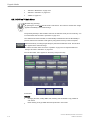
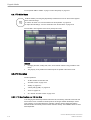
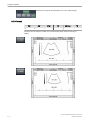
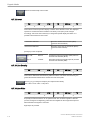
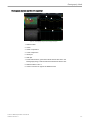
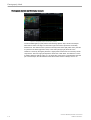
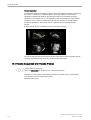
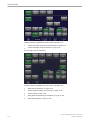
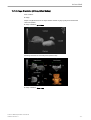
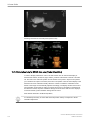
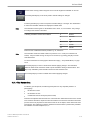
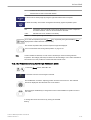
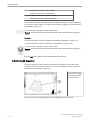
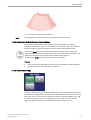
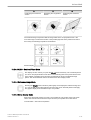
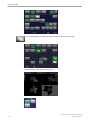
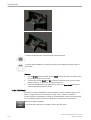
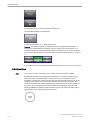
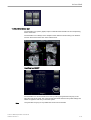
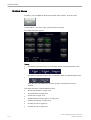
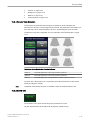
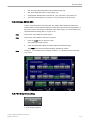
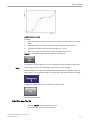
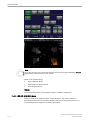
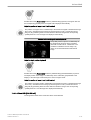
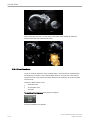
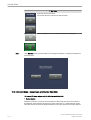
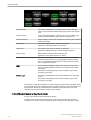
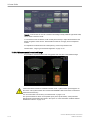
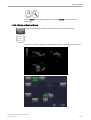
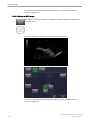
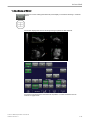
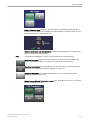
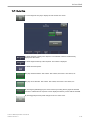
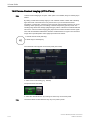
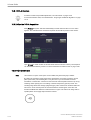
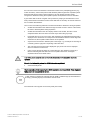
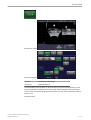
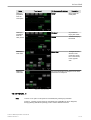
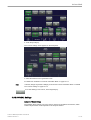
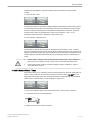
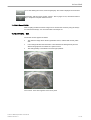
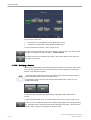
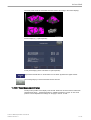
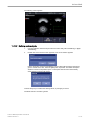
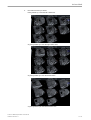
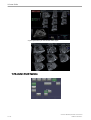
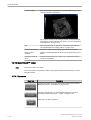
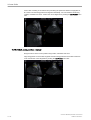
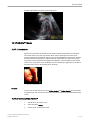
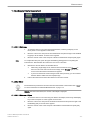
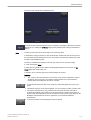
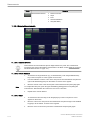
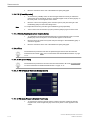
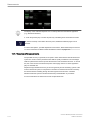
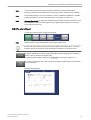
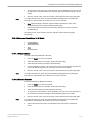
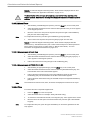
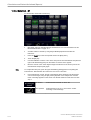
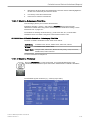
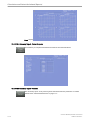
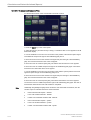
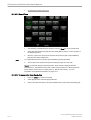
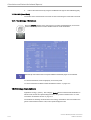
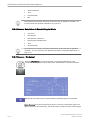
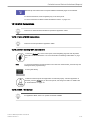
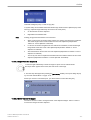
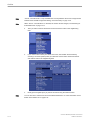
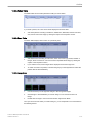
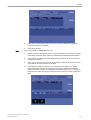
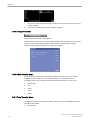
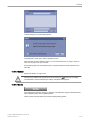
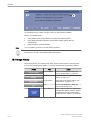
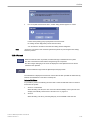
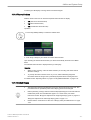
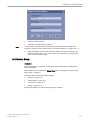
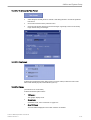
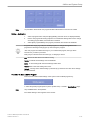
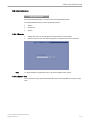
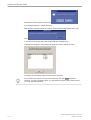
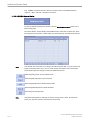
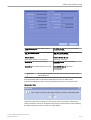
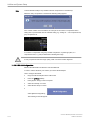
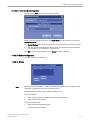
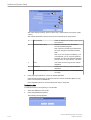
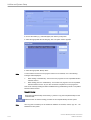
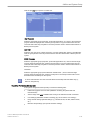
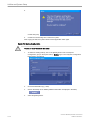
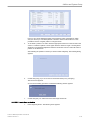
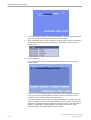
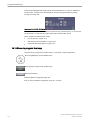
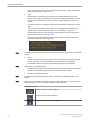
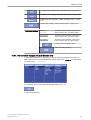
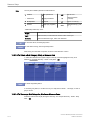
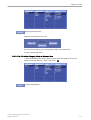
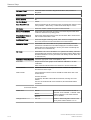
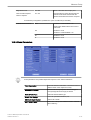
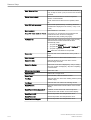
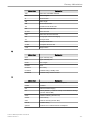
After the calculation, the Estimated Heart Rate is shown on the touch panel. The previously
selected format and the last acquired 4D sequence will be shown on the monitor.
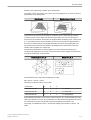
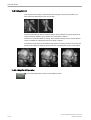
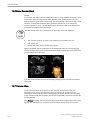
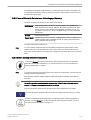
Guidance and precautions for interpretation of STIC-images:
•
•
•
•
•
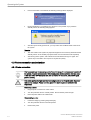
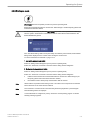
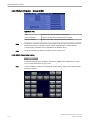
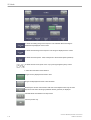
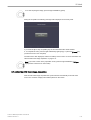
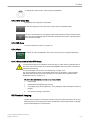
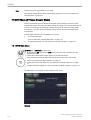
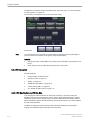
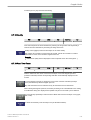
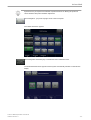
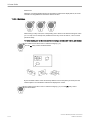
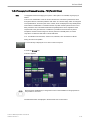
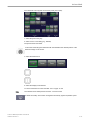
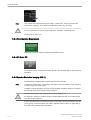
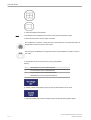
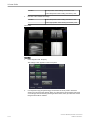
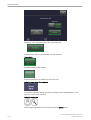
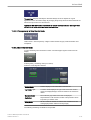
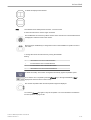
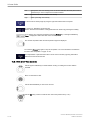
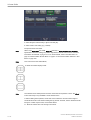
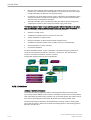
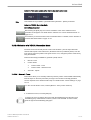
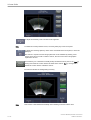
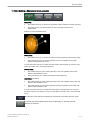
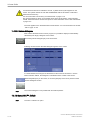
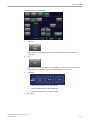
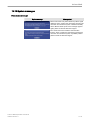
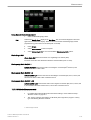
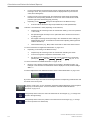
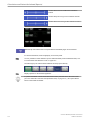
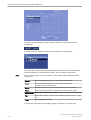
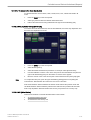
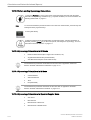
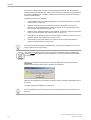
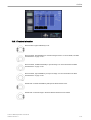
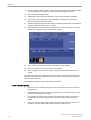
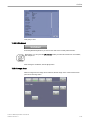
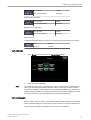
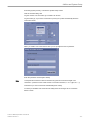
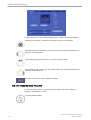
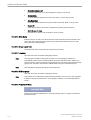
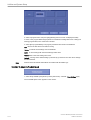
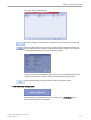
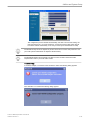
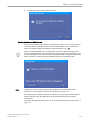
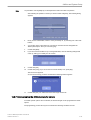
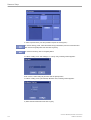
Judge if the shown estimated heart rate is reasonable. Visually rule out phase errors and
other failures of the acquisition before confirming the scan by touching the [Accept] key.
Always adopt a critical attitude to images created in STIC mode.
Be aware that any diagnostic conclusion must not be drawn from STIC-images alone,
but have to be checked with other diagnostic procedures.
If you are in doubt about a structure seen in STIC mode, consult the original 2D-images
for clarification.
Please note that the accuracy of measurements in STIC-images is limited and can be
lower than measurements in B-images.
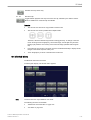
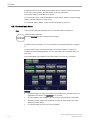
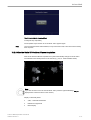
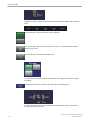
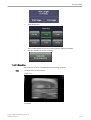
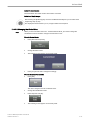
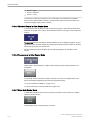
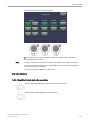
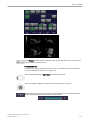
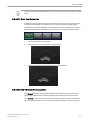
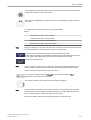
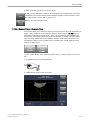
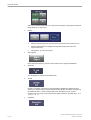
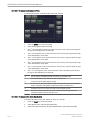
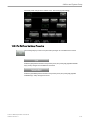
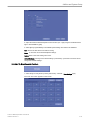
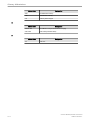
In case the acquisition fails, touch the [Cancel] key and perform the acquisition again.
Touching this key will bring you to the pre-acquisition mode.
10-108
Voluson™ E8/E8 Expert Basic User Manual
H48691CF Revision 2