1
Utilities and System Setup
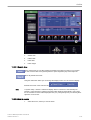
14.2.5.9 Network profiles
14.2.5.9.1 Introduction
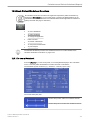
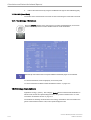
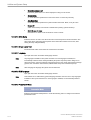
Define and switch between different network settings for all your work environments to further
improve Voluson™ E8/E8 Expert’s portability. The following settings are stored in a network
profile:
•
•
•
•
•
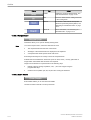
All DICOM settings and configurations
Static IP address, gateway, network mask, DNS
Button configuration
Hospital name
Network drive mappings (active after system restart)
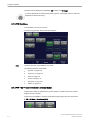
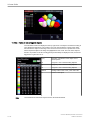
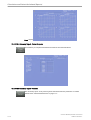
14.2.5.9.2 Network profiles dialog
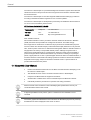
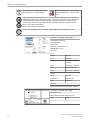
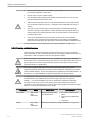
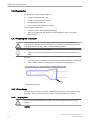
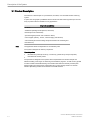
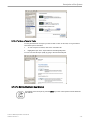
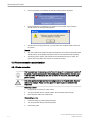
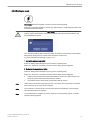
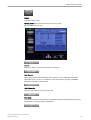
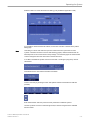
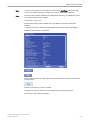
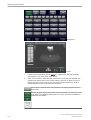
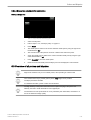
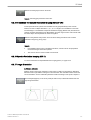
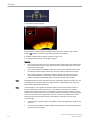
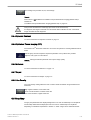
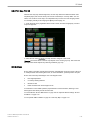
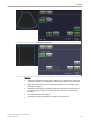
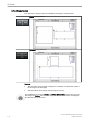
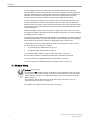
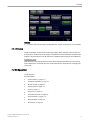
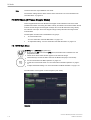
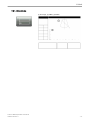
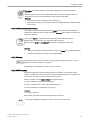
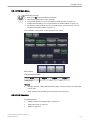
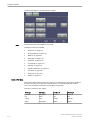
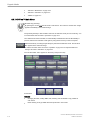
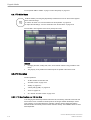
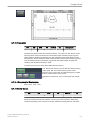
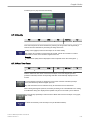
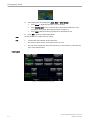
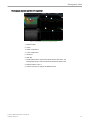
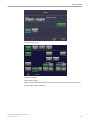
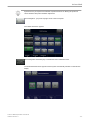
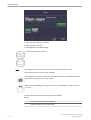
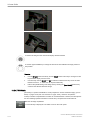
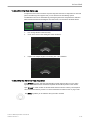
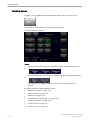
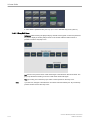
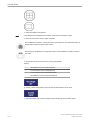
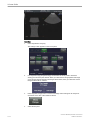
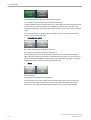
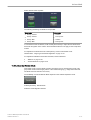
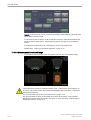
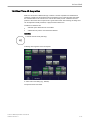
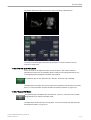
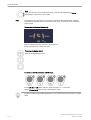
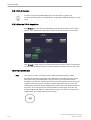
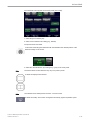
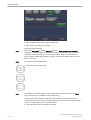
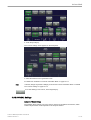
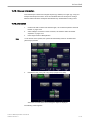
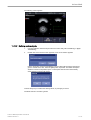
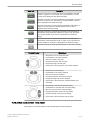
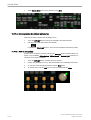
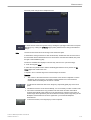
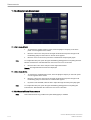
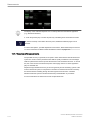
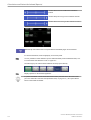
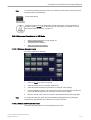
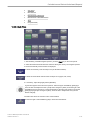
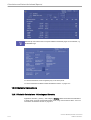
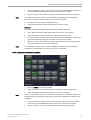
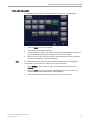
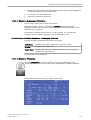
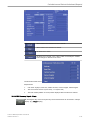
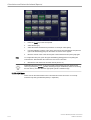
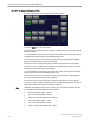
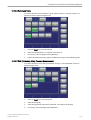
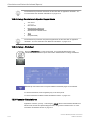
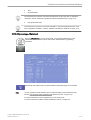
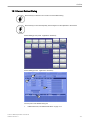
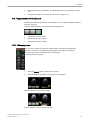
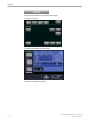
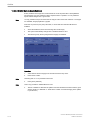
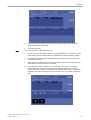
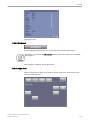
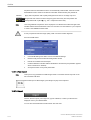
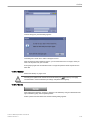
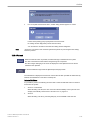
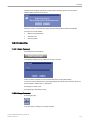
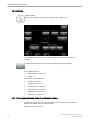
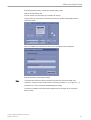
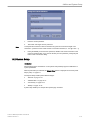
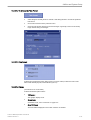
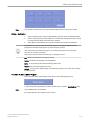
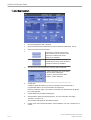
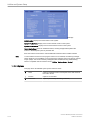
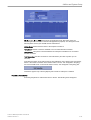
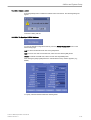
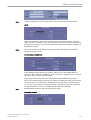
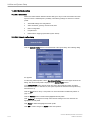
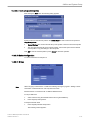
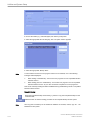
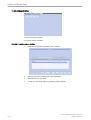
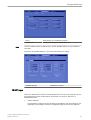
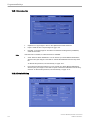
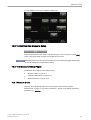
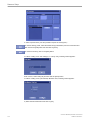
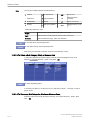
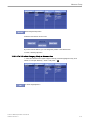
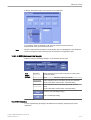
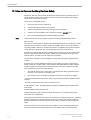
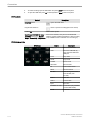
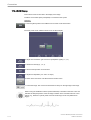
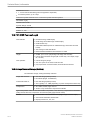
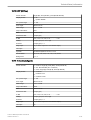
Click the Network Profiles button in the network tab of the system setup. The following dialog
box appears:
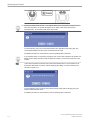
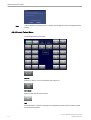
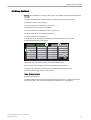
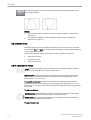
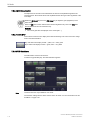
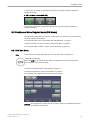
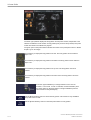
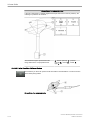
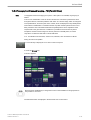
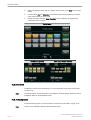
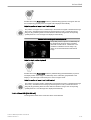
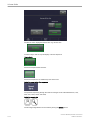
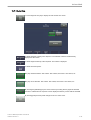
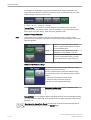
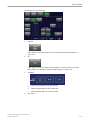
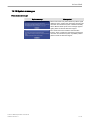
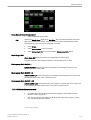
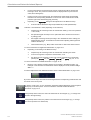
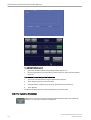
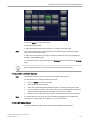
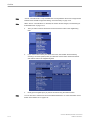
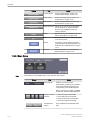
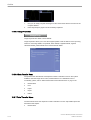
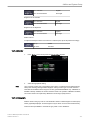
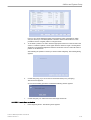
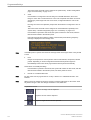
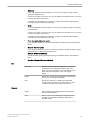
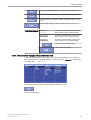
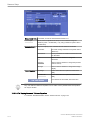
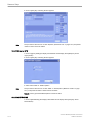
To start using network profiles, set the Use Network Profiles option in the upper section of the
dialog. The current used profile is displayed in the Current Profile text box.
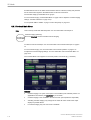
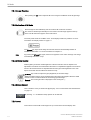
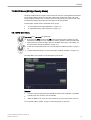
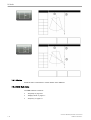
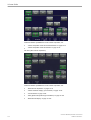
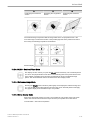
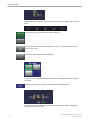
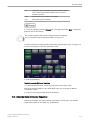
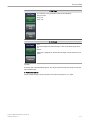
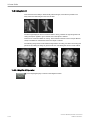
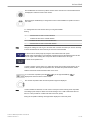
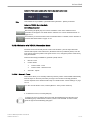
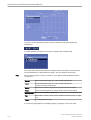
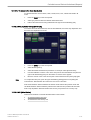
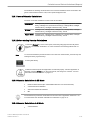
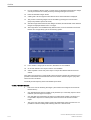
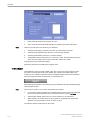
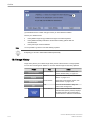
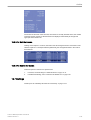
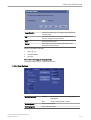
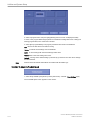
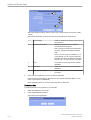
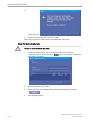
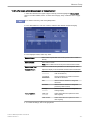
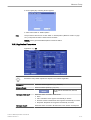
In the Default Profile section click the check box next to the profile name which should be
active from boot-up. If no default is set, the system requests the desired network profile every
time after boot-up.
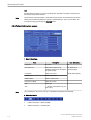
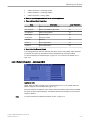
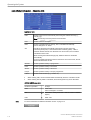
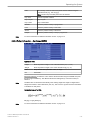
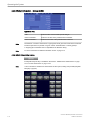
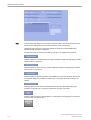
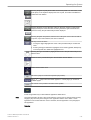
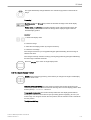
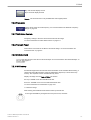
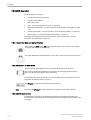
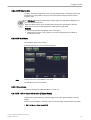
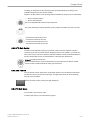
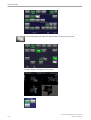
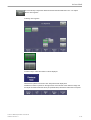
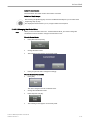
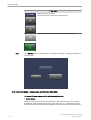
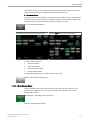
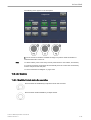
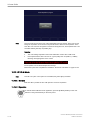
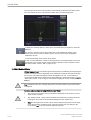
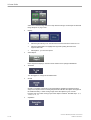
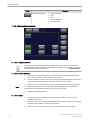
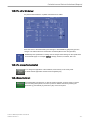
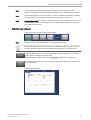
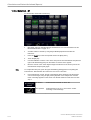
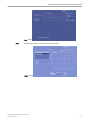
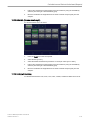
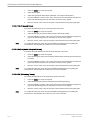
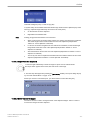
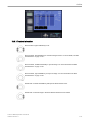
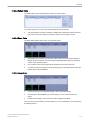
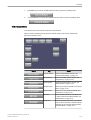
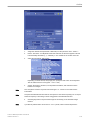
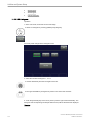
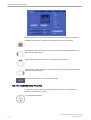
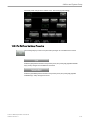
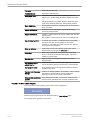
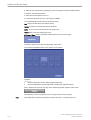
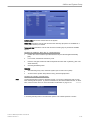
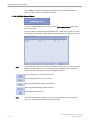
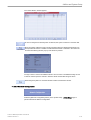
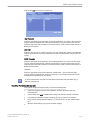
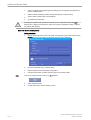
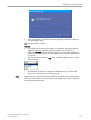
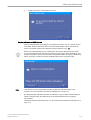
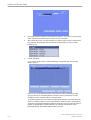
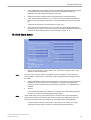
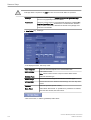
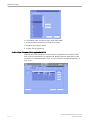
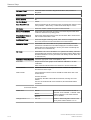
Click the New button to set up a new profile. For more information see 'Network profiles' on
page 14-46.
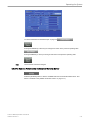
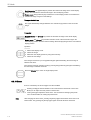
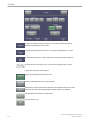
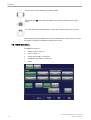
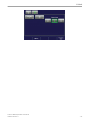
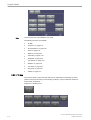
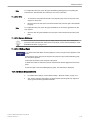
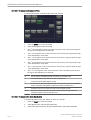
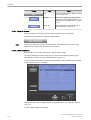
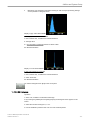
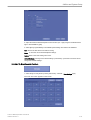
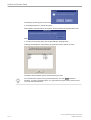
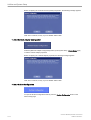
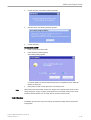
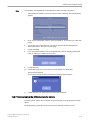
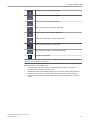
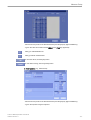
Click the Rename button to rename the highlighted network profile.
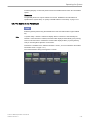
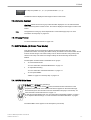
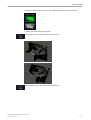
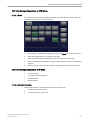
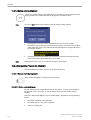
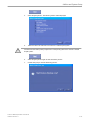
Click “Switch to” to change the currently active network settings to the ones stored in the
highlighted network profile.
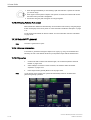
Click Delete to delete the highlighted network profile.
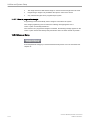
Click OK to confirm changes or Cancel to abort the operation.
14-46
Voluson™ E8/E8 Expert Basic User Manual
H48691CF Revision 2