1
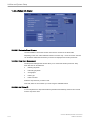
Volume Mode
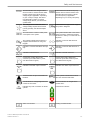
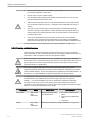
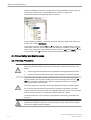
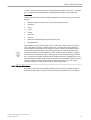
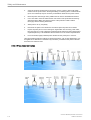
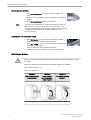
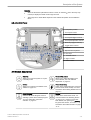
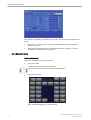
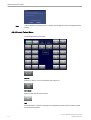
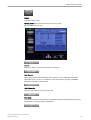
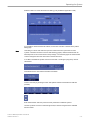
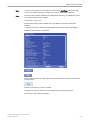
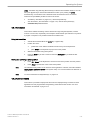
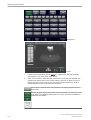
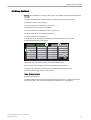
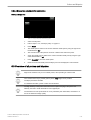
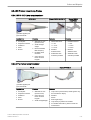
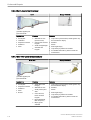
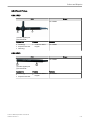
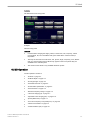
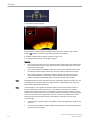
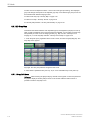
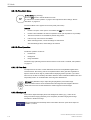
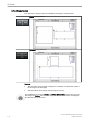
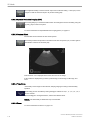
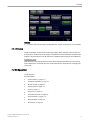
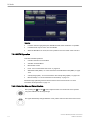
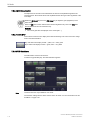
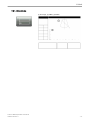
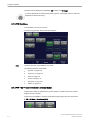
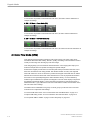
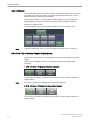
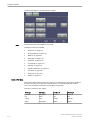
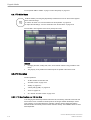
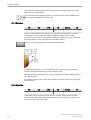
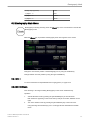
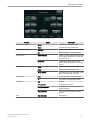
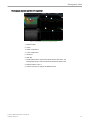
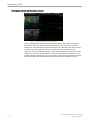
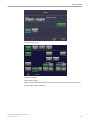
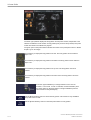
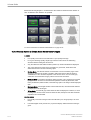
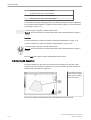
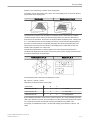
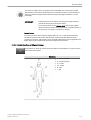
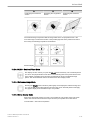
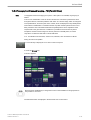
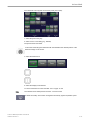
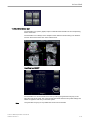
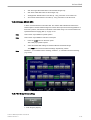
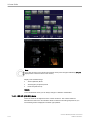
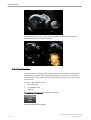
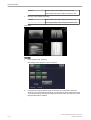
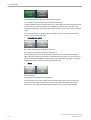
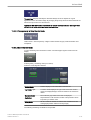
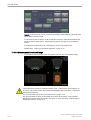
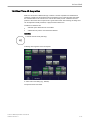
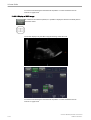
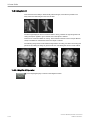
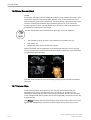
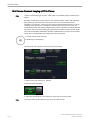
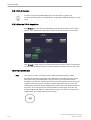
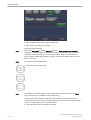
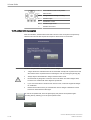
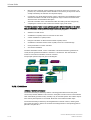
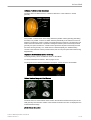
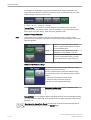
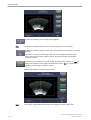
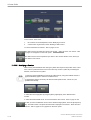
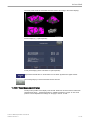
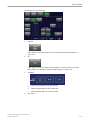
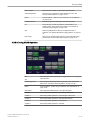
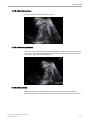
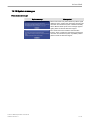
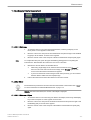
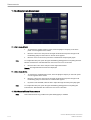
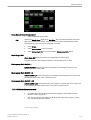
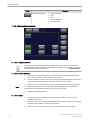
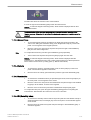
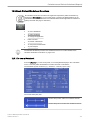
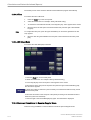
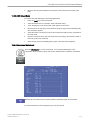
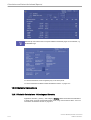
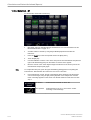
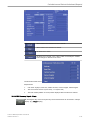
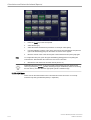
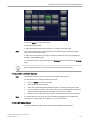
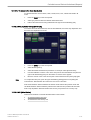
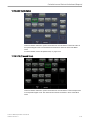
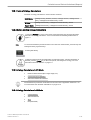
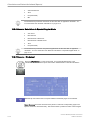
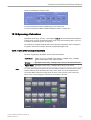
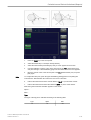
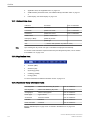
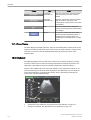
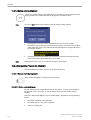
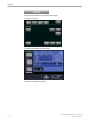
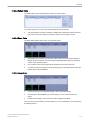
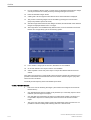
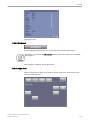
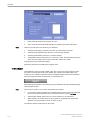
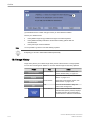
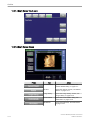
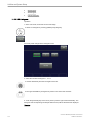
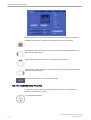
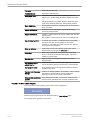
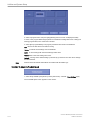
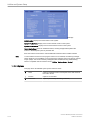
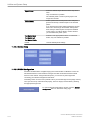
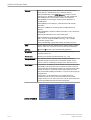
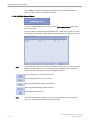
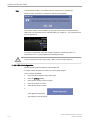
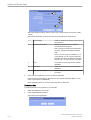
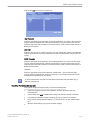
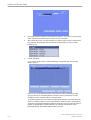
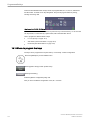
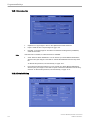
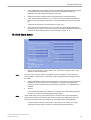
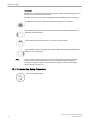
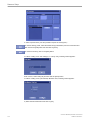
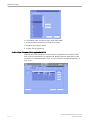
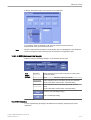
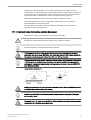
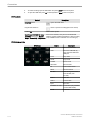
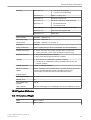
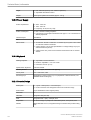
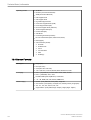
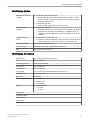
The lower right quadrant displays the body pattern and the probe marker, independent of the
selected visualization mode. Position of body pattern (body view and body rotation) and probe
marker are stored in the 3D/4D user program.
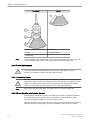
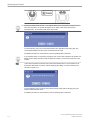
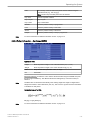
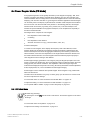
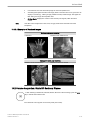
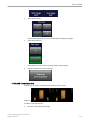
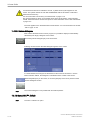
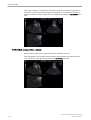
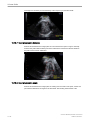
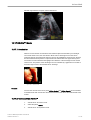
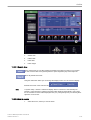
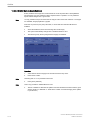
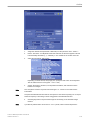
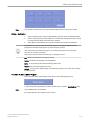
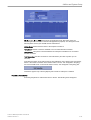
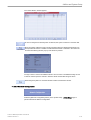
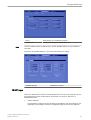
The green point on the probe marker indicates the rotation of the probe (like Voluson™ E8/E8
Expert-Logo on 2D image).
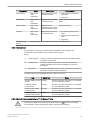
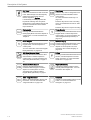
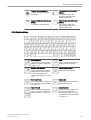
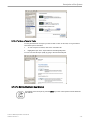
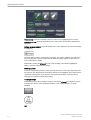
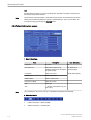
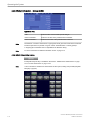
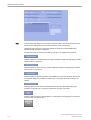
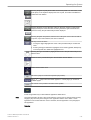
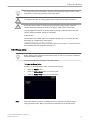
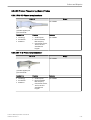
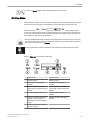
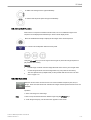
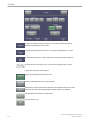
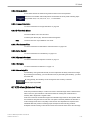
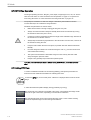
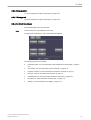
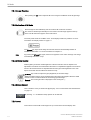
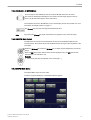
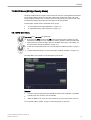
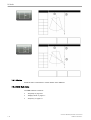
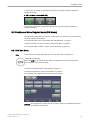
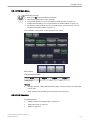
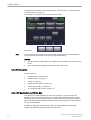
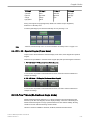
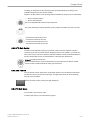
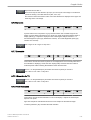
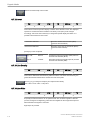
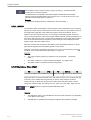
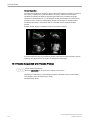
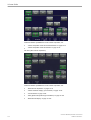
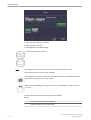
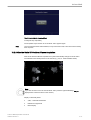
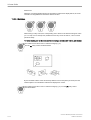
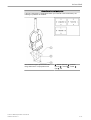
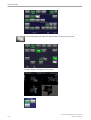
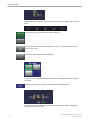
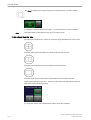
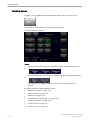
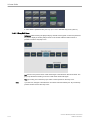
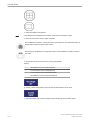
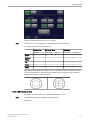
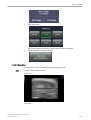
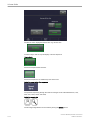
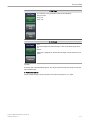
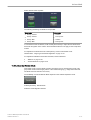
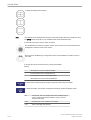
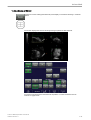
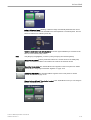
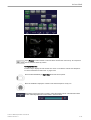
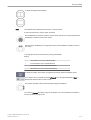
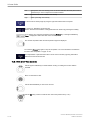
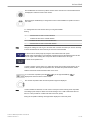
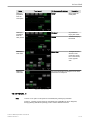
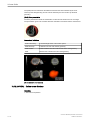
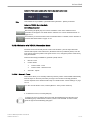
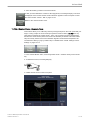
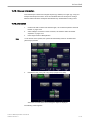
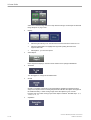
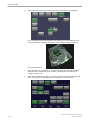
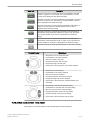
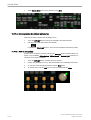
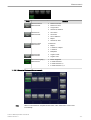
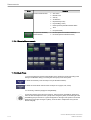
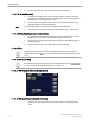
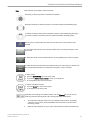
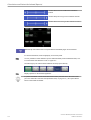
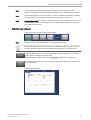
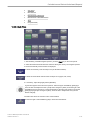
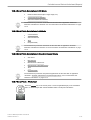
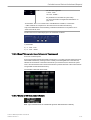
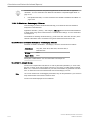
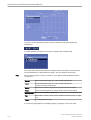
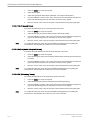
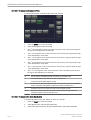
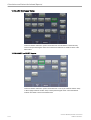
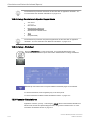
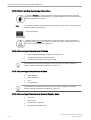
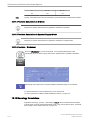
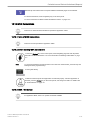
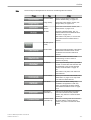
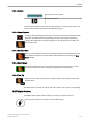
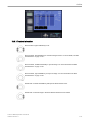
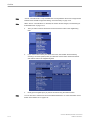
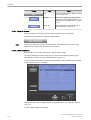
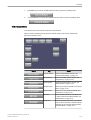
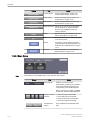
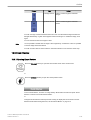
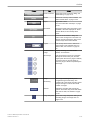
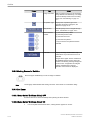
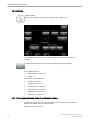
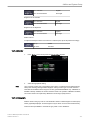
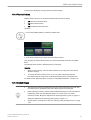
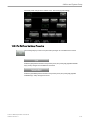
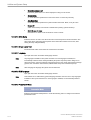
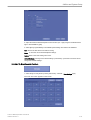
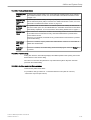
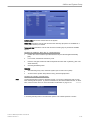
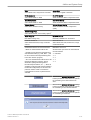
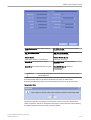
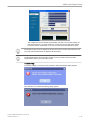
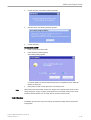
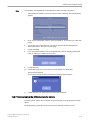
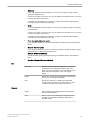
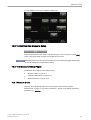
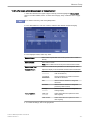
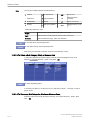
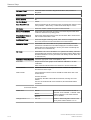
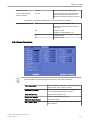
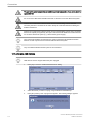
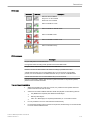
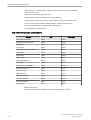
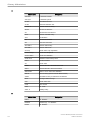
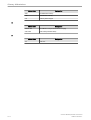
Touch this key to display the body pattern from front. The body pattern can be rotated in
steps of 45˚.
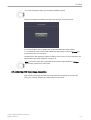
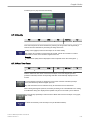
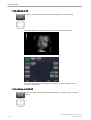
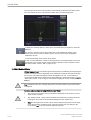
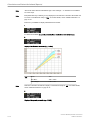
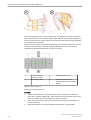
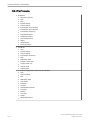
Touch this key to display the body pattern from behind. The body pattern can be rotated in
steps of 45˚.
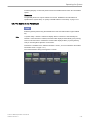
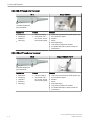
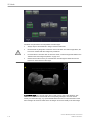
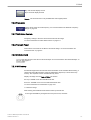
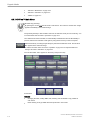
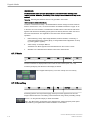
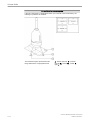
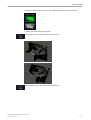
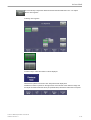
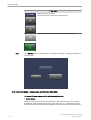
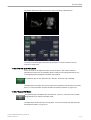
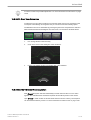
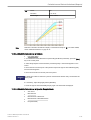
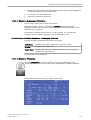
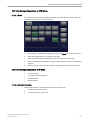
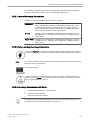
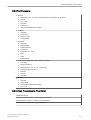
Touch this key to display the body pattern from top view. The body pattern cannot be
rotated.
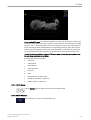
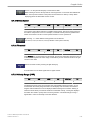
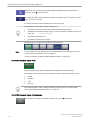
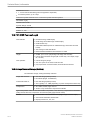
Touch this key to display the body pattern from bottom view. The body pattern cannot be
rotated.
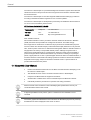
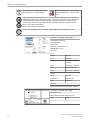
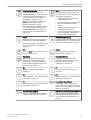
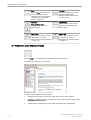
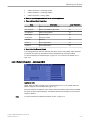
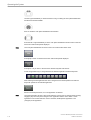
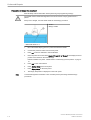
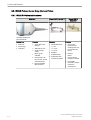
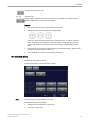
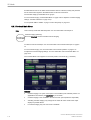
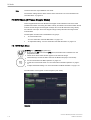
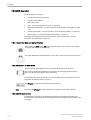
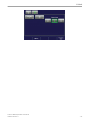
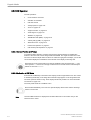
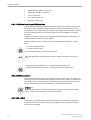
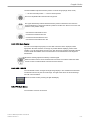
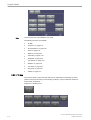
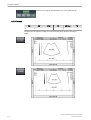
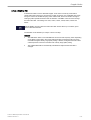
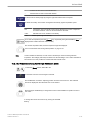
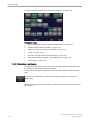
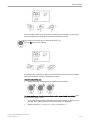
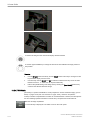
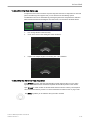
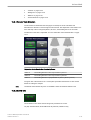
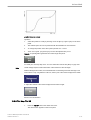
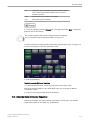
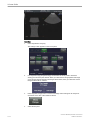
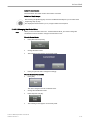
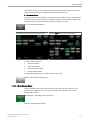
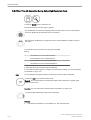
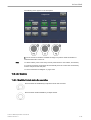
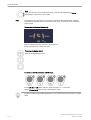
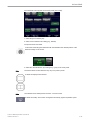
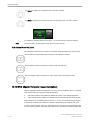
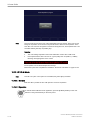
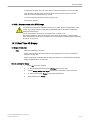
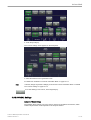
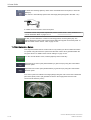
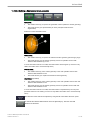
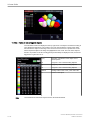
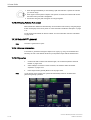
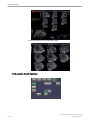
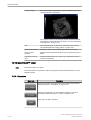
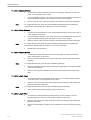
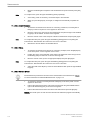
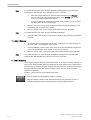
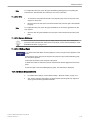
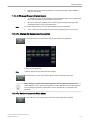
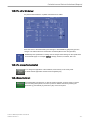
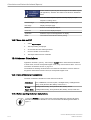
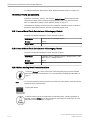
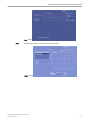
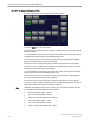
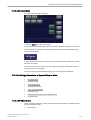
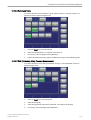
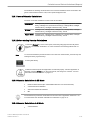
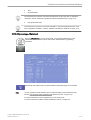
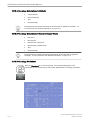
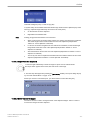
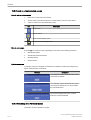
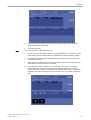
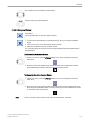
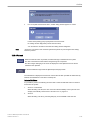
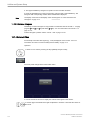
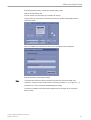
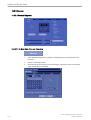
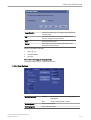
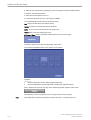
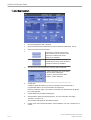
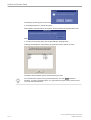
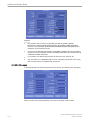
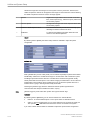
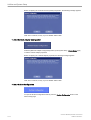
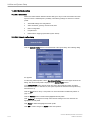
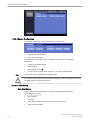
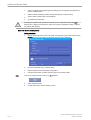
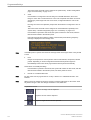
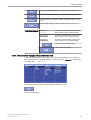
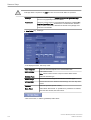
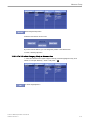
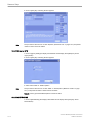
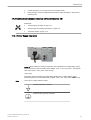
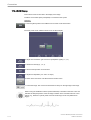
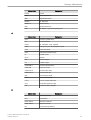
Press the upper trackball key to change between “Scan” and “No
Function” or vice versa. If “Scan “is selected, use the trackball to place
the probe marker on the body pattern. The right trackball key has the
same function as the [Activate] key
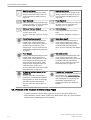
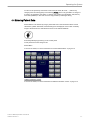
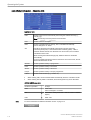
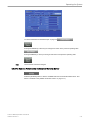
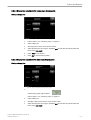
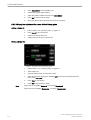
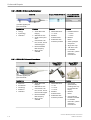
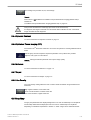
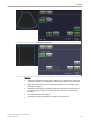
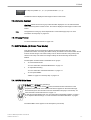
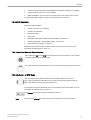
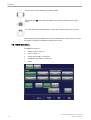
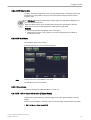
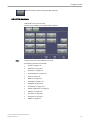
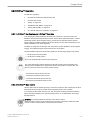
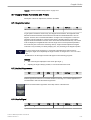
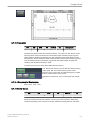
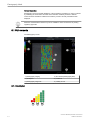
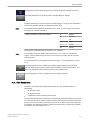
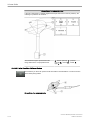
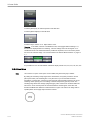
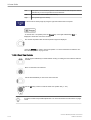
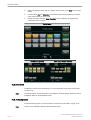
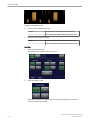
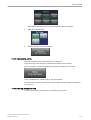
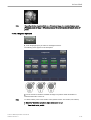
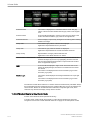
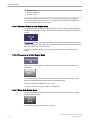
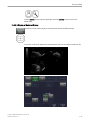
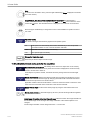
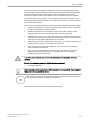
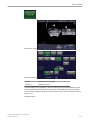
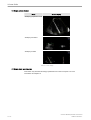
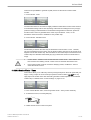
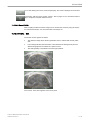
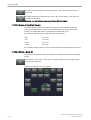
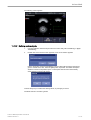
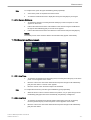
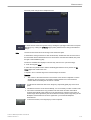
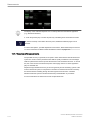
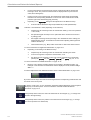
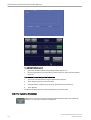
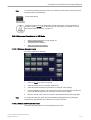
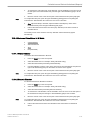
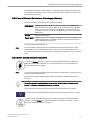
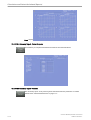
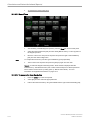
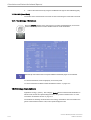
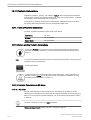
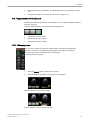
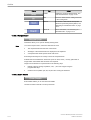
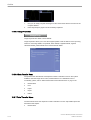
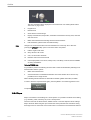
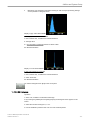
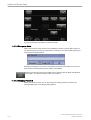
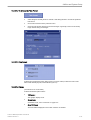
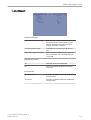
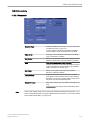
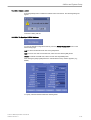
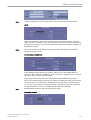
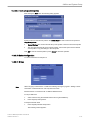
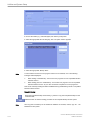
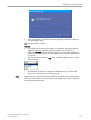
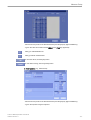
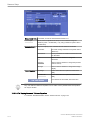
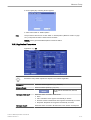
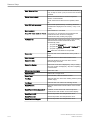
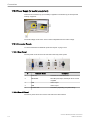
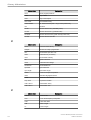
Use the [Body Rotation] control to rotate the body pattern. This function is only available if
body view is front or back.
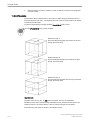
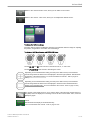
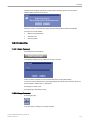
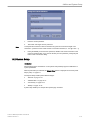
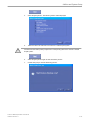
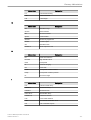
Use the [Probe Rotation] control to rotate the probe marker on body pattern.
10-10
Voluson™ E8/E8 Expert Basic User Manual
H48691CF Revision 2