1
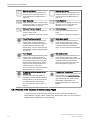
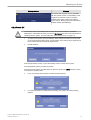
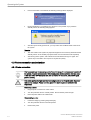
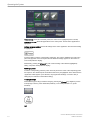
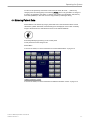
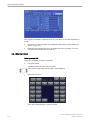
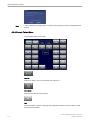
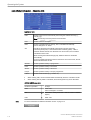
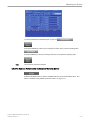
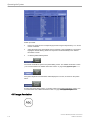
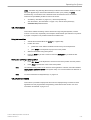
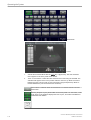
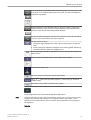
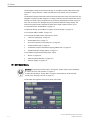
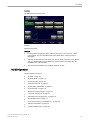
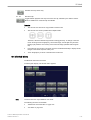
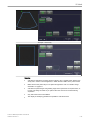
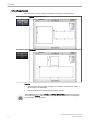
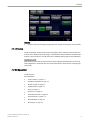
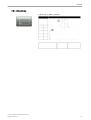
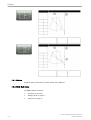
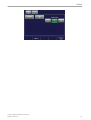
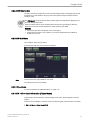
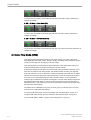
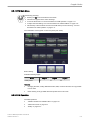
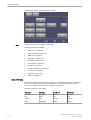
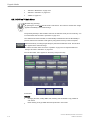
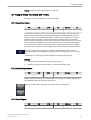
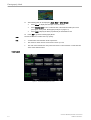
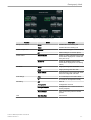
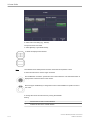
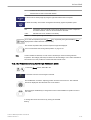
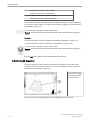
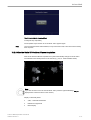
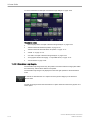
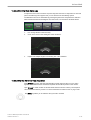
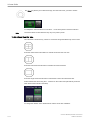
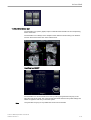
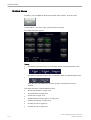
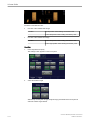
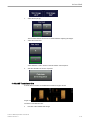
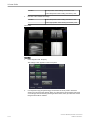
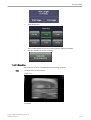
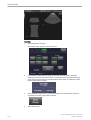
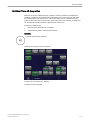
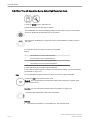
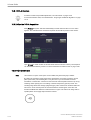
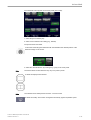
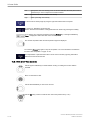
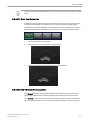
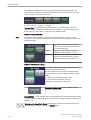
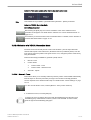
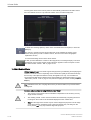
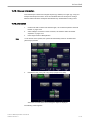
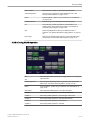
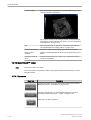
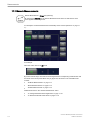
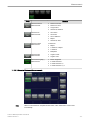
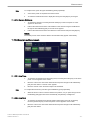
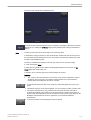
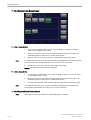
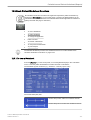
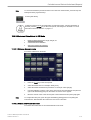
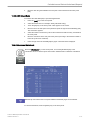
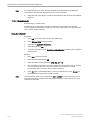
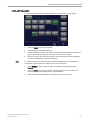
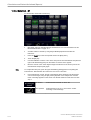
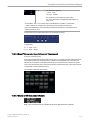
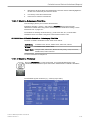
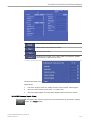
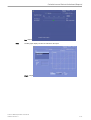
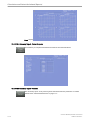
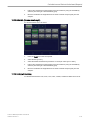
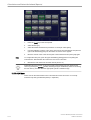
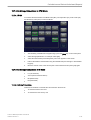
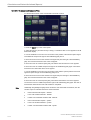
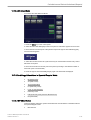
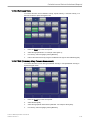
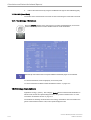
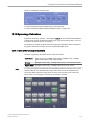
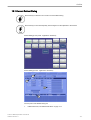
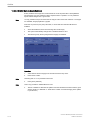
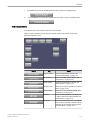
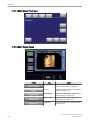
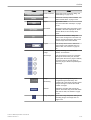
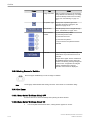
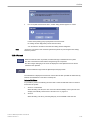
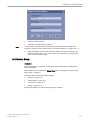
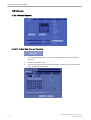
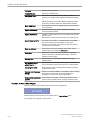
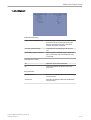
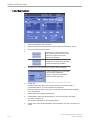
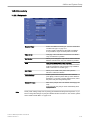
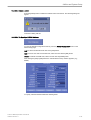
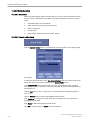
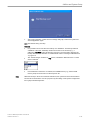
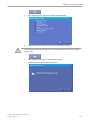
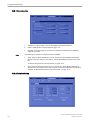
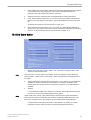
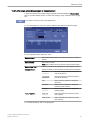
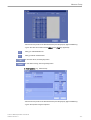
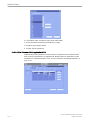
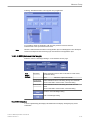
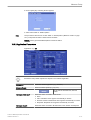
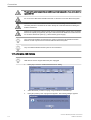
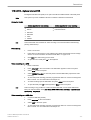
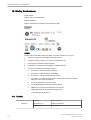
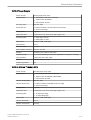
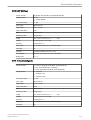
Measure Setup
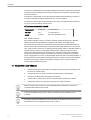
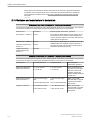
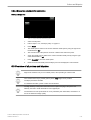
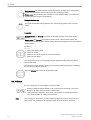
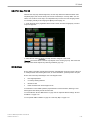
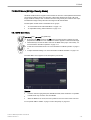
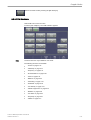
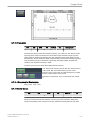
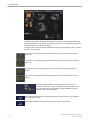
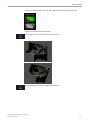
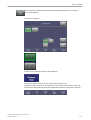
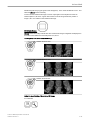
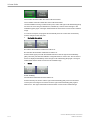
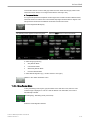
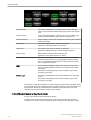
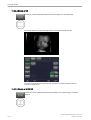
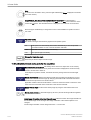
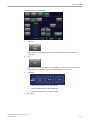
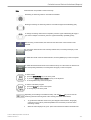
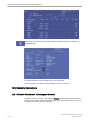
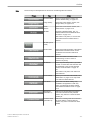
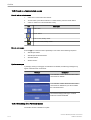
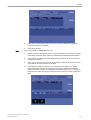
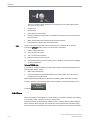
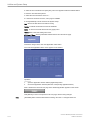
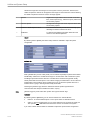
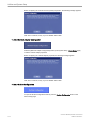
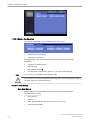
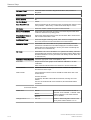
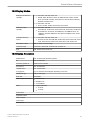
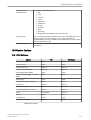
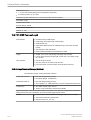
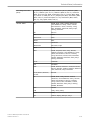
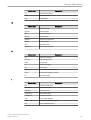
Meas. Clear on Cine:
Select if the measurement results should be deleted (=
Yes), or kept on screen (= No) as soon as cine mode is
activated.
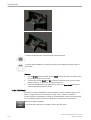
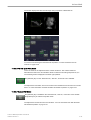
Repeat measurement:
Select if each measurement should be repeated:
Generic or Generic&Calc.
If each measurement should not be repeated, select
No.
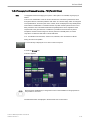
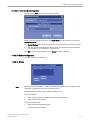
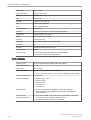
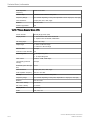
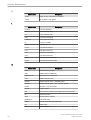
Show EDD calc. on screen
Select if EDD (Estimated Day of Delivery) should be
calculated and displayed on the screen (= Yes), or not
(= No)
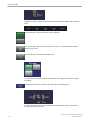
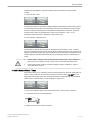
Generic default:
Select Distance or Last Used
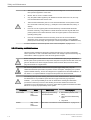
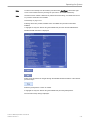
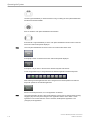
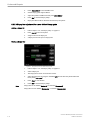
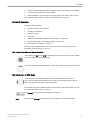
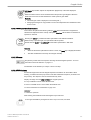
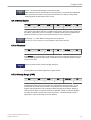
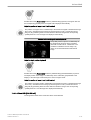
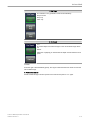
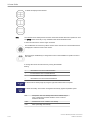
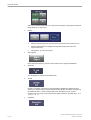
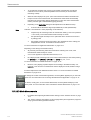
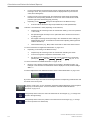
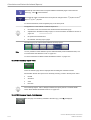
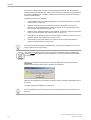
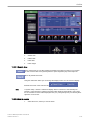
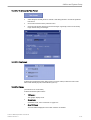
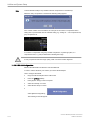
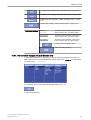
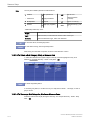
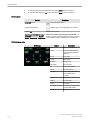
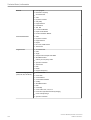
Assign RT Trace results on Freeze: If RT Trace is on and [Freeze] is activated then the
measurement menu is shown to assign the
measurement study. Select [Yes] or [No].
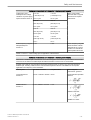
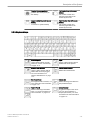
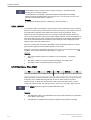
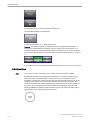
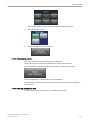
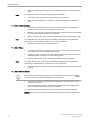
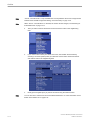
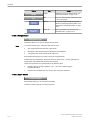
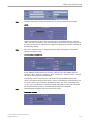
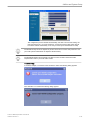
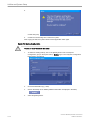
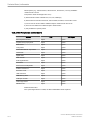
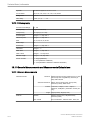
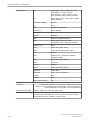
Fix Caliper by:
Select if the last measurement caliper of the currently
performed measurement should also be fixed
automatically, when
•
•
•
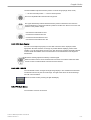
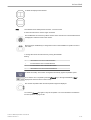
you press the [Freeze] key
you press the [ABC] , [Bodymark] or [Indicator] key
you press a [Px] button
Note: More than one selections are possible.
16-20
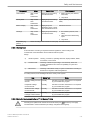
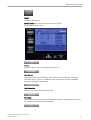
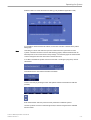
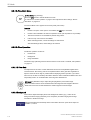
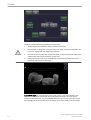
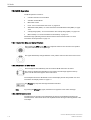
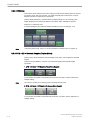
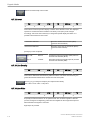
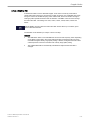
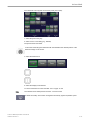
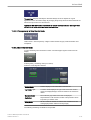
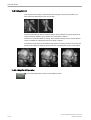
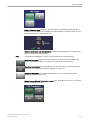
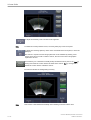
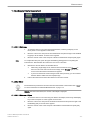
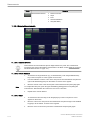
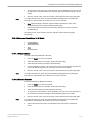
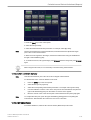
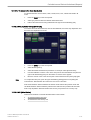
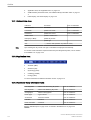
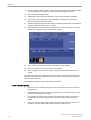
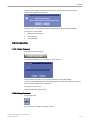
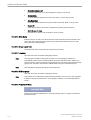
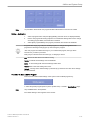
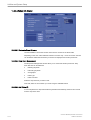
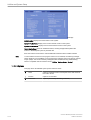
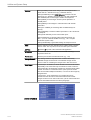
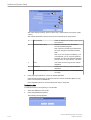
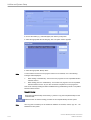
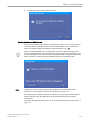
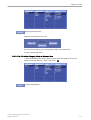
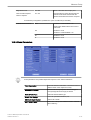
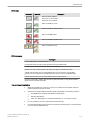
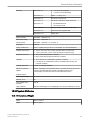
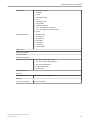
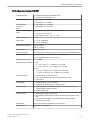
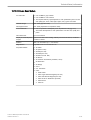
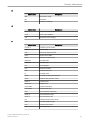
Cursor size:
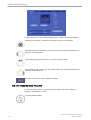
Select the size of the measurement cursor (small or
large).
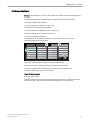
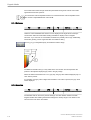
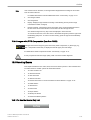
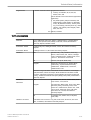
Color when set:
Select the color of a fixed measurement cursor.
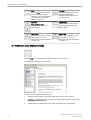
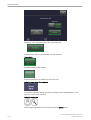
Cursor line with:
Select the thickness of the cursor lines. Choose
between large and small.
Cursor line display:
Select if the cursor line is displayed (= Yes), or if only
the cursor number is displayed (= No) after completing
a measurement.
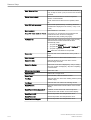
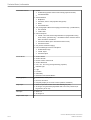
Ellipse cross line display:
Select Yes or No
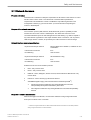
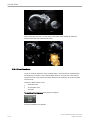
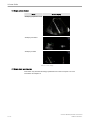
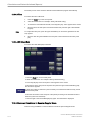
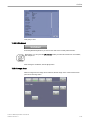
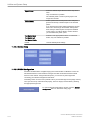
Cursor Position:
Select Last or Image center
Cursor Type:
Select Number, Label or Number & Label
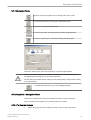
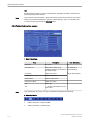
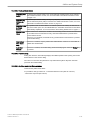
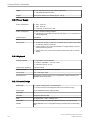
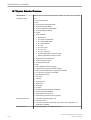
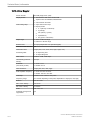
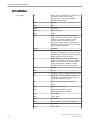
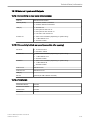
Font Size:
Select the font size used in the resulting window (small,
medium, large)
Font Color:
Select the font color used in the resulting window
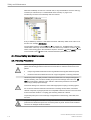
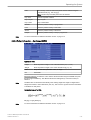
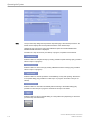
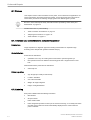
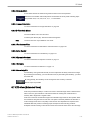
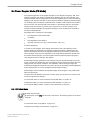
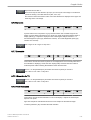
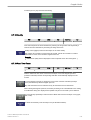
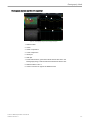
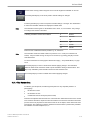
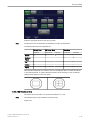
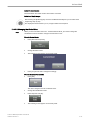
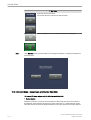
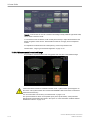
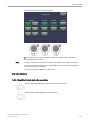
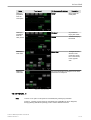
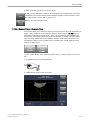
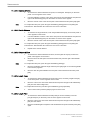
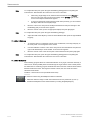
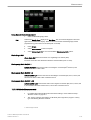
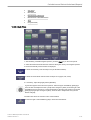
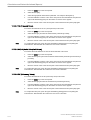
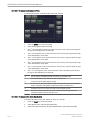
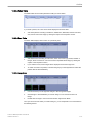
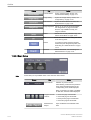
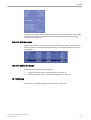
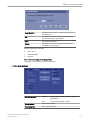
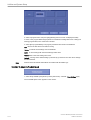
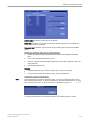
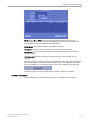
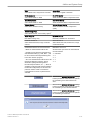
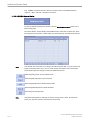
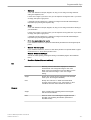
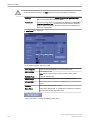
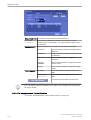
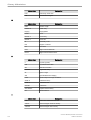
Result Position:
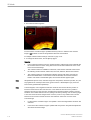
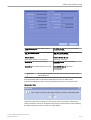
Select the measurement result location on the monitor
display.
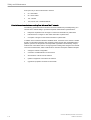
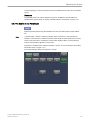
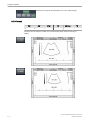
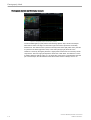
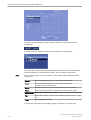
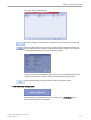
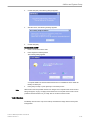
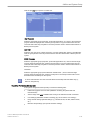
Result Position Mode dependent:
If desired, set the check mark and then adjust the
measurement result location on the monitor display:
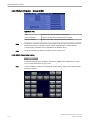
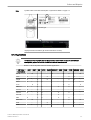
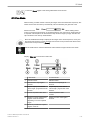
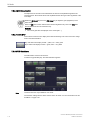
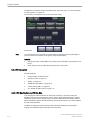
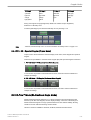
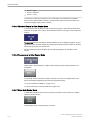
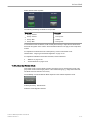
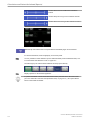
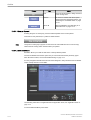
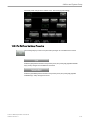
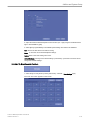
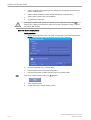
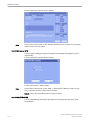
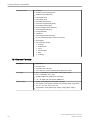
Result Position 2D
Choose the position from the pull-down menu.
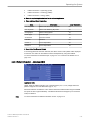
Result Position M
Choose the position from the pull-down menu.
Result Position of Doppler
Choose the position from the pull-down menu.
Voluson™ E8/E8 Expert Basic User Manual
H48691CF Revision 2