1
Connections
IEC60601 incl. national deviations. For computer networks there are media converters
available which convert the electrical to optical signals. Please consider that this converter has
to comply with IEC xxx standards and is battery operated or connected to the isolated mains
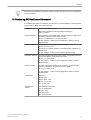
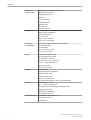
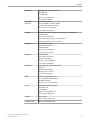
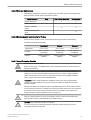
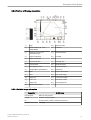
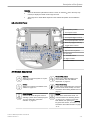
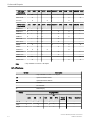
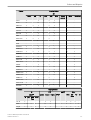
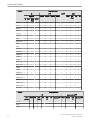
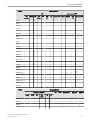
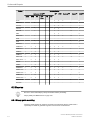
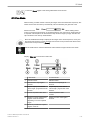
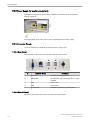
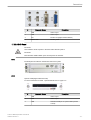
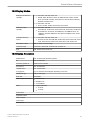
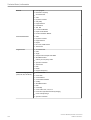
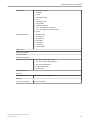
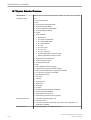
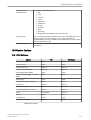
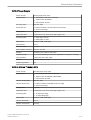
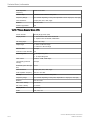
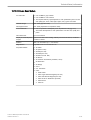
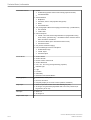
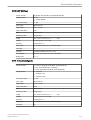
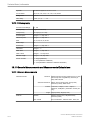
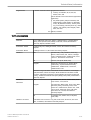
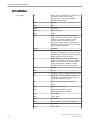
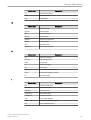
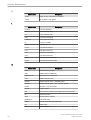
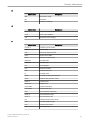
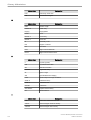
output of the Voluson™ E8/E8 Expert. review: 'Connector Panels' on page 17-6 .
Additionally the IEC60601 requires control measurement of leakage currents.
The system integrator (any person connecting the medical device to other devices) is
responsible that the connections are safe.
IEC XXX Stands for standards such as: IEC 60601 for medical devices IEC 60950 for
information technology equipment etc.
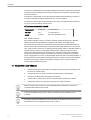
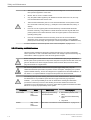
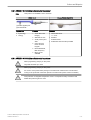
17.1.1 Important Notes: Connecting Auxiliary Equipment
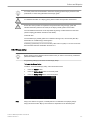
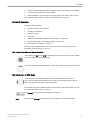
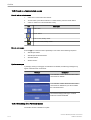
The ultrasound system provides standard LAN network connectivity.
Possible loss of data during transfer via network from the ultrasound system.
For USB connections, a separation device has to be used.
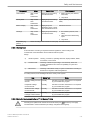
The leakage current of the entire system including any / all auxiliary equipment must not
exceed the limit values as per IEC 60601 resp. other valid national or international standards.
All equipment must comply with relevant UL, CSA and IEC requirements.
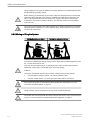
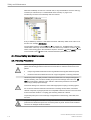
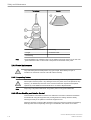
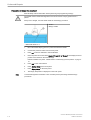
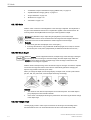
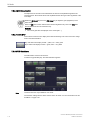
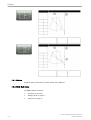
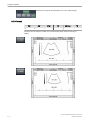
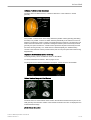
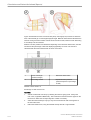
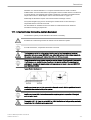
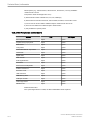
Please observe that some printers may not be medical devices! If the Bluetooth Printer and/or
Line Printers are no medical devices, they have to be located outside of the typical patient
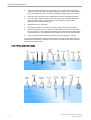
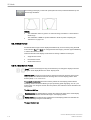
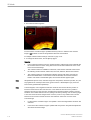
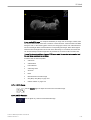
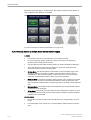
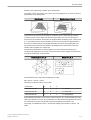
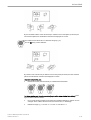
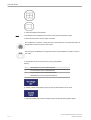
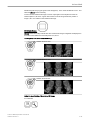
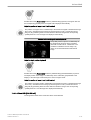
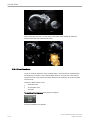
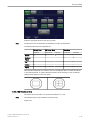
environment. Examples for typical patient environments can be found in standard IEC 60601
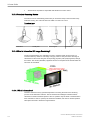
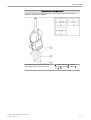
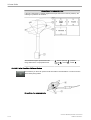
(see illustrations below).
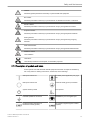
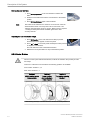
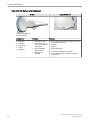
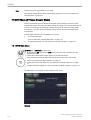
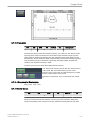
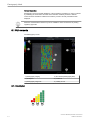
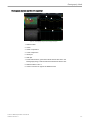
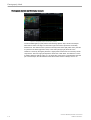
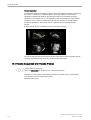
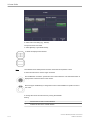
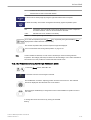
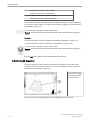
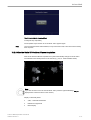
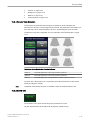
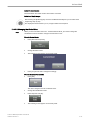
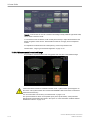
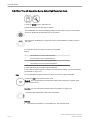
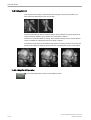
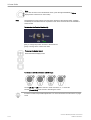
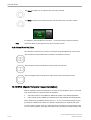
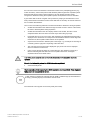
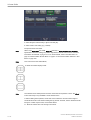
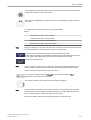
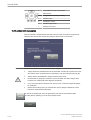
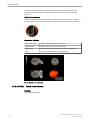
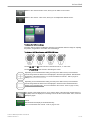
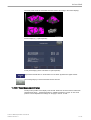
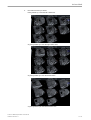
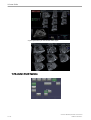
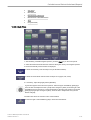
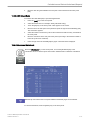
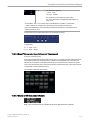
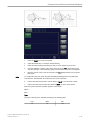
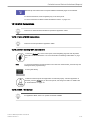
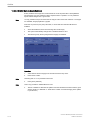
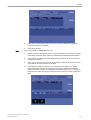
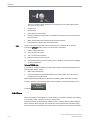
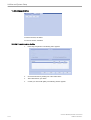
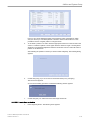
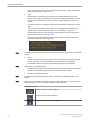
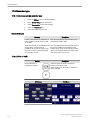
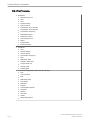
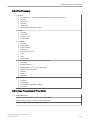
Typical Patient Environment:
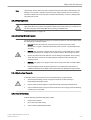
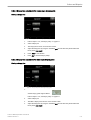
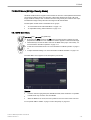
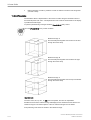
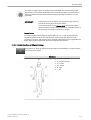
Auxiliary equipment must only be connected to the main console with the special mains outlet
provided for the electrical safety of the system.
Auxiliary equipment with direct mains connection requires galvanic separation of the signal
and / or control leads.
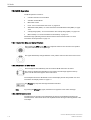
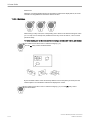
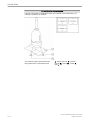
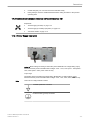
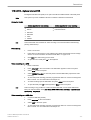
The outlets AUX 1, 2, 3 may be set to 230V or 115V. Modification of voltage setting must only
be performed by authorized service personnel!
Voluson™ E8/E8 Expert Basic User Manual
H48691CF Revision 2
17-3