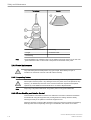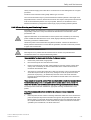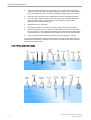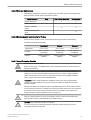
1
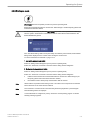
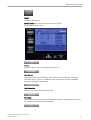
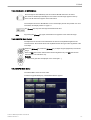
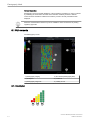
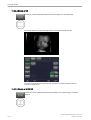
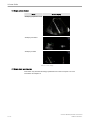
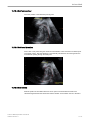
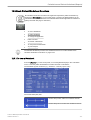
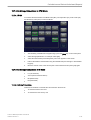
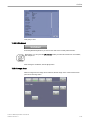
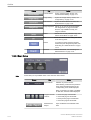
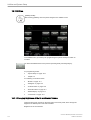
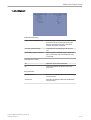
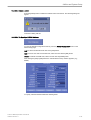
Volume Mode
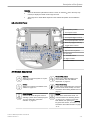
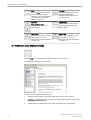
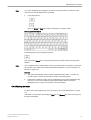
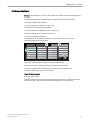
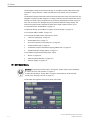
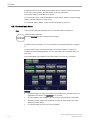
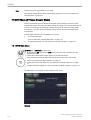
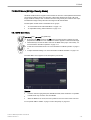
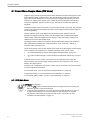
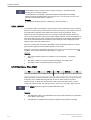
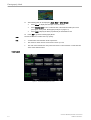
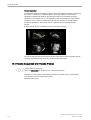
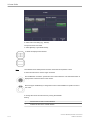
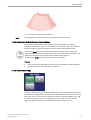
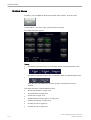
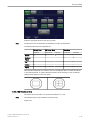
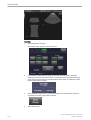
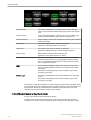
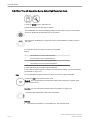
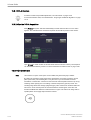
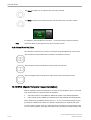
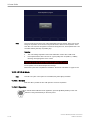
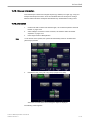
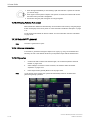
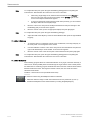
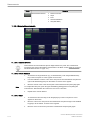
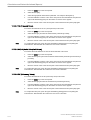
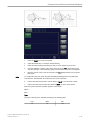
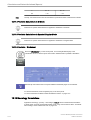
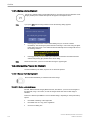
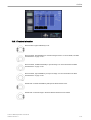
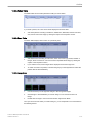
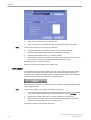
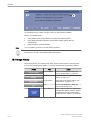
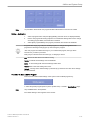
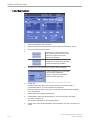
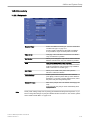
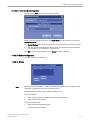
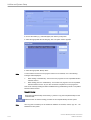
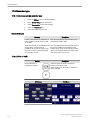
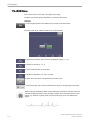
The 3D image as well as the sectional image can be varied by their aspect ratio by turning the
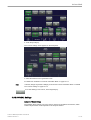
[Zoom] control.
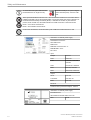
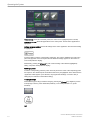
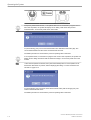
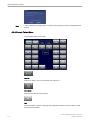
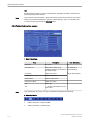
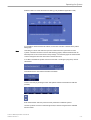
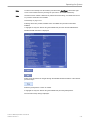
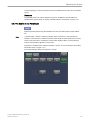
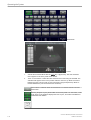
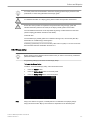
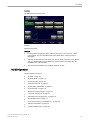
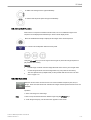
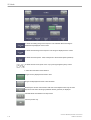
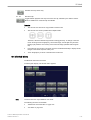
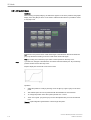
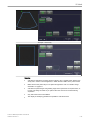
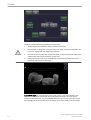
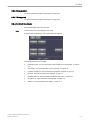
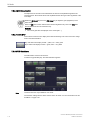
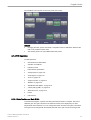
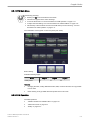
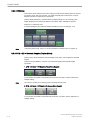
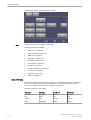
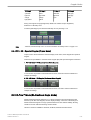
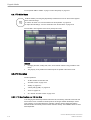
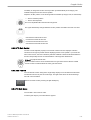
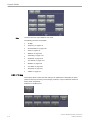
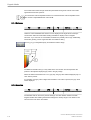
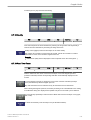
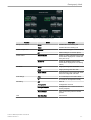
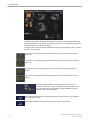
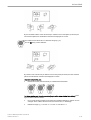
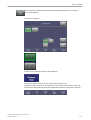
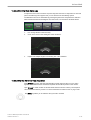
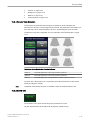
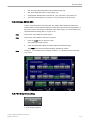
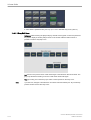
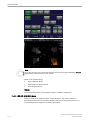
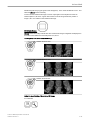
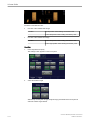
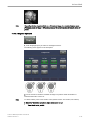
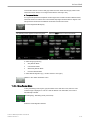
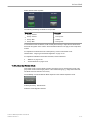
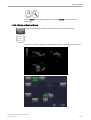
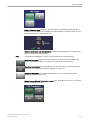
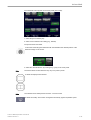
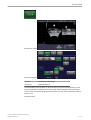
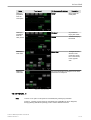
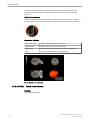
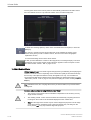
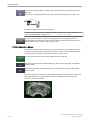
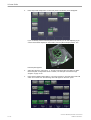
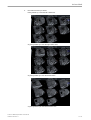
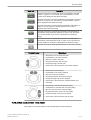
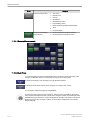
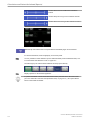
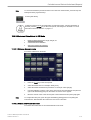
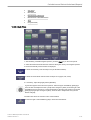
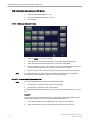
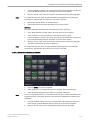
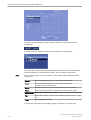
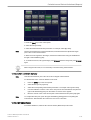
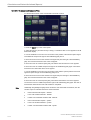
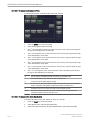
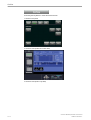
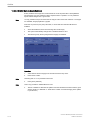
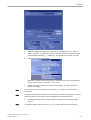
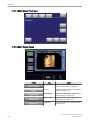
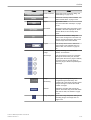
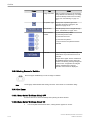
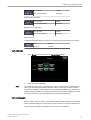
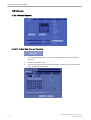
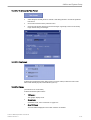
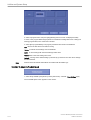
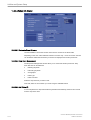
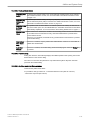
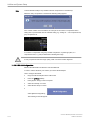
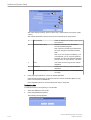
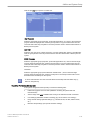
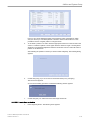
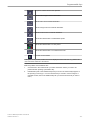
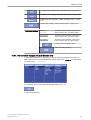
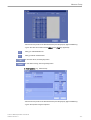
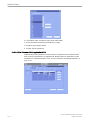
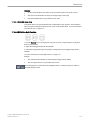
Select a reference image A, B, C or 3D.
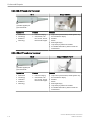
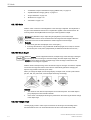
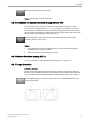
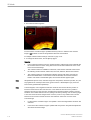
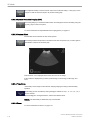
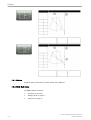
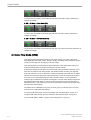
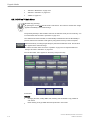
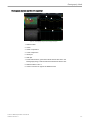
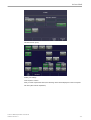
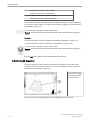
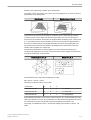
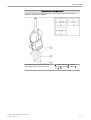
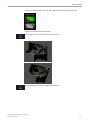
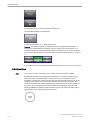
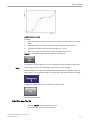
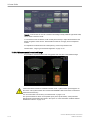
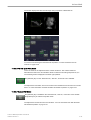
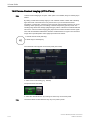
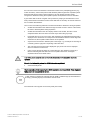
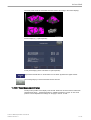
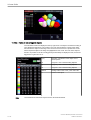
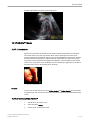
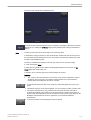
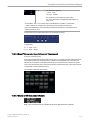
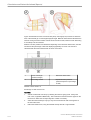
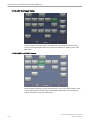
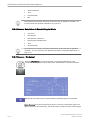
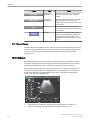
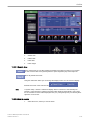
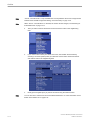
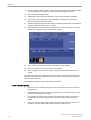
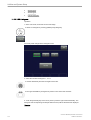
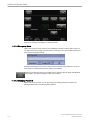
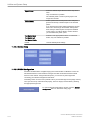
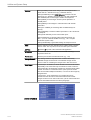
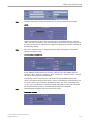
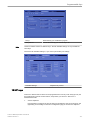
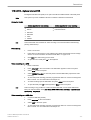
The selected reference image is sectional plane A:
The spatial position of plane A in relationship to
the displayed 3D image is always vertical and
also perpendicular to the 3D image display.
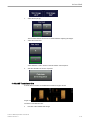
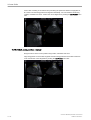
Therefore the position of image A is indicated
by means of a vertical green line within the 3D
image.
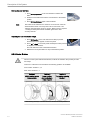
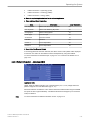
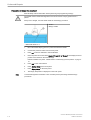
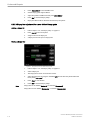
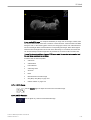
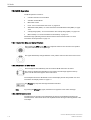
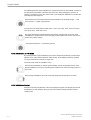
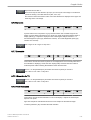
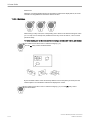
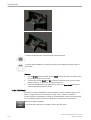
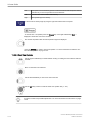
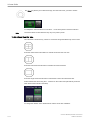
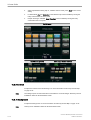
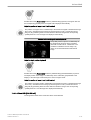
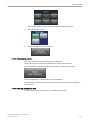
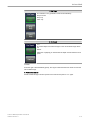
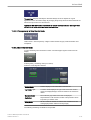
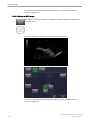
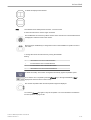
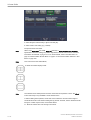
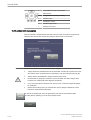
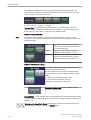
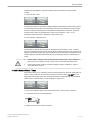
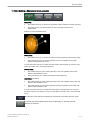
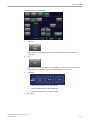
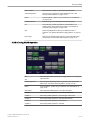
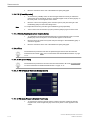
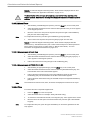
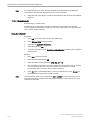
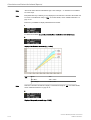
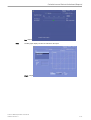
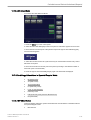
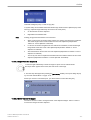
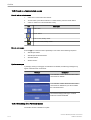
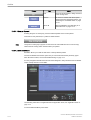
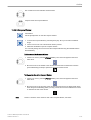
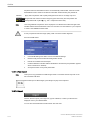
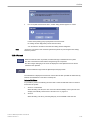
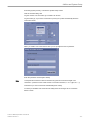
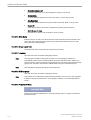
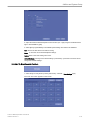
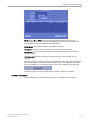
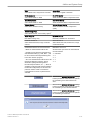
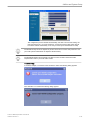
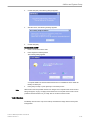
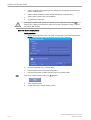
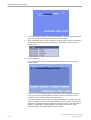
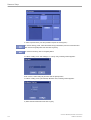
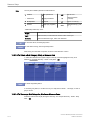
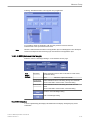
Adjust the position of the green line within the 3D-image
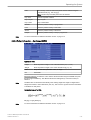
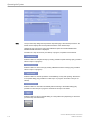
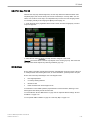
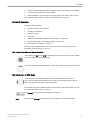
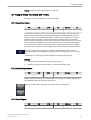
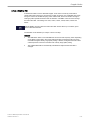
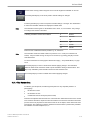
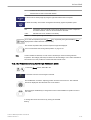
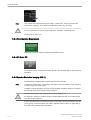
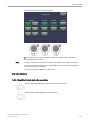
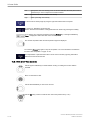
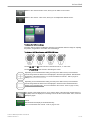
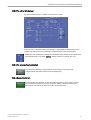
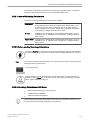
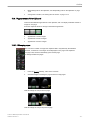
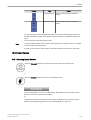
Parallel shift control [Parallel shift] enables a parallel shifting (left/right) of the green line and
the corresponding parallel planes of image A will be displayed automatically.
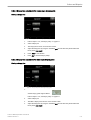
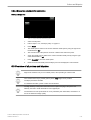
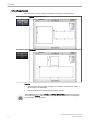
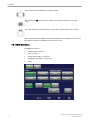
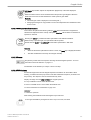
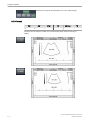
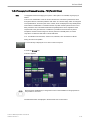
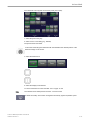
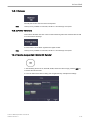
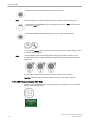
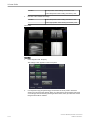
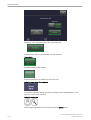
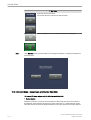
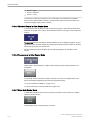
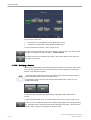
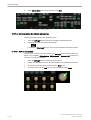
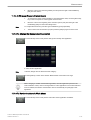
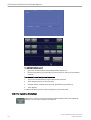
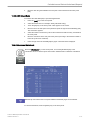
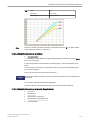
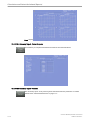
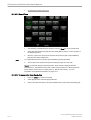
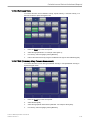
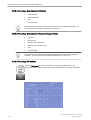
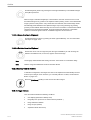
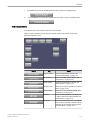
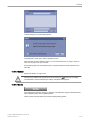
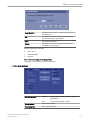
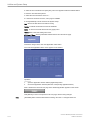
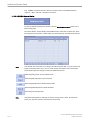
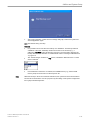
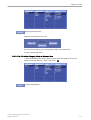
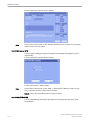
Adjust the position of image B and C with trackball
The position of image B and C in relationship to the reference image A is determined through
the Y-axis (= intersection line for image B) and through the X-axis (= intersection line for
image C). By positioning these two axes within the reference image the corresponding
parallel planes of B- and C-images are displayed automatically.
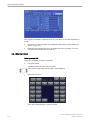
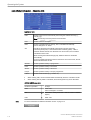
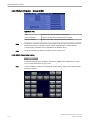
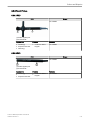
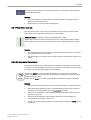
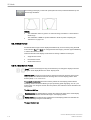
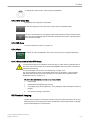
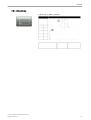
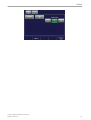
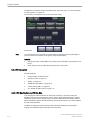
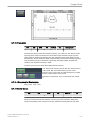
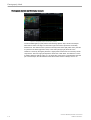
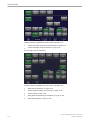
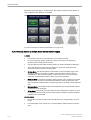
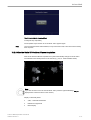
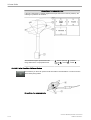
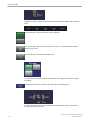
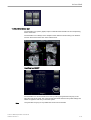
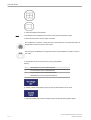
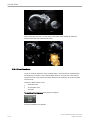
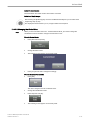
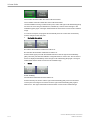
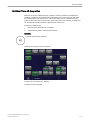
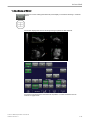
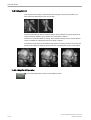
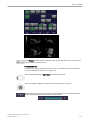
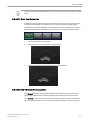
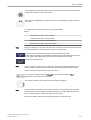
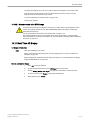
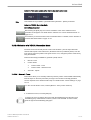
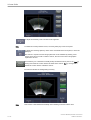
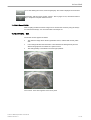
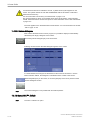
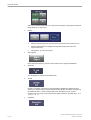
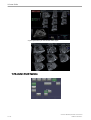
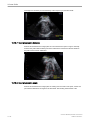
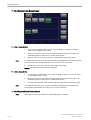
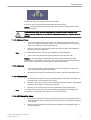
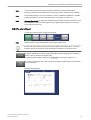
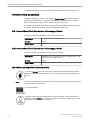
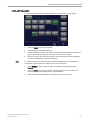
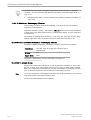
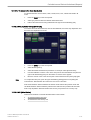
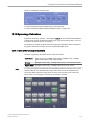
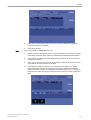
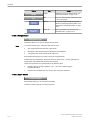
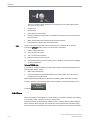
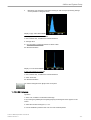
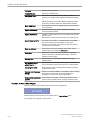
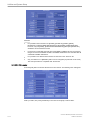
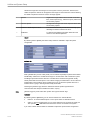
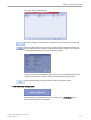
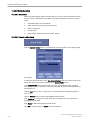
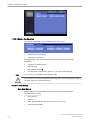
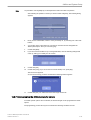
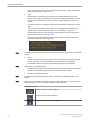
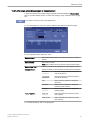
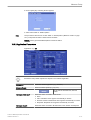
The selected reference image is sectional plane B
The spatial position of plane B in relationship to
the displayed 3D image is always horizontal and
also perpendicular to the 3D image display.
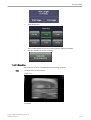
Therefore the position of image B is indicated
by means of a horizontal green line within the
3D image.
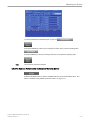
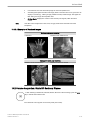
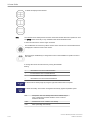
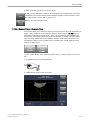
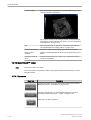
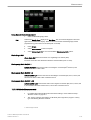
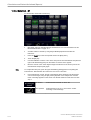
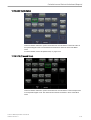
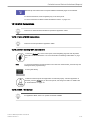
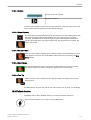
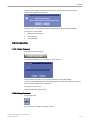
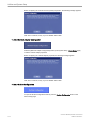
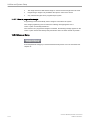
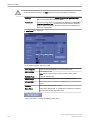
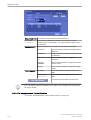
Adjust the position of the green line within the 3D image
10-56
Voluson™ E8/E8 Expert Basic User Manual
H48691CF Revision 2