1
Publishing a Contract | 195
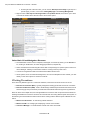
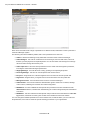
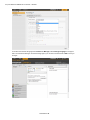
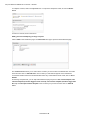
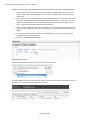
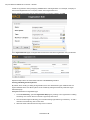
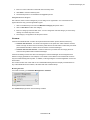
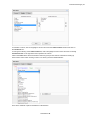
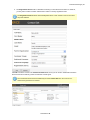
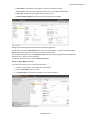
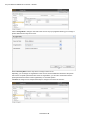
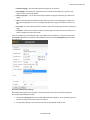
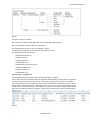
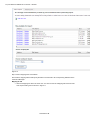
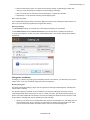
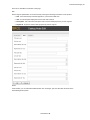
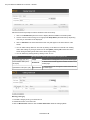
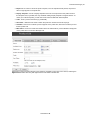
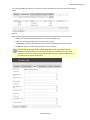
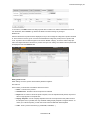
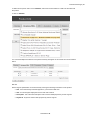
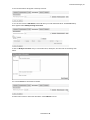
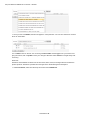
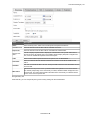
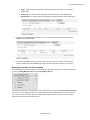
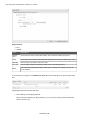
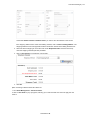
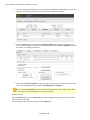
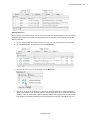
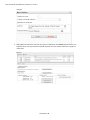
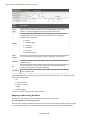
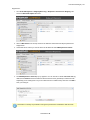
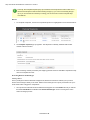
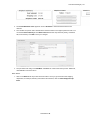
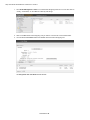
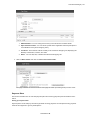
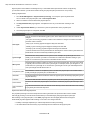
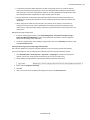
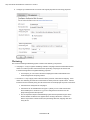
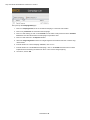
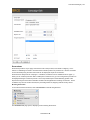
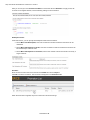
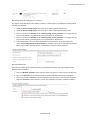
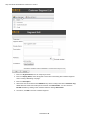
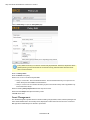
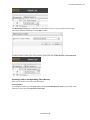
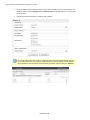
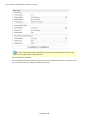
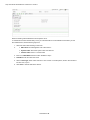
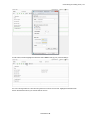
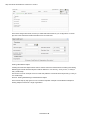
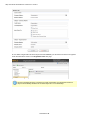
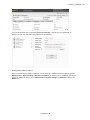
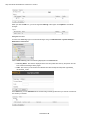
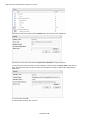
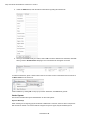
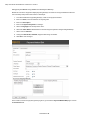
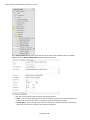
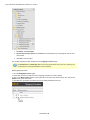
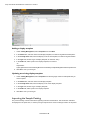
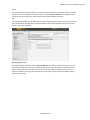
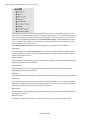
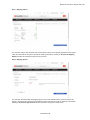
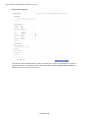
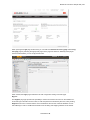
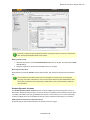
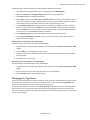
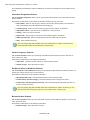
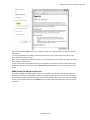
When the Edit Currency Rate Information popup appears, enter in:
l To Currency - select from the drop-down the Currency to convert to from the current currency.
l End of Date Rate - enter in the End of Day rate.
l Average Rate - enter in the Average rate.
l Currency Rate Date - enter in a Currency Rate Date.
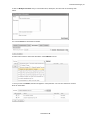
Then click on Save Changes.
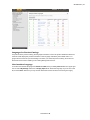
Setting Your Default Language, Currency and Units
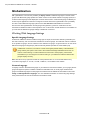
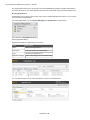
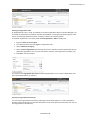
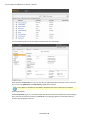
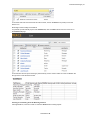
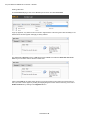
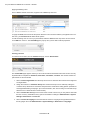
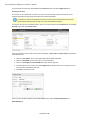
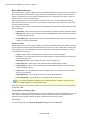
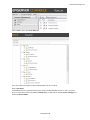
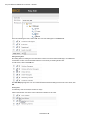
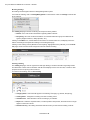
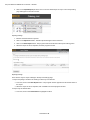
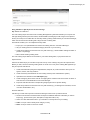
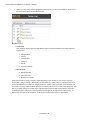
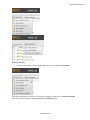
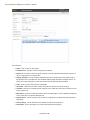
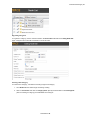
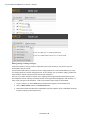
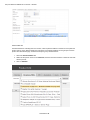
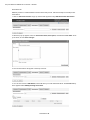
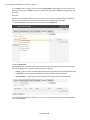
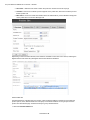
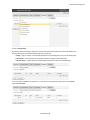
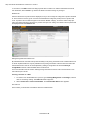
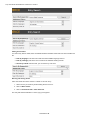
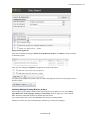
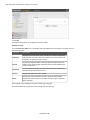
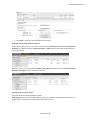
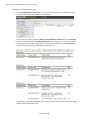
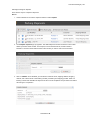
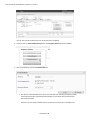
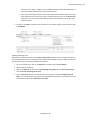
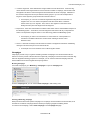
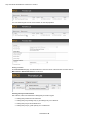
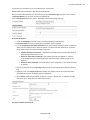
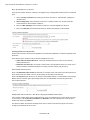
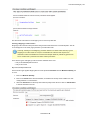
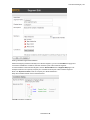
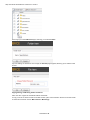
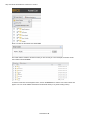
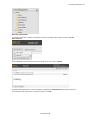
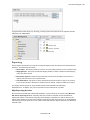
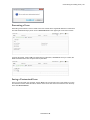
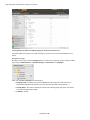
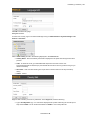
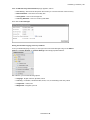
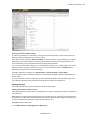
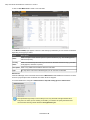
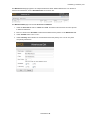
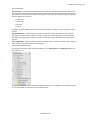
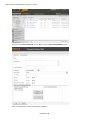
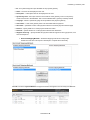
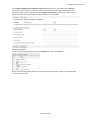
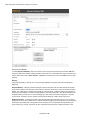
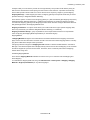
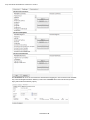
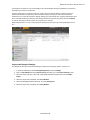
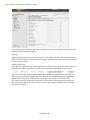
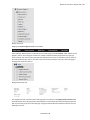
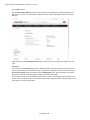
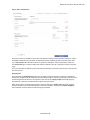
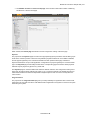
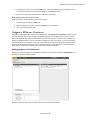
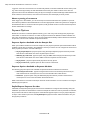
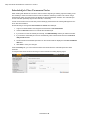
To set your default language, currency or unit, login to the Commerce Manager and go to the Administration --> System Settings --> Common Settings and make appropriate selection. Out of the box, you have the following options:
l Language - English, German, Spanish, French
l Currency - US dollars, Canadian dollars, Euros, Yen, Pound sterlings and many others
l Length units - meters, feet
l Weight units - kilograms, pounds
© EPiServer AB