1
242 | User Guide for EPiServer Commerce 1 R2 SP1
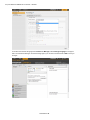
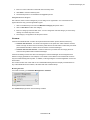
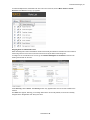
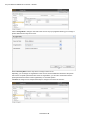
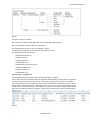
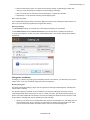
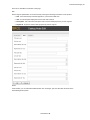
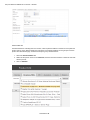
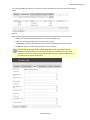
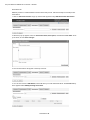
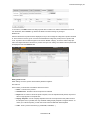
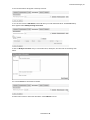
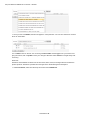
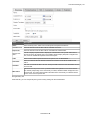
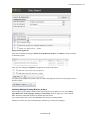
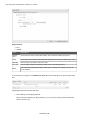
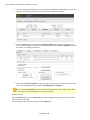
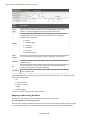
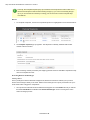
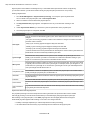
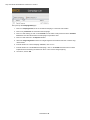
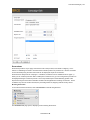
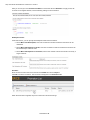
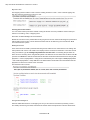
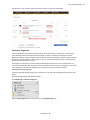
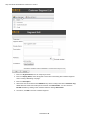
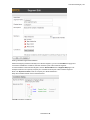
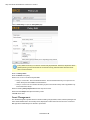
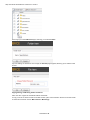
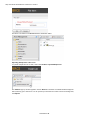
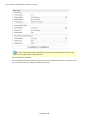
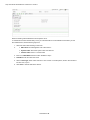
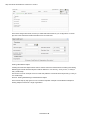
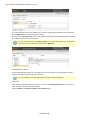
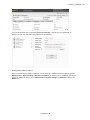
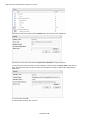
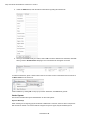
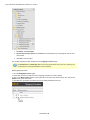
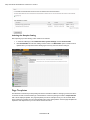
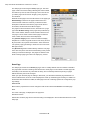
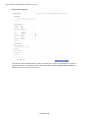
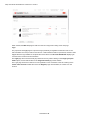
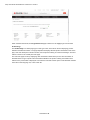
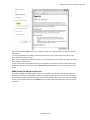
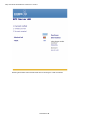
When created in Edit mode, the Forgot Password page is defined on the Login page of the website.
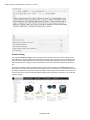
Product Page
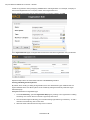
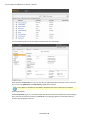
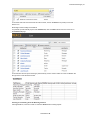
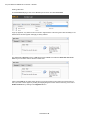
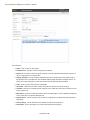
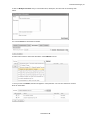
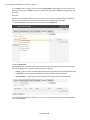
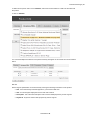
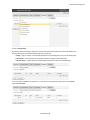
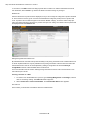
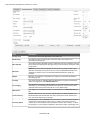
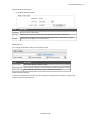
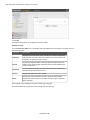
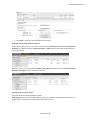
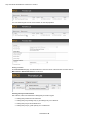
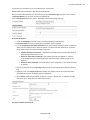
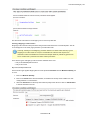
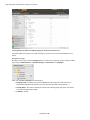
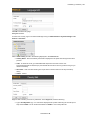
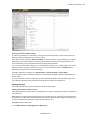
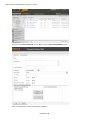
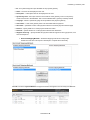
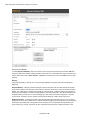
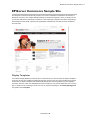
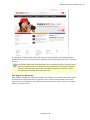
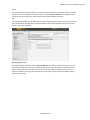
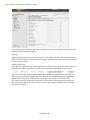
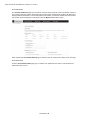
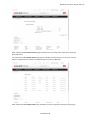
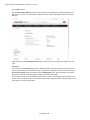
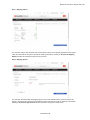
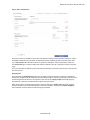
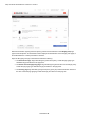
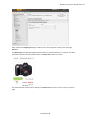
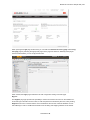
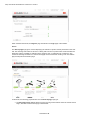
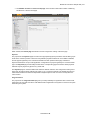
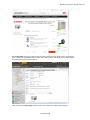
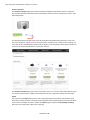
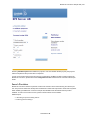
The Product Page is a central page type on this type of site, since this is used for displaying product details and related information. The page template will display selected product information such as display name and description and item number, from the product catalog of Commerce Manager. This information is shown in the central part of the page.
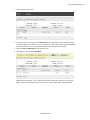
The rest of the page is built up displaying other information related to the product. The information is selected based on type of product and meta data available in the product catalog. Stock status information for the product item is displayed. From here the customer has the option to add selected numbers of the item to the shopping cart, or to the wish list.
© EPiServer AB