1
Chapter 2: Getting Started With Quantum vmPRO
Modify Your Configuration
Add an ESX Server
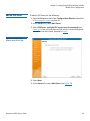
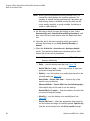
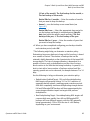
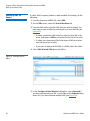
To add an ESX Server, do the following:
1 Open the Servers section of the Configuration Wizard as described
in Accessing the Servers on page 42.
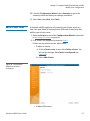
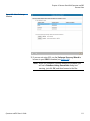
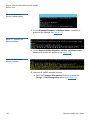
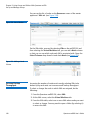
2 At the Servers list, select Add Server.
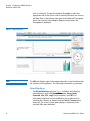
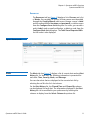
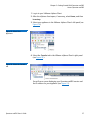
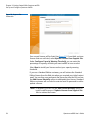
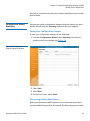
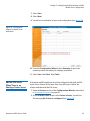
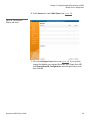
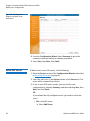
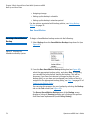
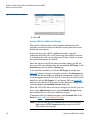
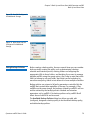
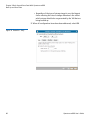
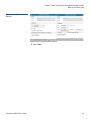
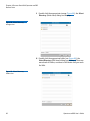
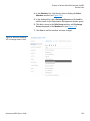
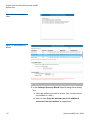
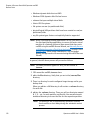
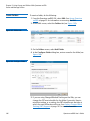
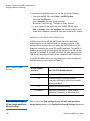
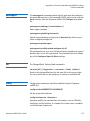
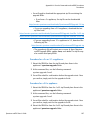
3 Select ESX Server (multiple ESX servers may be managed) (see
Figure 37). If you currently have an ESX server or servers configured,
you will not see this screen, proceed to Step 6.
Figure 37 Configuration
Wizard: Select Server Type
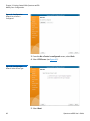
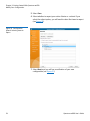
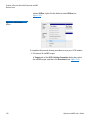
4 Select Next.
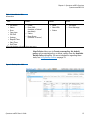
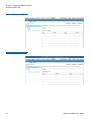
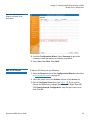
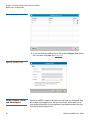
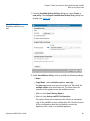
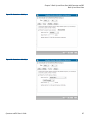
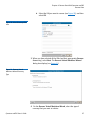
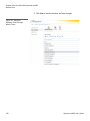
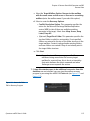
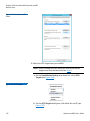
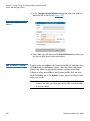
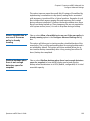
5 At the Servers list, select Add Server (see Figure 38).
Quantum vmPRO User’s Guide
45