1
Chapter 5: Using Groups and Folders With Quantum vmPRO
Create and Manage Folders
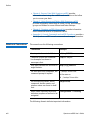
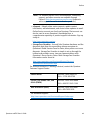
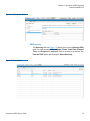
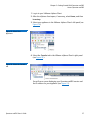
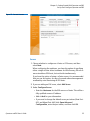
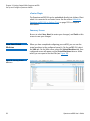
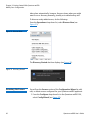
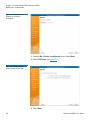
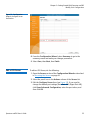
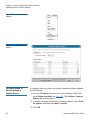
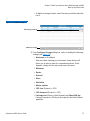
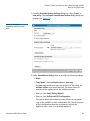
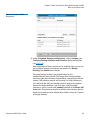
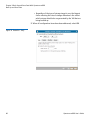
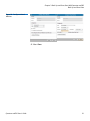
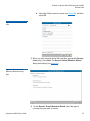
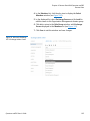
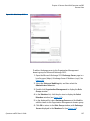
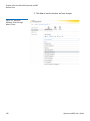
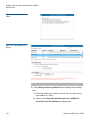
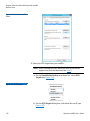
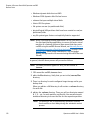
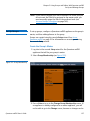
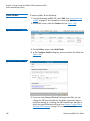
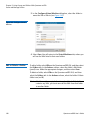
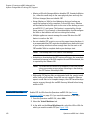
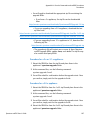
5 In the Configure Virtual Machine dialog box, select the folder to
move the VM or VMs to (see Figure 146).
Figure 146 Configure Virtual
Machine
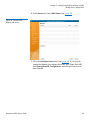
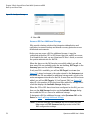
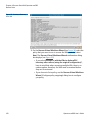
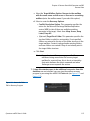
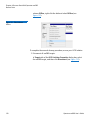
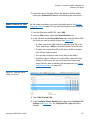
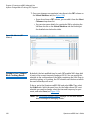
6 Select Save. You will return to the Virtual Machines tab, where you
will see the VMs listed in their new folders.
Edit or Delete a Folder
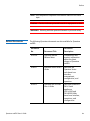
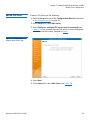
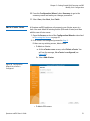
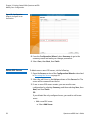
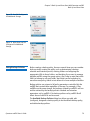
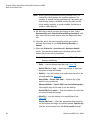
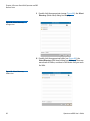
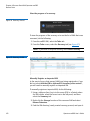
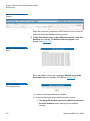
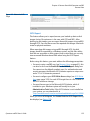
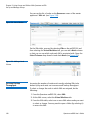
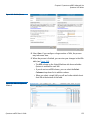
To edit a folder, select VMs on the Quantum vmPRO GUI, and then select
the Folders tab. In the Actions column, select the folder’s Edit folder
(pencil) icon. Make the appropriate changes, and then select Save.
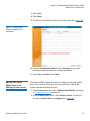
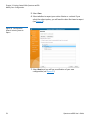
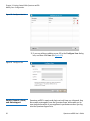
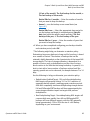
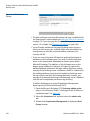
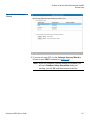
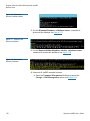
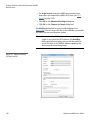
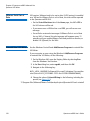
To delete a folder, select VMs on the Quantum vmPRO GUI, and then
select the Folders tab. In the Actions column, select the folder’s Delete
folder icon (red X).
Note: A folder must be empty before it can be deleted. If the folder
contains any VMs, you must move all the VMs from that folder
to another folder.
148
Quantum vmPRO User’s Guide