1
166/396
MxCC User Manual: System Configuration
Status Icons and Focus Windows
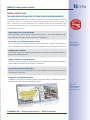
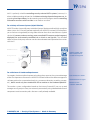
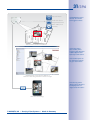
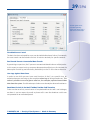
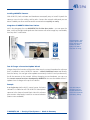
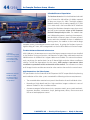
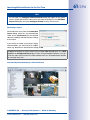
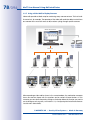
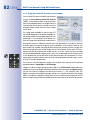
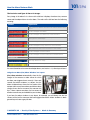
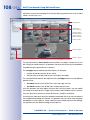
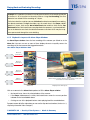
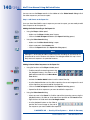
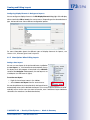
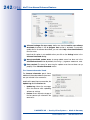
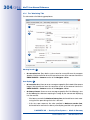
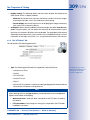
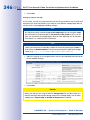
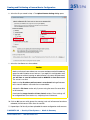
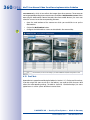
Unlike in grid layouts, which only accept one focus window, background windows can
have more than one focus window. By clicking first on a focus window and then on a
status icon, you can dynamically assign different MOBOTIX cameras to the focus windows:
1
2
3
4
5
6
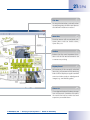
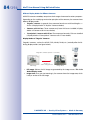
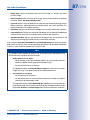
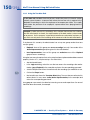
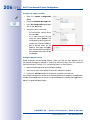
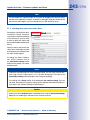
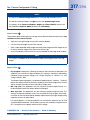
To show the camera of a status icon in a focus window:
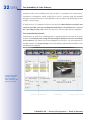
1 Click on the focus window to select it.
2 Click on the status icon to display the camera.
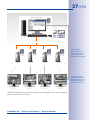
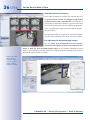
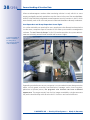
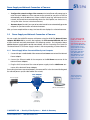
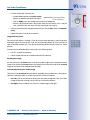
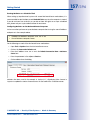
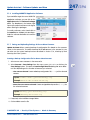
Repeat clicking on a focus window, then on a status icon to see the corresponding live
stream in the focus window.
© MOBOTIX AG • Security-Vision-Systems • Made in Germany
www.mobotix.com • [email protected]