1
HP/ElectraLink DTS - Toolset On-line User Guide – D-FlowMaster
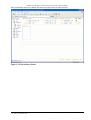
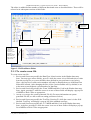
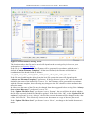
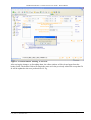
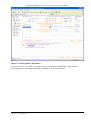
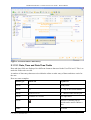
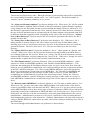
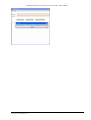
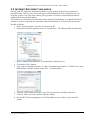
Figure 2-16 D-FlowMaster Data Entry
2.1.12.1 Date, Time and Date-Time Fields
Date and time fields are displayed in a different format to that used in the User File itself. This is to
make the fields easier to read.
A number of data-entry shortcuts exist within the editor to make entry of dates and times easier for
the user.
Here are some examples:
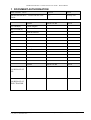
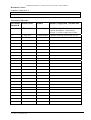
Field Type
Short-cut
Equates to
DATE
T
Todays date
DATE
12
12th day of the current month
DATE
12.03 or 12 03
12th March of the current year
DATE
12.04.05 or 12 04 05
12th April 2005
DATE
TIME
Invokes a calendar pop-up
which can be used to choose a
date.
7
07:00:00
11/07/2011
Copyright © 2003, 2004-2010 Hewlett-Packard Development Company, L.P.
User_Guide - D-FlowMaster.docx
Page 21 of 36