1
Appendix A: Ramp Soak
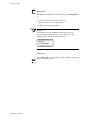
Resetting a profile
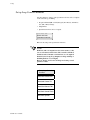
Use this menu to reset a profile. When you reset a profile, the following
happens:
• The profile returns to the ready segment. The PV goes to the ready
setpoint, and the ready segment events go to the state you specified
in the Edit Ready Event State menu.
• The controller shows you the Assign Profile menu in case you would
like to assign a different profile to the loop.
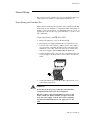
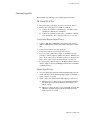
To reset a profile, follow these steps:
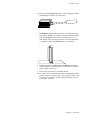
1.
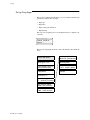
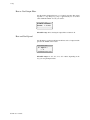
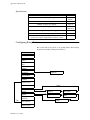
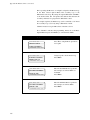
Press RAMP/SOAK key repeatedly until you see the R/S mode
menu
2.
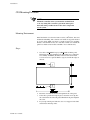
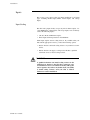
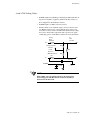
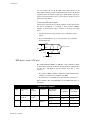
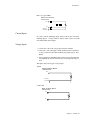
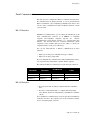
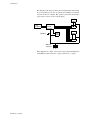
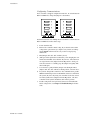
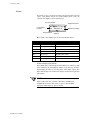
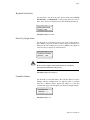
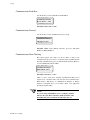
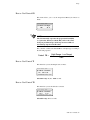
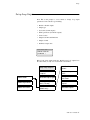
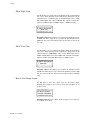
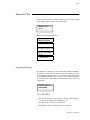
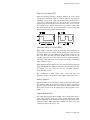
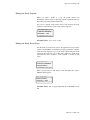
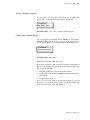
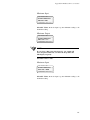
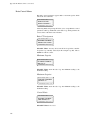
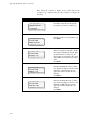
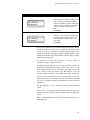
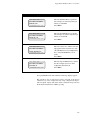
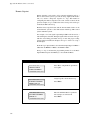
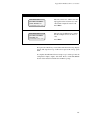
Press the NO key. You should see the menu below.
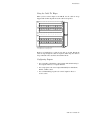
3.
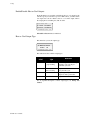
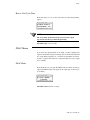
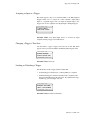
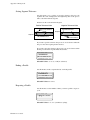
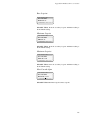
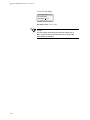
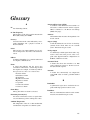
Press YES to reset the profile, and then ENTER to confirm your
choice.:
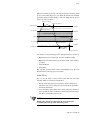
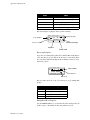
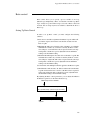
LOOP
PROCESS
UNITS
01 A SEG01/05 R
SET MODE? RESET
ALARM SETPOINT
STATUS
OUT%
CLS User’s Guide 135