1
Appendix B: Enhanced Process Control
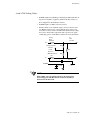
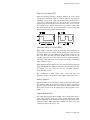
Remote Setpoint
Remote Setpoint can be used to allow external equipment, such as a
PLC or other control system, to provide an analog output (4-20 mA, 0-5
Vdc, etc.) used to change the setpoint of a loop. The method of
configuring the Remote Setpoint is the same as Ratio Control. In the
previous example, loop 1 would be the remote analog value and loop 2
would be the PID control loop.
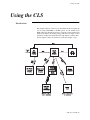
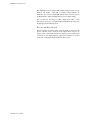
Both the remote setpoint feature and the PV retransmit feature can be
used with PLC systems as the link between multi-loop PID control
systems and PLC systems.
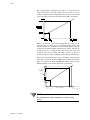
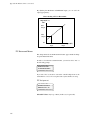
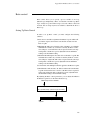
For example, a 0-5 Vdc signal representing 0-300 ºF will be used as a
remote SP input to the CLS. The input signal will be received on Loop 1
with the control being performed on Loop 2. Note that proper scaling
resisters must be installed on the input of Loop 1 to allow it to accept a
0-5Vdc input.
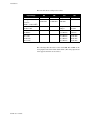
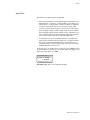
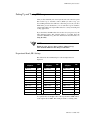
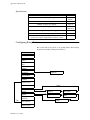
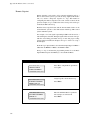
From the loop 1 input channel, select the Linear Input Type. Set HiPV =
300, LoPV =0, HiRDG = 100.0%, and LoRDG = 0.0%.
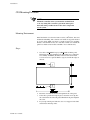
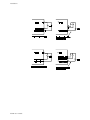
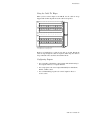
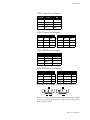
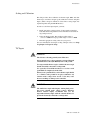
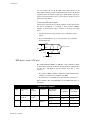
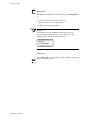
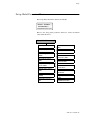
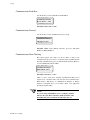
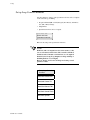
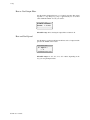
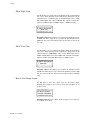
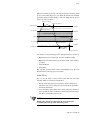
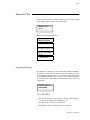
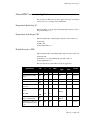
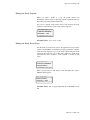
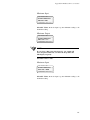
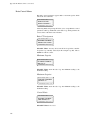
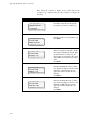
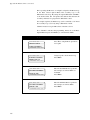
Next go to loop 2 and enter the programming menus. Go to the Ratio
Option Menu and press the YES key to select the Ratio Menu.
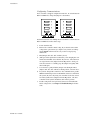
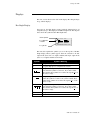
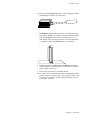
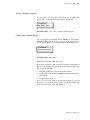
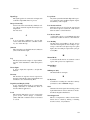
Display
LOOP
PROCESS
User Input
UNITS
SETUP LOOP 02
RATIO CONTROL?
ALARM SETPOINT
LOOP
PROCESS
STATUS
OUT%
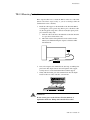
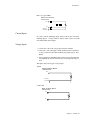
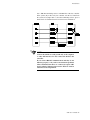
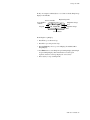
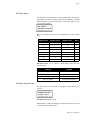
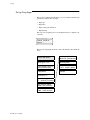
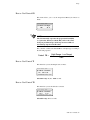
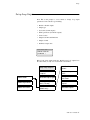
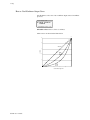
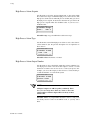
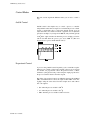
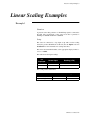
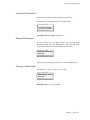
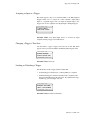
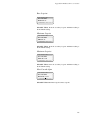
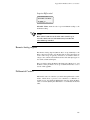
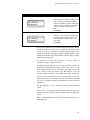
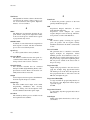
Assign loop 01 to be the master loop.
UNITS
02 RATIO CONTROL
MSTR LOOP? 01
ALARM SETPOINT
STATUS
LOOP
UNITS
PROCESS
158
STATUS
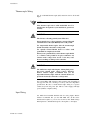
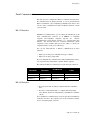
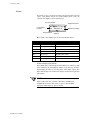
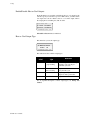
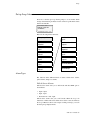
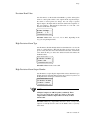
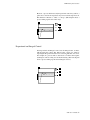
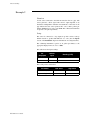
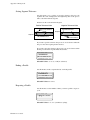
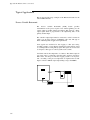
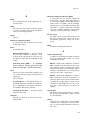
Press Enter.
OUT%
02 RATIO CONTROL
MIN SP? 0
ALARM SETPOINT
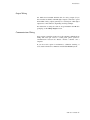
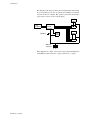
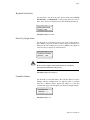
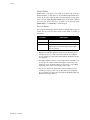
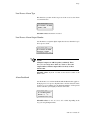
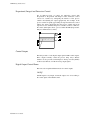
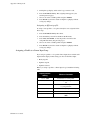
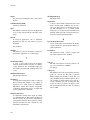
Press Yes to setup the Ratio parameters
for loop 02.
OUT%
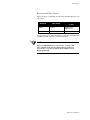
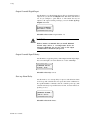
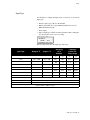
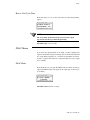
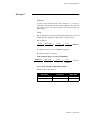
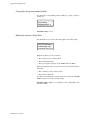
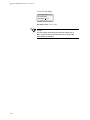
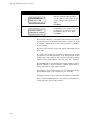
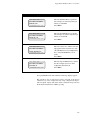
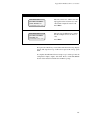
Enter the minimum Ratio loop SP. For
this example, we will use 0 ºF.
Press Enter.