1
19
Creating and Updating OLAP Reports
Creating an OLAP report
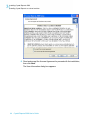
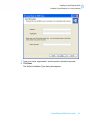
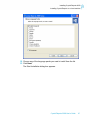
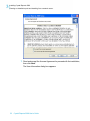
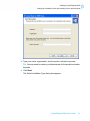
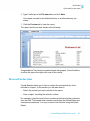
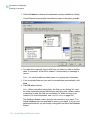
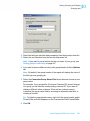
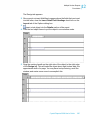
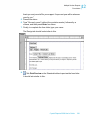
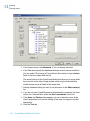
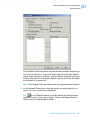
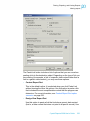
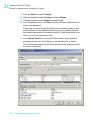
If your server isn't in the list, click Add. In the Connection Properties dialog
box, provide the server information; then click OK.
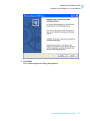
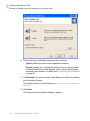
3. Select the desired cube and click Open.
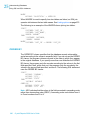
The OLAP Data screen reappears with the supplied data source
information.
4. Click Next.
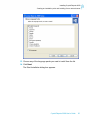
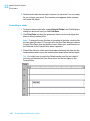
Note: You can also click "Select CAR File" on the OLAP Data screen. If you
choose this option, the Open dialog box appears. Search for a file created
in OLAP Intelligence Professional.
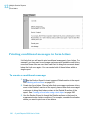
Defining the structure of the grid
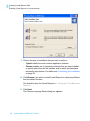
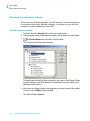
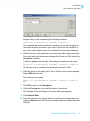
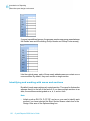
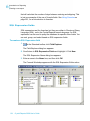
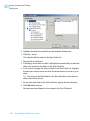
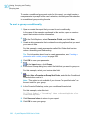
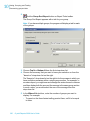
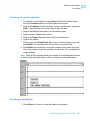
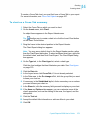
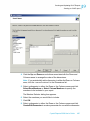
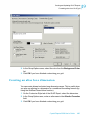
Use the Rows/Columns screen to define how your data is structured within
the grid. You can place the dimensions into either the Columns or Rows
areas.
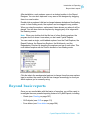
Tip: It is also possible to drag and drop the dimensions into either the Rows
or Columns area.
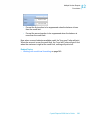
1. Select a dimension to appear in the report.
2. Click the > arrow adjacent to either the Rows or the Columns areas,
depending on where you would like the dimension to be located.
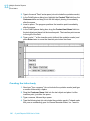
3. Continue adding dimensions to the Rows and Columns areas.
486
Crystal Reports 2008 User's Guide