1
Working with the State Space—503
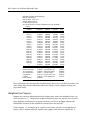
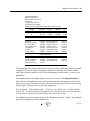
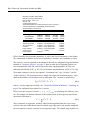
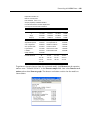
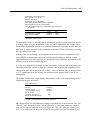
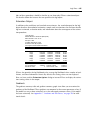
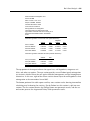
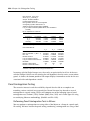
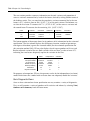
reports the maximized log likelihood value, the number of estimated parameters, and the
associated information criteria.
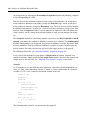
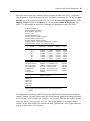
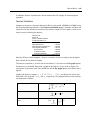
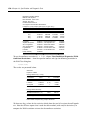
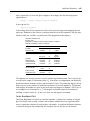
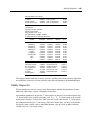
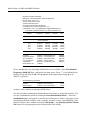
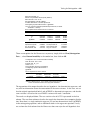
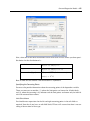
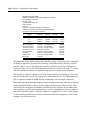
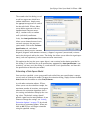
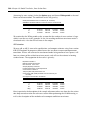
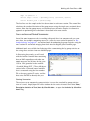
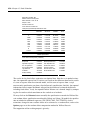
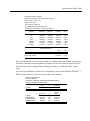
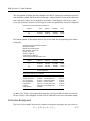
Some parts of the output, however, are new and may require discussion. The bottom section provides additional information about the handling of missing values in estimation.
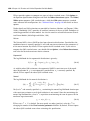
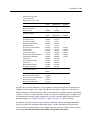
“Likelihood observations” reports the actual number of observations that are used in forming the likelihood. This number (which is the one used in computing the information criteria) will differ from the “Included observations” reported at the top of the view when
EViews drops an observation from the likelihood calculation because all of the signal equations have missing values. The number of omitted observations is reported in “Missing
observations”. “Partial observations” reports the number of observations that are included
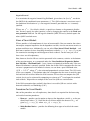
in the likelihood, but for which some equations have been dropped. “Diffuse priors” indicates the number of initial state covariances for which EViews is unable to solve and for
which there is no user initialization. EViews’ handling of initial states and covariances is
described in greater detail in “Initial Conditions” on page 509.
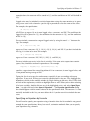
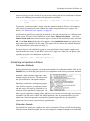
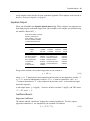
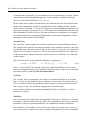
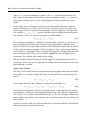
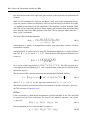
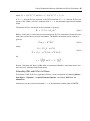
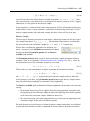
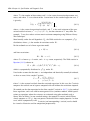
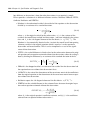
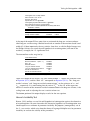
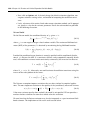
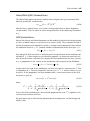
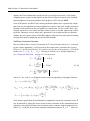
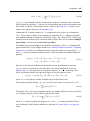
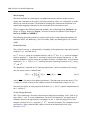
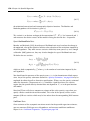
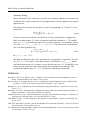
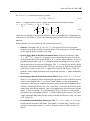
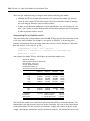
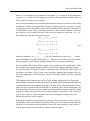
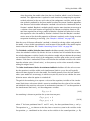
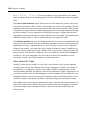
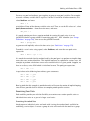
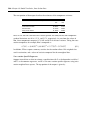
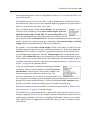
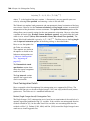
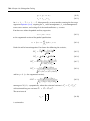
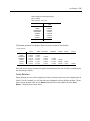
EViews also displays the final one-step ahead values of the state vector, a T + 1 T , and the
corresponding RMSE values (square roots of the diagonal elements of P T + 1 T ). For settings where you may care about the entire path of the state vector and covariance matrix,
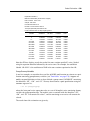
EViews provides you with a variety of views and procedures for examining the state results
in greater detail.
Working with the State Space
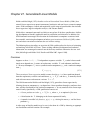
EViews provides a variety of specialized tools for specifying and examining your state space
specification. As with other estimation objects, the sspace object provides additional views
and procedures for examining the estimation results, performing inference and specification
testing, and extracting results into other EViews objects.
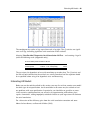
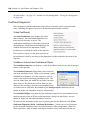
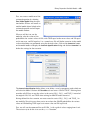
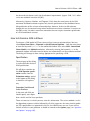
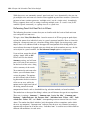
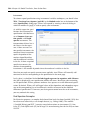
State Space Views
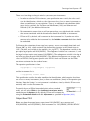
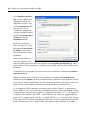
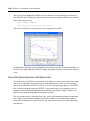
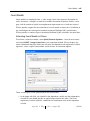
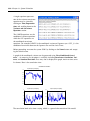
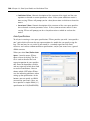
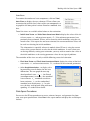
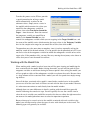
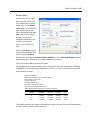
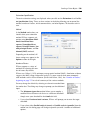
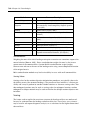
Many of the state space views should be familiar from previous discussion:
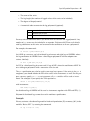
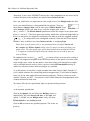
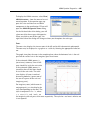
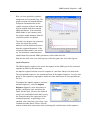
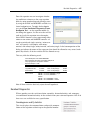
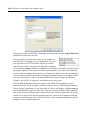
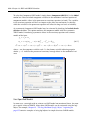
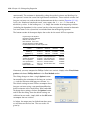
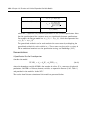
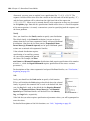
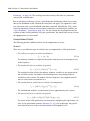
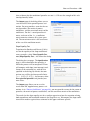
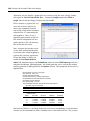
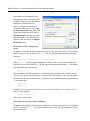
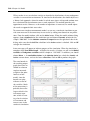
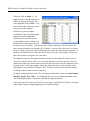
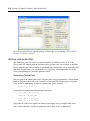
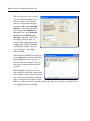
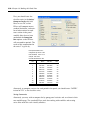
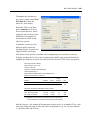
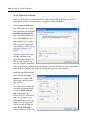
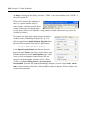
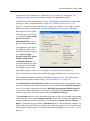
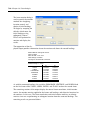
• We have already discussed the Specification... views
in our analysis of “Specification Views” on page 498.
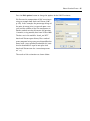
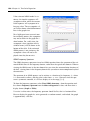
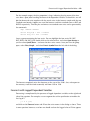
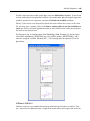
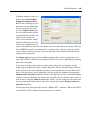
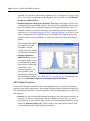
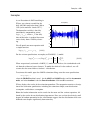
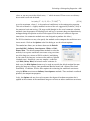
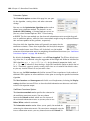
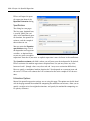
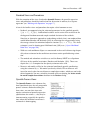
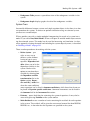
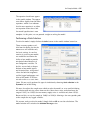
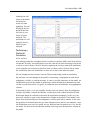
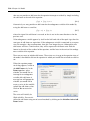
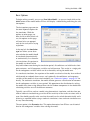
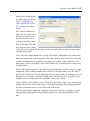
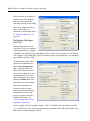
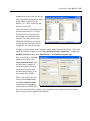
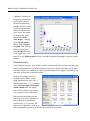
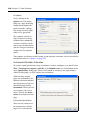
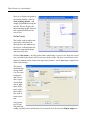
• The Estimation Output view displays the coefficient
estimates and summary statistics as described above in
“Interpreting the estimation results” on page 502. You
may also access this view by pressing Stats on the
sspace toolbar.
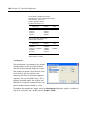
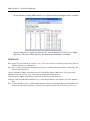
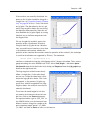
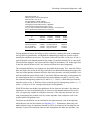
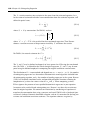
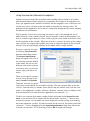
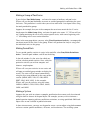
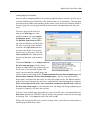
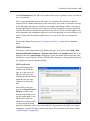
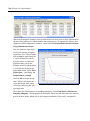
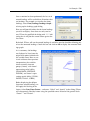
• The Gradients and Derivatives... views should be
familiar from other estimation objects. If the sspace contains parameters to be esti-