1
648—Chapter 37. Panel Estimation
Least Squares Estimation
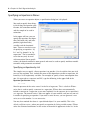
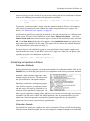
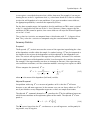
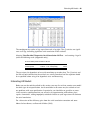
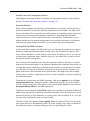
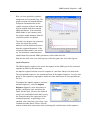
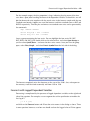
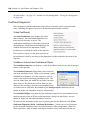
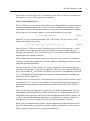
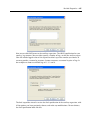
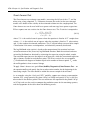
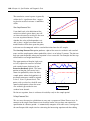
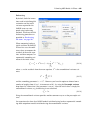
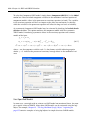
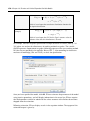
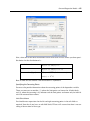
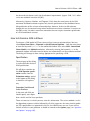
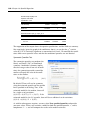
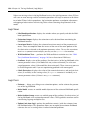
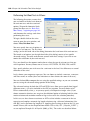
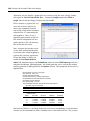
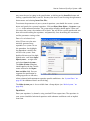
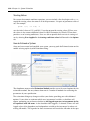
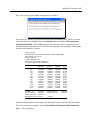
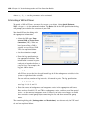
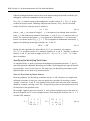
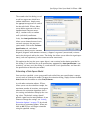
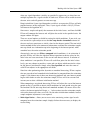
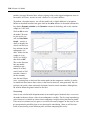
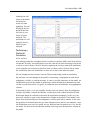
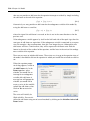
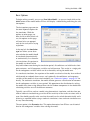
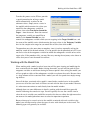
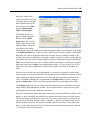
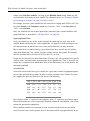
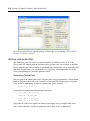
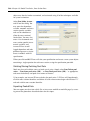
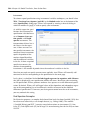
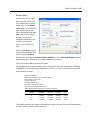
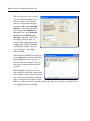
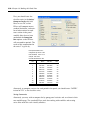
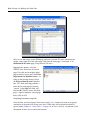
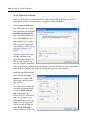
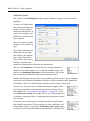
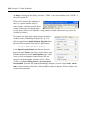
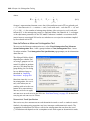
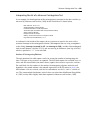
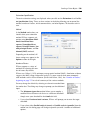
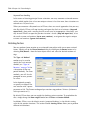
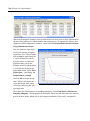
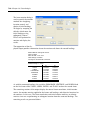
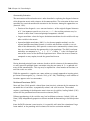
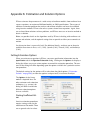
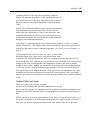
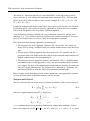
The basic least squares estimation dialog is a multi-page dialog with pages for the basic
specification, panel estimation options, and general estimation options.
Least Squares Specification
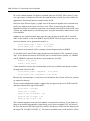
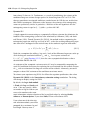
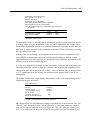
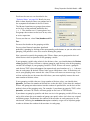
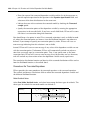
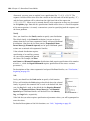
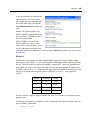
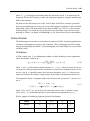
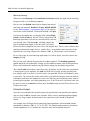
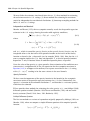
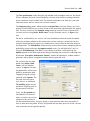
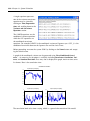
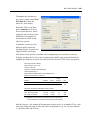
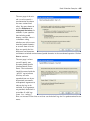
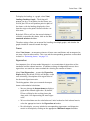
You should provide an equation specification in the upper
Equation specification edit
box, and an estimation sample in the Sample edit box.
The equation may be specified by list or by expression
as described in “Specifying an
Equation in EViews” on
page 6.
In general, most of the specifications allowed in nonpanel equation settings may
also be specified here. You
may, for example, include AR
terms in both linear and nonlinear specifications, and may include PDL terms in equations
specified by list. You may not, however, include MA terms in a panel setting.
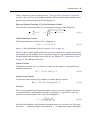
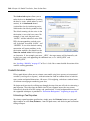
Least Squares Panel Options
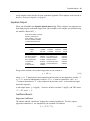
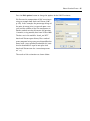
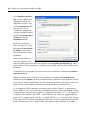
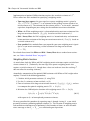
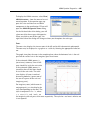
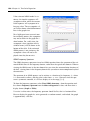
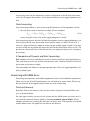
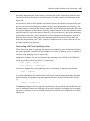
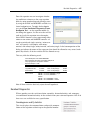
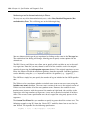
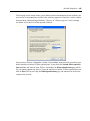
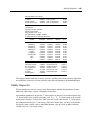
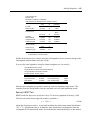
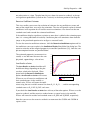
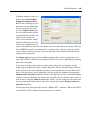
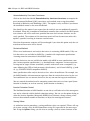
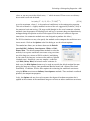
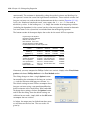
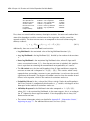
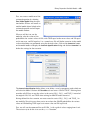
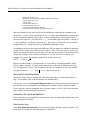
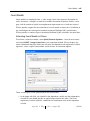
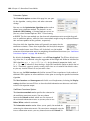
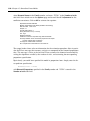
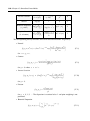
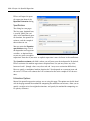
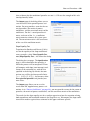
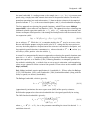
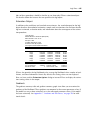
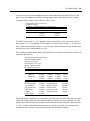
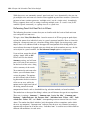
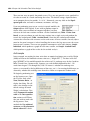
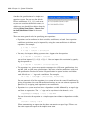
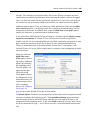
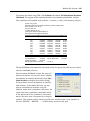
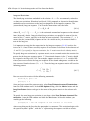
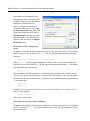
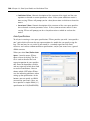
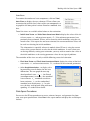
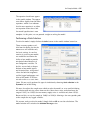
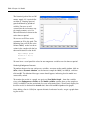
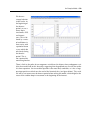
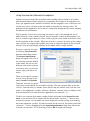
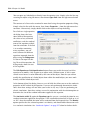
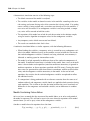
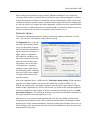
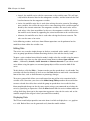
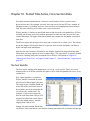
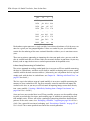
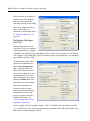
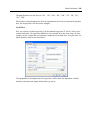
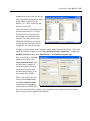
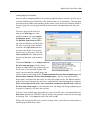
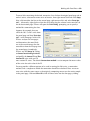
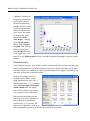
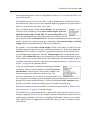
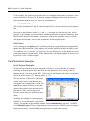
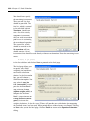
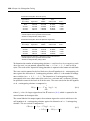
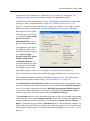
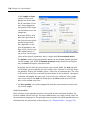
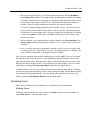
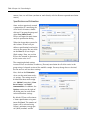
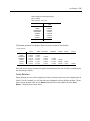
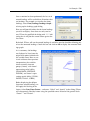
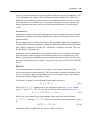
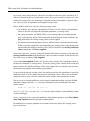
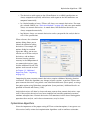
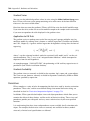
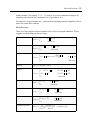
Next, click on the Panel
Options tab to specify additional panel specific estimation settings.
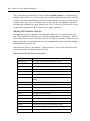
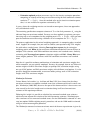
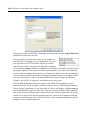
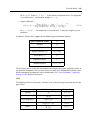
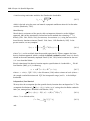
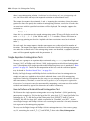
First, you should account for
individual and period effects
using the Effects specification combo boxes. By
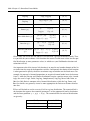
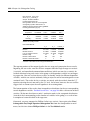
default, EViews assumes that
there are no effects so that
both combo boxes are set to
None. You may change the
default settings to allow for
either Fixed or Random
effects in either the cross-sec-