1
Working with Panel Data—633
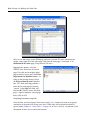
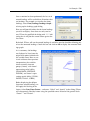
To create links containing the desired summaries, first click on the original panel page tab to
make it active, select one or more series of interest, then right mouse click and select Copy.
Next, click on either the firm or the annual page, right mouse click, and select Paste Special.... Alternately, right-click to select the series then drag the selected series onto the tab
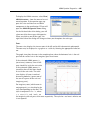
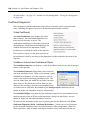
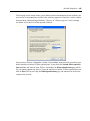
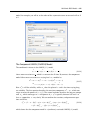
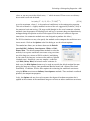
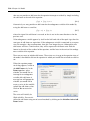
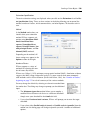
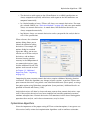
for the destination page. EViews will open the Link Dialog, prompting you to specify a
method for summarizing the data.
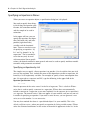
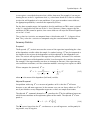
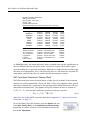
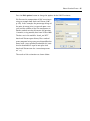
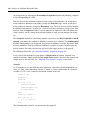
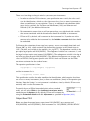
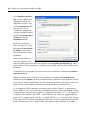
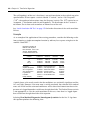
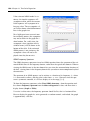
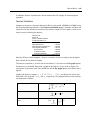
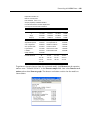
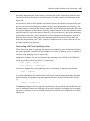
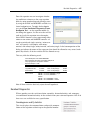
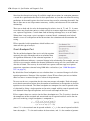
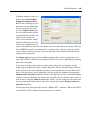
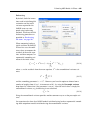
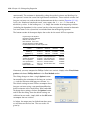
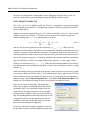
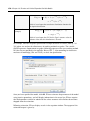
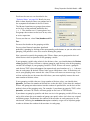
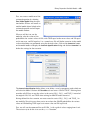
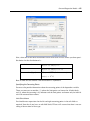
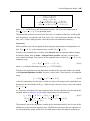
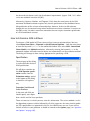
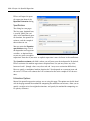
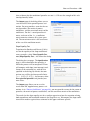
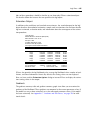
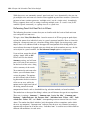
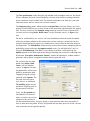
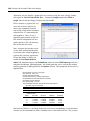
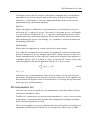
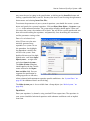
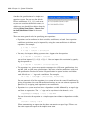
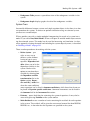
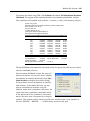
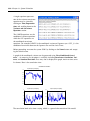
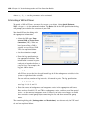
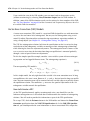
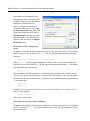
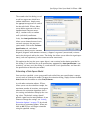
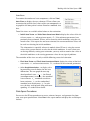
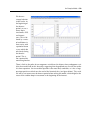
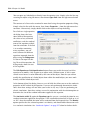
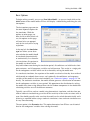
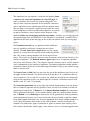
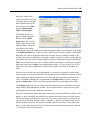
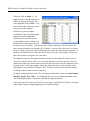
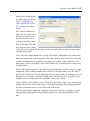
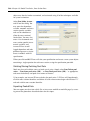
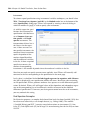
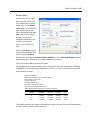
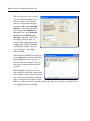
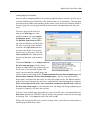
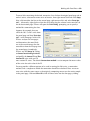
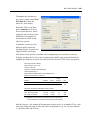
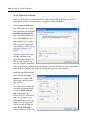
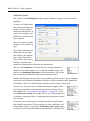
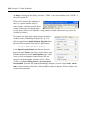
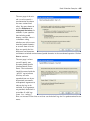
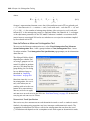
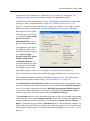
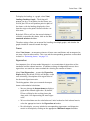
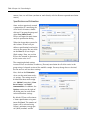
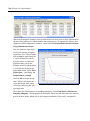
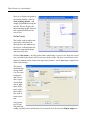
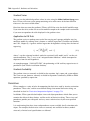
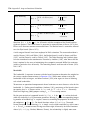
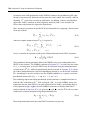
Suppose, for example, that you
select the C01, F, and I series from
the panel page and then Paste Special... in the firm page. In this case,
EViews analyzes the two pages,
and determines that most likely,
we wish to match merge the contracted data from the first page into
the second page. Accordingly,
EViews sets the Merge by setting
to General match merge criteria,
and prefills the Source ID and Destination ID series with two FN
cross-section ID series. The default Contraction method is set to compute the mean values
of the series for each value of the ID.
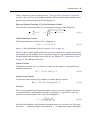
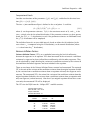
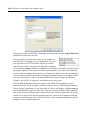
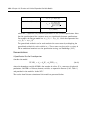
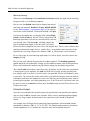
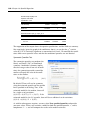
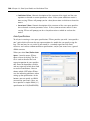
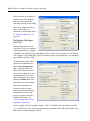
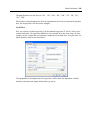
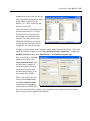
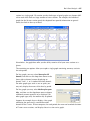
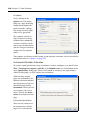
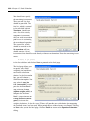
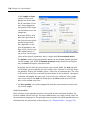
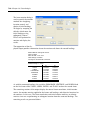
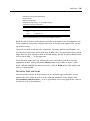
You may provide a different pattern to be used in naming the link series, a contraction
method, and a sample over which the contraction should be calculated. Here, we create
new series with the same names as the originals, computing means over the entire sample
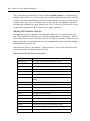
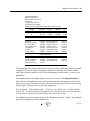
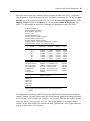
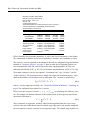
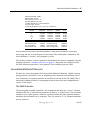
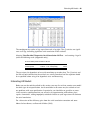
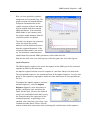
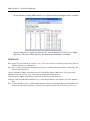
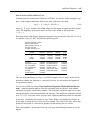
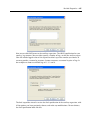
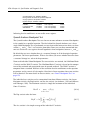
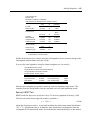
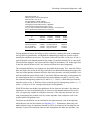
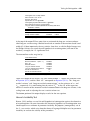
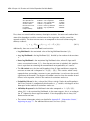
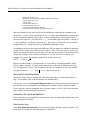
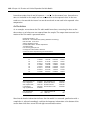
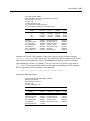
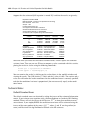
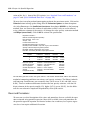
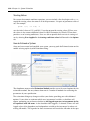
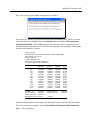
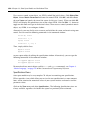
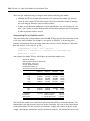
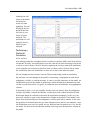
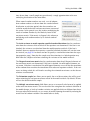
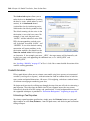
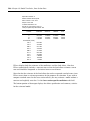
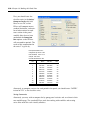
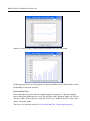
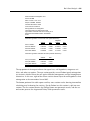
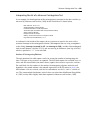
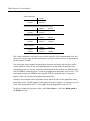
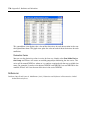
in the panel page. Click on OK to All to link all three series into the firm page, yielding: