1
544—Chapter 34. Models
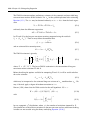
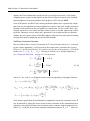
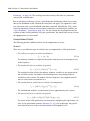
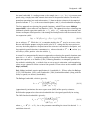
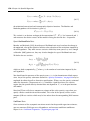
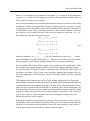
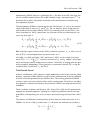
is employed to obtain estimates of the pre-estimation sample innovations. A forward recursion is then run to the end of the estimation sample and the resulting values are used as
estimates of the innovations.
The alternative forecast available method offers different approaches for dynamic and static
forecasting:
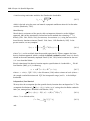
• For dynamic forecasting, EViews applies the backcasting procedure using data from
the beginning of the estimation sample to either the beginning of the forecast period,
or the end of the estimation sample, whichever comes first.
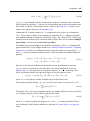
• For static forecasting, the backcasting procedure uses data from the beginning of the
estimation sample to the end of the forecast period.
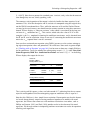
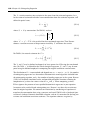
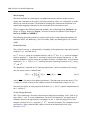
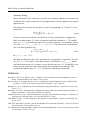
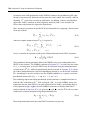
As before, the post-backcast sample innovations are set to zero and backward recursion is
used to obtain estimates of the pre-estimation sample innovations, and forward recursion is
used to obtain innovation estimates. Note that the forecast available method does not guarantee that the pre-sample forecast innovations match those employed in estimation.
See “Forecasting with MA Errors” on page 126 for additional discussion.
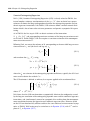
The backcast initialization method employed by EViews for an equation in model solution
depends on a variety of factors:
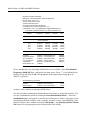
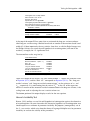
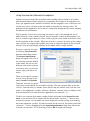
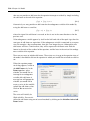
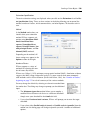
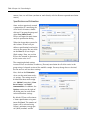
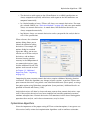
• For equations estimated using EViews 6 and later, the initialization method is determined from the equation specification. If the equation was estimated using estimation
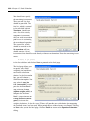
sample backcasting, its specification will contain “BACKCAST=” and “ESTSMPL=”
statements instructing EViews to backcast using the specified sample.
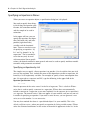
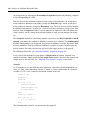
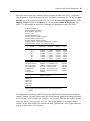
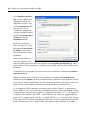
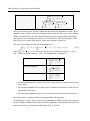
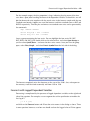
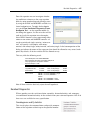
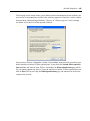
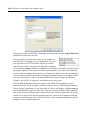
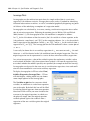
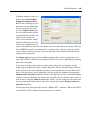
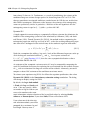
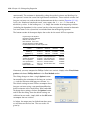
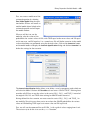
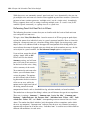
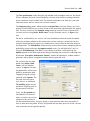
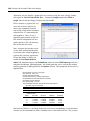
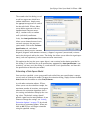
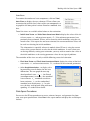
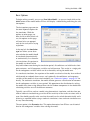
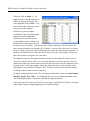
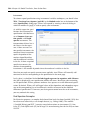
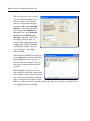
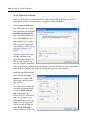
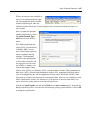
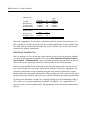
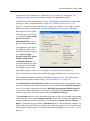
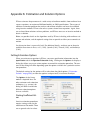
The example dialog above shows an equation estimated using the estimation sample
backcasting method.
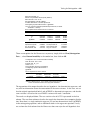
• For equations estimated prior to EViews 6, the model will only contain the “BACKCAST=” statement so that by default, the equation will be initialized using forecast
available.
• In both cases, you may override the default settings by changing the specification of
the equation in the model. To ensure that the equation backcasts using the forecast
available method, simply delete the “ESTSMPL=” portion of the equation specification. To force the estimation sample method for model solution, you may add an
“ESTSMPL=” statement to the equation specification.
Note that models containing post-EViews 6 equations solved in previous versions of EViews
will always backcast using the forecast available method.