1
BackyardEOS – User's Guide
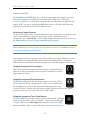
Once you have downloaded the BackyardEOS ZIP (RAR) file to your hard drive,
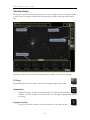
1. Locate the BackyardEOSv2.zip file and double-click on it. )
This file is a self-extracting zip file, so no special program is required to unzip it.)
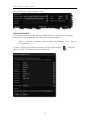
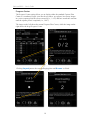
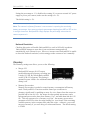
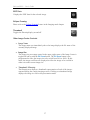
The following WinRAR dialog is displayed.
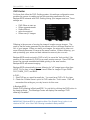
2. Highlight the BackyardEOSv2 (above) and click on the Extract To button.
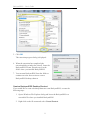
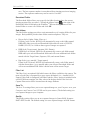
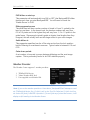
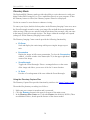
The Extraction path and options dialog is displayed.
3. Enter the destination path when BackyardEOS is to be installed.
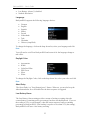
4. Click the New Folder button to create a new folder where BackyardEOS is to be
installed.
8