1
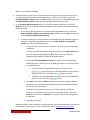
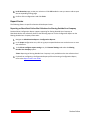
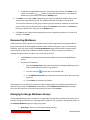
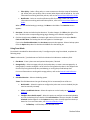
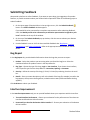
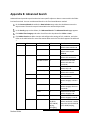
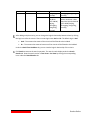
d. To add additional criteria, click Add a Criterion, and repeat the steps above. You can
change the logical relationships between the criteria by clicking the And or Or. By
default, the logical relationship is set to And.
o
And means that the child nodes that meet all of the criteria will be included in
the result.
o
Or means that the child nodes that meet any criterion will be included in the
result.
The Basic Filter Condition area displays the logic relationships of the filter criteria.
Click Search to start searching the child nodes.
Importing Custom Site Collection Template Solution File
When creating a site collection using the New Site Collection feature, you can import a custom template
solution (.wsp) file that will be used to create the site collection.
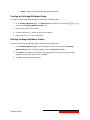
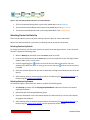
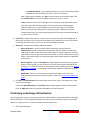
In the New Site Collection window, go to the Template Selection field and click the Custom tab.
Click Browse to select your desired .wsp file in the Open window.
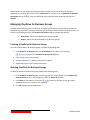
Policy Enforcer Rules for Security Groups/Active Directory Federation Services (ADFS)
Groups
DocAve Online Policy Enforcer supports the ability to establish limitations for certain actions and
changes that have occurred in SharePoint Online environments.
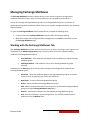
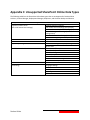
DocAve Online Administrator Policy Enforcer supports checking for security groups/ADFS Groups in the
following rules:
•
Content Creation/Content Upload
•
Grant, Revoke and/or Modify Permissions Privilege
•
Delete
•
Move
•
Copy
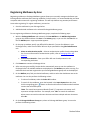
Deleting SharePoint Online Security Group
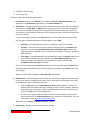
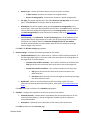
To delete a SharePoint Online security group, select a site collection/site, and navigate to Security >
Users and Permissions > People and Groups, and then complete the following steps:
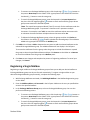
Click Groups to display all of the groups.
Click Edit beside the security group that you want to delete. In the Change setting for: page, you
will see the security group name.
Click Delete in the bottom-right corner of the page to delete the security group.
20
DocAve Online