1
54
AShop V User Guide
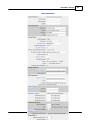
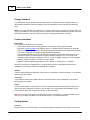
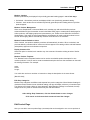
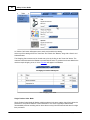
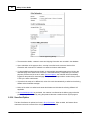
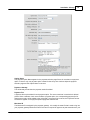
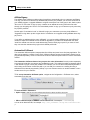
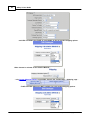
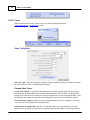
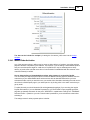
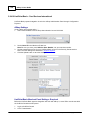
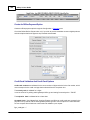
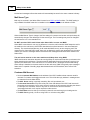
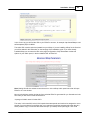
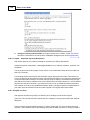
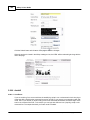
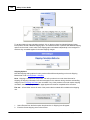
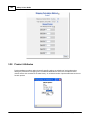
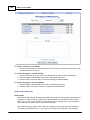
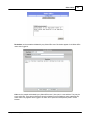
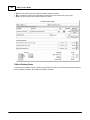
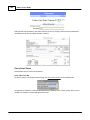
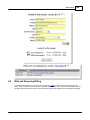
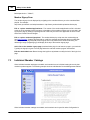
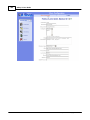
Change Password
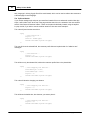
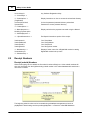
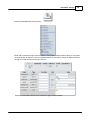
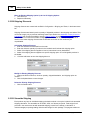
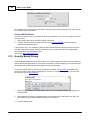
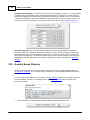
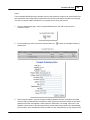
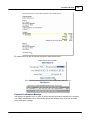
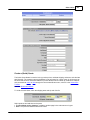
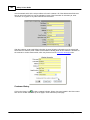
The default username and password for the admin panel is: ashopadmin. After installing AShop, the
administrator's password should be changed. Enter the old password, then enter the new password
twice.
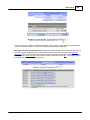
Note: If you forget and lose your password, you can have it sent to you by email by clicking the "Did you
forget your password?" link on the login screen. Just leave the username field blank to get the main shop
administrator password. The username is only used for shopping mall member accounts.
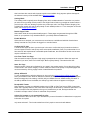
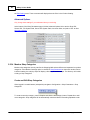
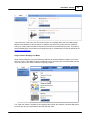
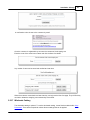
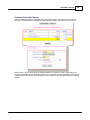
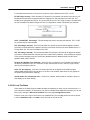
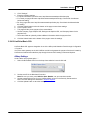
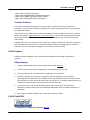
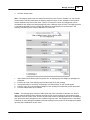
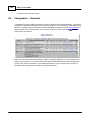
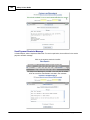
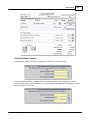
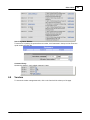
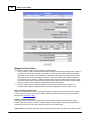
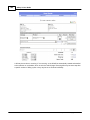
Contact Information
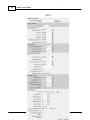
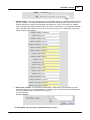
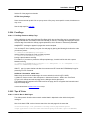
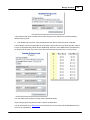
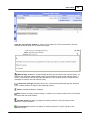
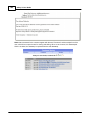
Shop Name
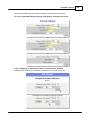
The Shop Name will display in many places:
· In the browser title bar of the catalog page and in the product delivery pages by default.
Note that if a page template for the catalog, delivery, or affiliate sections is present, the page title
within the template file will display in web page browser title bars instead of the Shop Name setting.
· The "From" e-mail field of customer receipts and affiliate messages.
It is recommended that you do not use HTML tags or special characters to format the text in the
Shop Name field as most mail servers will reject messages with tags in the "From" field of the
message header and special characters, such as ™ may not appear correctly in e-mail messages.
· With the contact information in receipts and order notices.
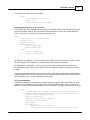
· Appears in AShop template pages wherever the comment <!-- AShopname --> is placed.
Do NOT use a comma or appostrophe in your Shop Name as it may cause adverse effects when
messages are received by Outlook and possibly other programs.
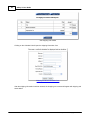
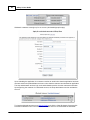
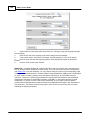
Address
The store mailing address is displayed, with the store or organization contact information, on the product
delivery page and receipts.
Telephone
The Telephone number also appears with the contact information, which is displayed on the product
delivery page and receipts.
E-mail
The store administrator's e-mail is where notices of sales transactions and downloads are sent and is
used as the return address for customer e-mail receipts. This e-mail address will also display on the
product delivery page and receipts with the other contact information.
Note! If you set this to the same e-mail that you use for your Sales Office, no email notification will be
sent from your AShop. Instead they will be stored directly in your Sales Office inbox.
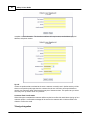
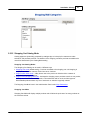
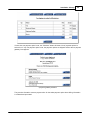
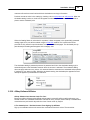
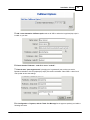
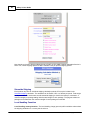
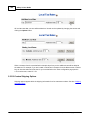
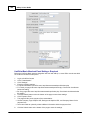
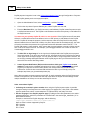
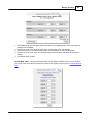
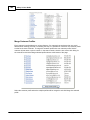
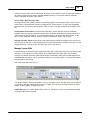
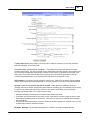
Catalog Options
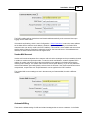
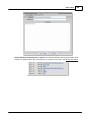
Currency
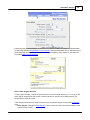
Set the currency for what will display in the catalog and within receipts and order notices. The currency
AShop Software © Copyright 2002 - 2010