1
192
AShop V User Guide
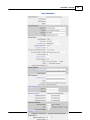
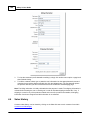
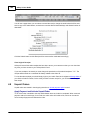
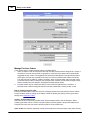
cart is configured. For example, when the Shopping Mall is being used there will be a setting to assign
ownership of the product to administrator or a member there may be a setting for Vendor and product
cost. Not all of the possible settings are shown here.
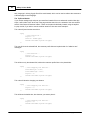
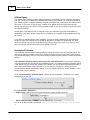
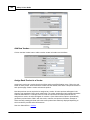
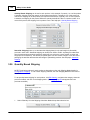
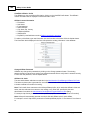
Product Options
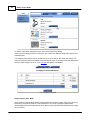
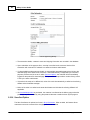
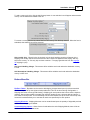
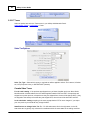
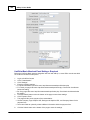
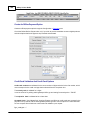
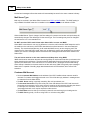
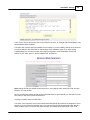
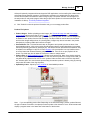
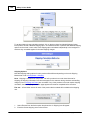
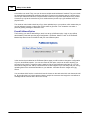
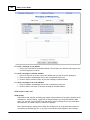
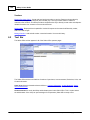
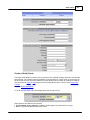
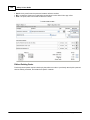
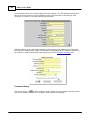
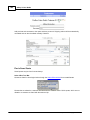
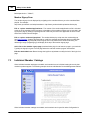
· Catalog Status - Choose whether you want the product to be displayed in the catalog or not.
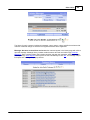
Note: In the Edit Catalog menu, you may also click the Active/Inactive icons to change the
catalog status.
or
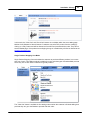
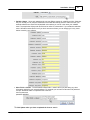
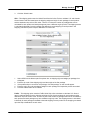
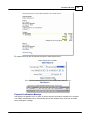
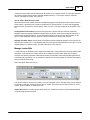
· eBay Item Number (optional) - Integrate an eBay store with the AShop shopping cart.
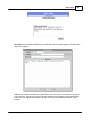
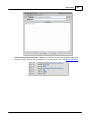
· License Agreement (optional) - If the product requires a license agreement, click the License
Agreement button and enter the license agreement text.
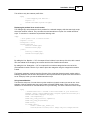
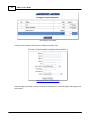
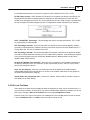
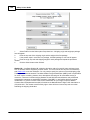
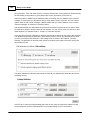
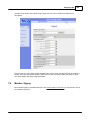
· Affiliate Commission Level 1 - Set per product as a percentage of the product price or as a fixed
currency amount.
· Affiliate Commission Level 2 - Set per product as a percentage of the product price or as a fixed
currency amount.
Note: The affiliate commission you set for each product overrides the default affiliate commission
set in the Affiliate Program menu.
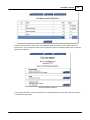
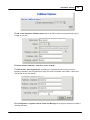
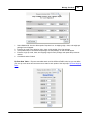
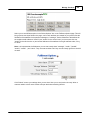
· Sales Tax - Select Yes if sales tax is to be added for this product. If the product is of a type with a
special sales tax percentage in your country you can define this as a second level on the Sales Tax
configuration page and set the product's Sales Tax setting to "Level 2". The taxable state, amount of
tax, selection to tax shipping or not, and order handling fees are set within Administration Panel/
Configuration/Shipping and Taxes.
Note: The Shipping information form will not appear during checkout if only downloadable products or
products that do not have shipping set are in the cart, unless the Taxable option is set for the products.
To avoid the shipping form during checkout, uncheck Taxable.
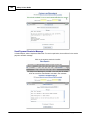
Third Party Software Integration
AShop Software © Copyright 2002 - 2010