1
Printed Documentation
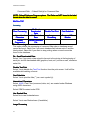
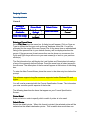
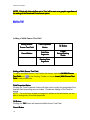
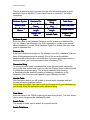
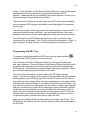
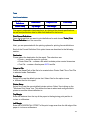
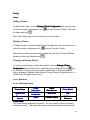
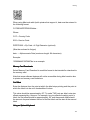
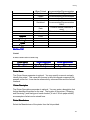
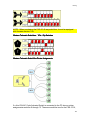
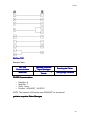
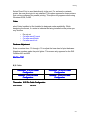
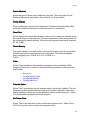
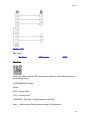
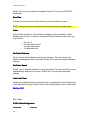
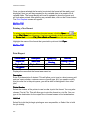
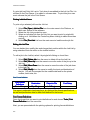
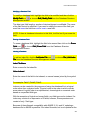
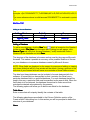
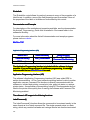
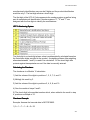
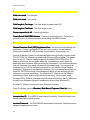
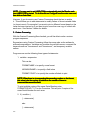
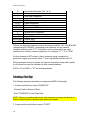
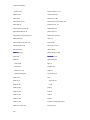
Command Path -- Default Path(s) for Command files
NOTE: Default Paths are Program options. The Paths are NOT stored in the label
format when the label is saved.
BACK to TOP
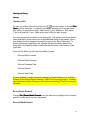
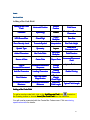
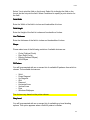
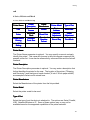
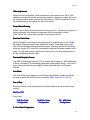
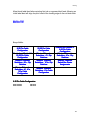
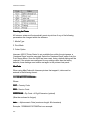
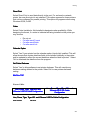
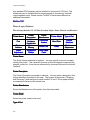
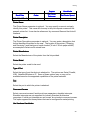
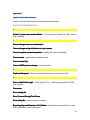
Processing
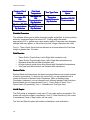
Error Processing
ReRe-Send
Downloaded
Data
Use Slashed
Zero
Delete Command
File
Disable Test Print
Cent Substitute
International
Image
Command File
Characters
Processing
Monitor
Default
Command File
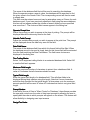
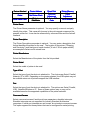
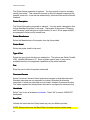
Error Processing
Processing
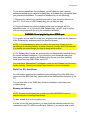
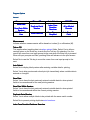
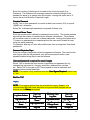
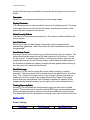
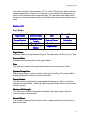
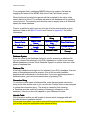
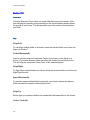
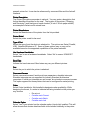
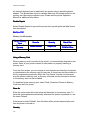
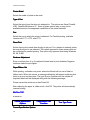
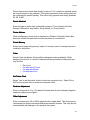
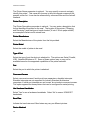
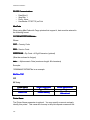
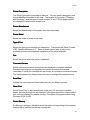
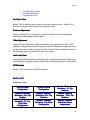
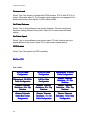
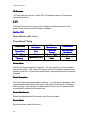
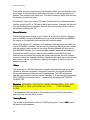
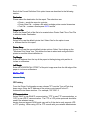
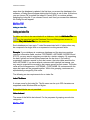
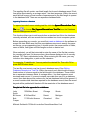
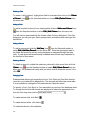
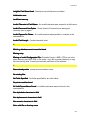
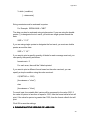
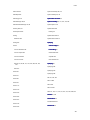
This option affects the processing of command files when a database record
cannot be found. Select Yes if you want database field values set to 0 and the
label printed. Select No if you want to stop printing when a record cannot be
found in the database.
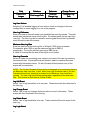
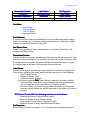
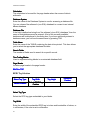
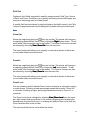
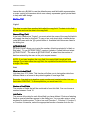
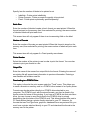
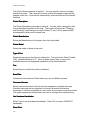
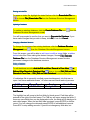
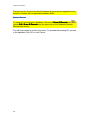
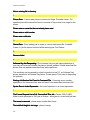
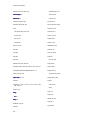
Re - Send Downloaded Data
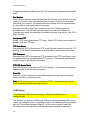
Select Yes, if you want a clear signal to be sent to the printer at the beginning of
each job, and all downloaded data (graphics, fonts, etc.) will be re-sent, otherwise
select No.
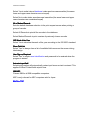
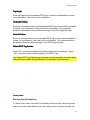
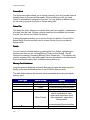
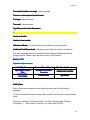
Disable Test Print
Select Yes to disable the Test Print function from the print screen. It will still be
available while editing a format.
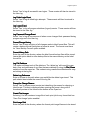
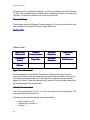
Cent Substitute
Select Yes to print the tilde (~) as a cent symbol (¢).
International Characters
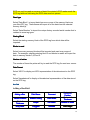
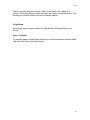
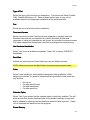
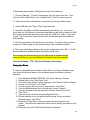
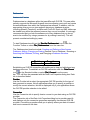
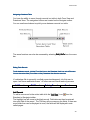
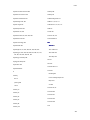
Select ANSI if Text Files (command, data, etc.) are created under Windows
using ANSI characters.
Select OEM if created under DOS.
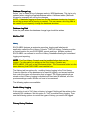
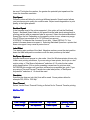
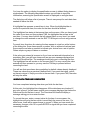
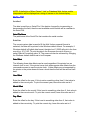
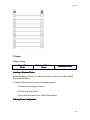
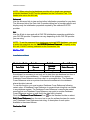
Use Slashed Zero
Select No to use Unslashed zero.
Select Yes to use Slashed zero (if available)
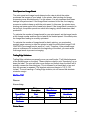
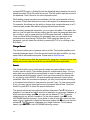
Image Processing
18