1
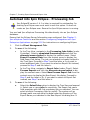
Starting Ipro eCapture QC Module
•
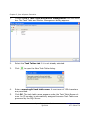
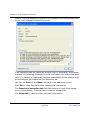
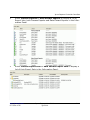
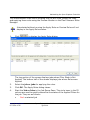
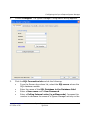
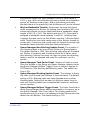
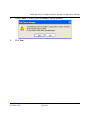
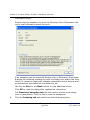
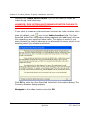
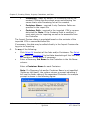
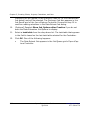
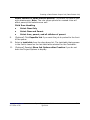
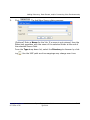
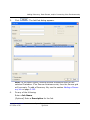
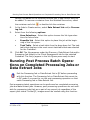
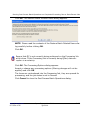
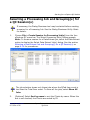
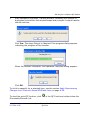
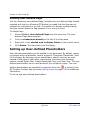
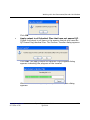
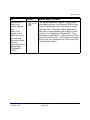
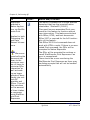
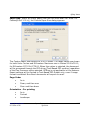
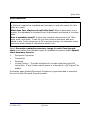
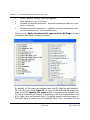
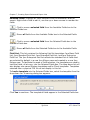
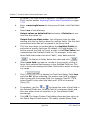
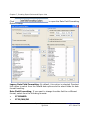
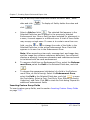
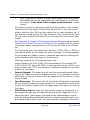
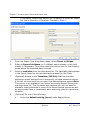
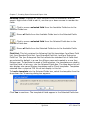
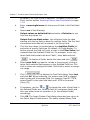
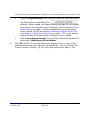
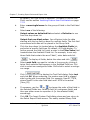
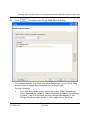
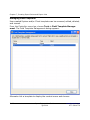
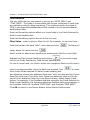
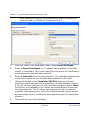
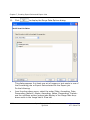
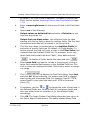
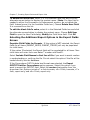
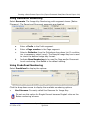
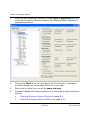
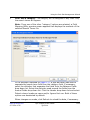
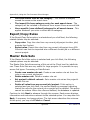
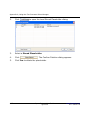
After successful reprocess, a dialog displays indicating the number of
duplicates found within the selected scope and prompts if output transfer
should continue.
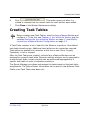
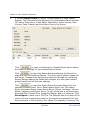
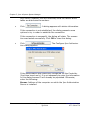
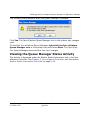
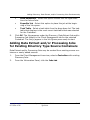
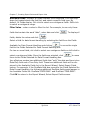
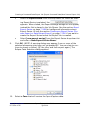
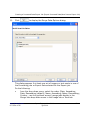
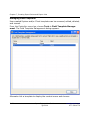
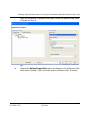
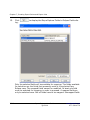
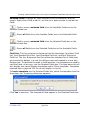
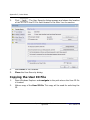
Click Yes. The Apply Output to Identical Files progress dialog appears
indicating the progress of the transfer.
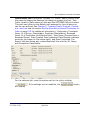
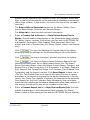
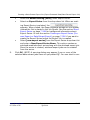
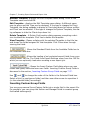
When the transfer completes, the Operation Complete dialog appears.
Click OK.
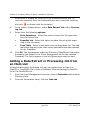
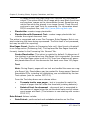
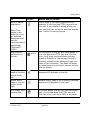
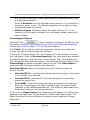
To do this manually for a selected item, see the section Apply Reprocessing
Changes to all Files with Same MD5Hash Value on page 6-59.
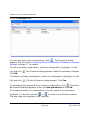
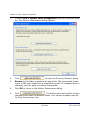
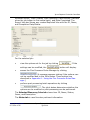
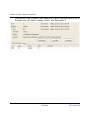
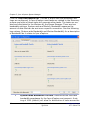
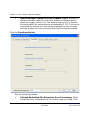
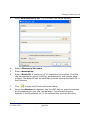
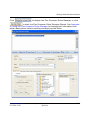
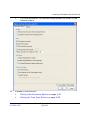
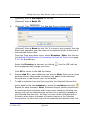
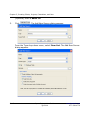
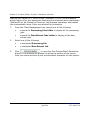
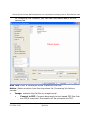
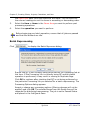
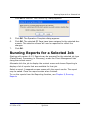
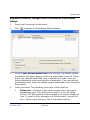
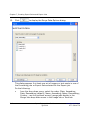
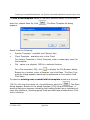
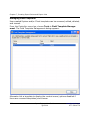
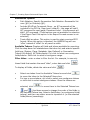
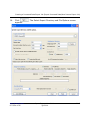
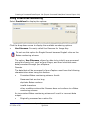
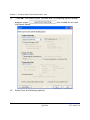
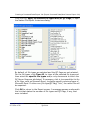
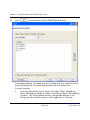
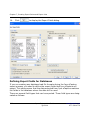
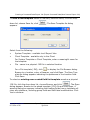
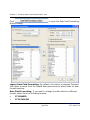
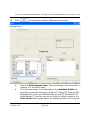
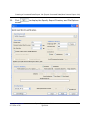
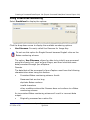
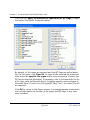
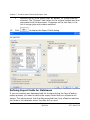
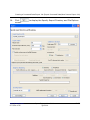
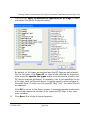
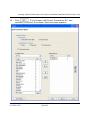
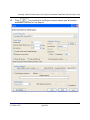
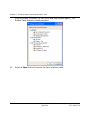
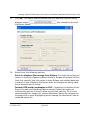
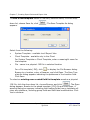
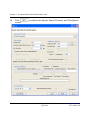
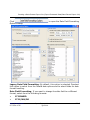
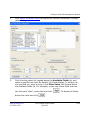
To start the auto-QC function, click
Documents/Records List.
www.iprotech.com
877-324-4776
in the QC Functions toolbar below the
Ipro eCapture User Guide
Q1 2014
6-27