1
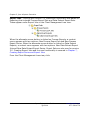
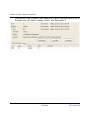
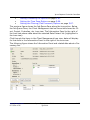
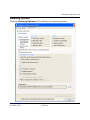
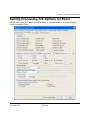
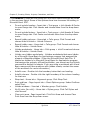
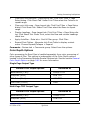
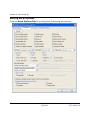
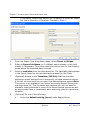
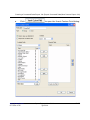
Creating a Processed Data Export Job (Export Processed Data/New Process Export Job)
•
•
9.
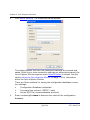
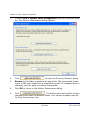
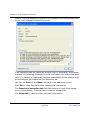
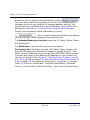
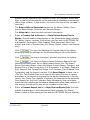
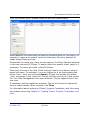
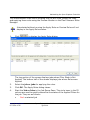
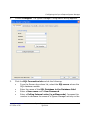
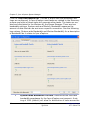
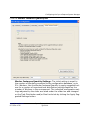
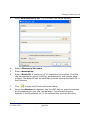
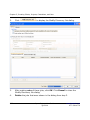
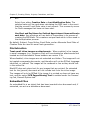
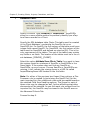
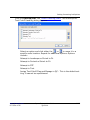
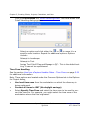
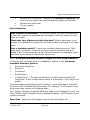
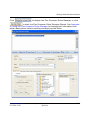
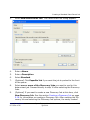
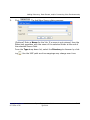
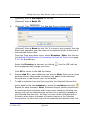
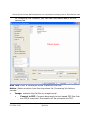
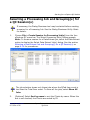
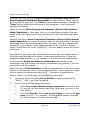
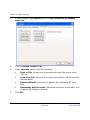
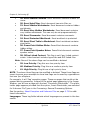
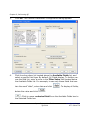
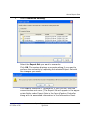
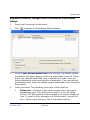
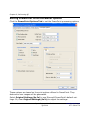
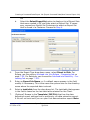
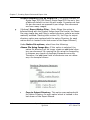
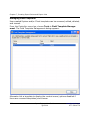
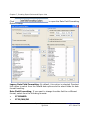
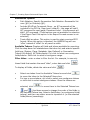
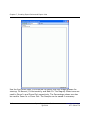
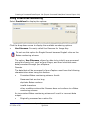
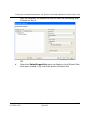
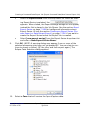
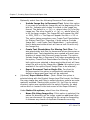
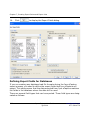
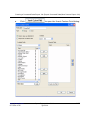
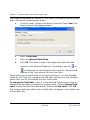
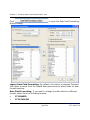
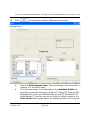
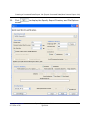
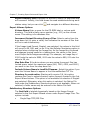
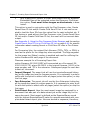
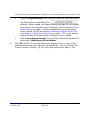
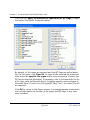
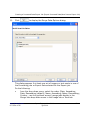
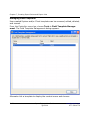
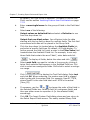
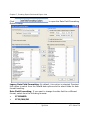
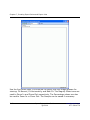
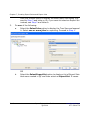
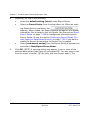
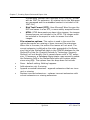
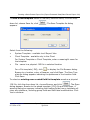
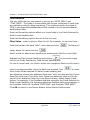
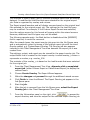
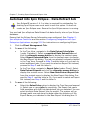
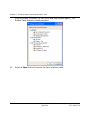
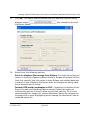
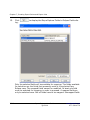
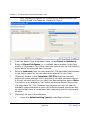
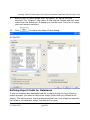
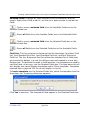
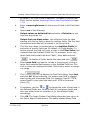
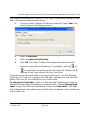
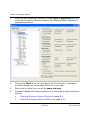
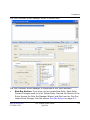
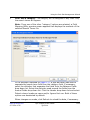
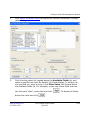
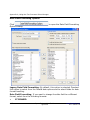
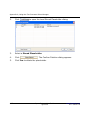
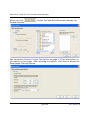
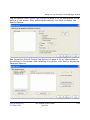
Select an Export Series from the drop-down list. When an existing Export Series is selected, the
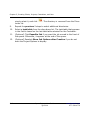
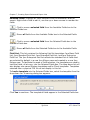
,
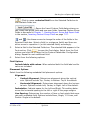
appears. When clicked, the Export settings dialogs will not appear;
instead the Job is placed in the Job Queue. See the section About
Export Series on page 7-264 for background information about
Export Series. Or see the section Creating an Export Series (Process Export or Data Extract Export) on page 7-266 if you want to
create the Export Series before the Export Job is created.
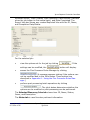
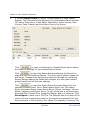
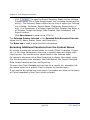
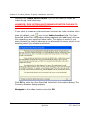
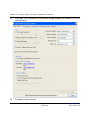
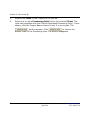
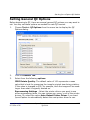
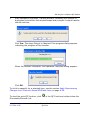
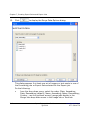
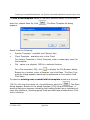
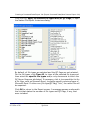
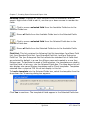
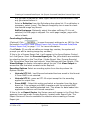
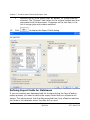
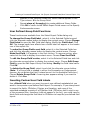
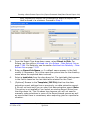
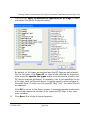
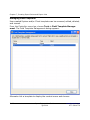
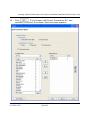
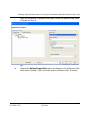
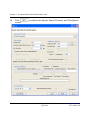
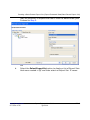
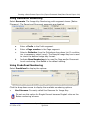
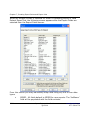
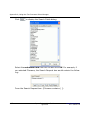
Select [new export series] from the Export Series drop-down list
and enter a New Export Series Name.
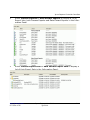
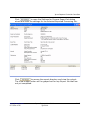
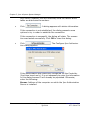
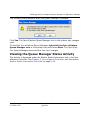
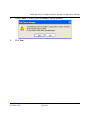
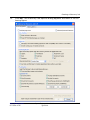
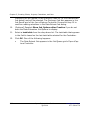
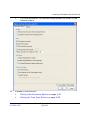
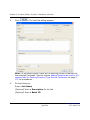
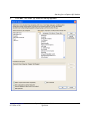
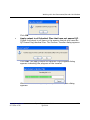
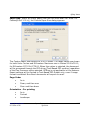
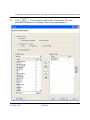
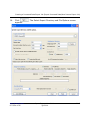
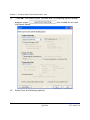
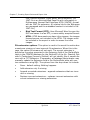
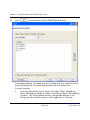
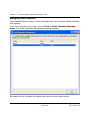
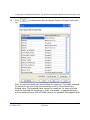
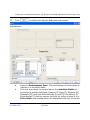
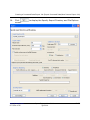
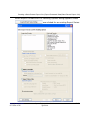
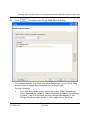
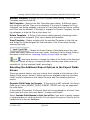
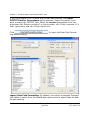
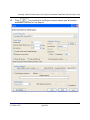
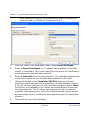
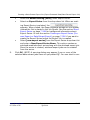
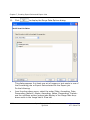
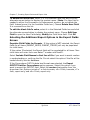
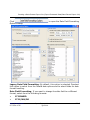
Click OK. (NOTE: A warning dialog may appear if one or more of the
selected processing jobs have not yet passed QC. You can elect to continue to export or cancel, QC the jobs, and then export again.) The
www.iprotech.com
877-324-4776
Ipro eCapture User Guide
Q1 2014
7-103