1
Creating a Data Extract Export Job (Export Extracted Data/Data Extract Export Job)
•
•
•
•
•
•
•
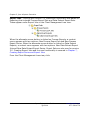
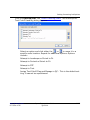
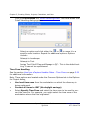
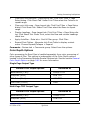
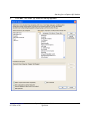
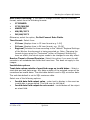
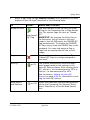
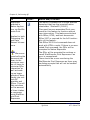
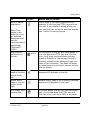
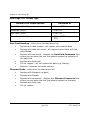
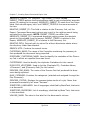
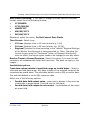
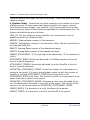
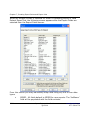
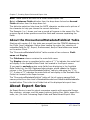
LaserFiche (includes image links)
DB/Textworks (includes image links)
Ipro Data Review
Ringtail
Summation DII
OCR CONTROL.LST’
Ipro DLF (Eclipse)
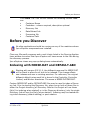
Ipro eCapture automatically includes the searchable text along with the
images and metadata.
Creating a Data Extract Export Job
(Export Extracted Data/Data Extract
Export Job)
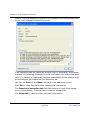
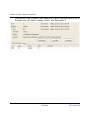
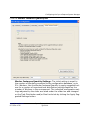
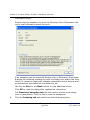
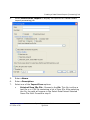
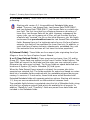
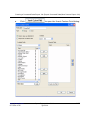
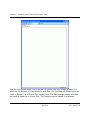
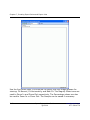
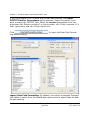
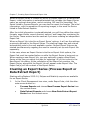
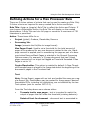
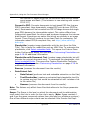
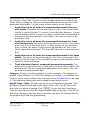
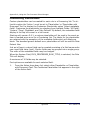
Data Extraction Export Jobs are created from completed Data Extraction Jobs.
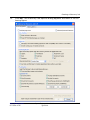
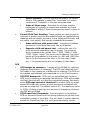
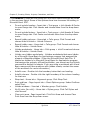
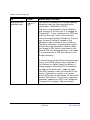
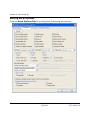
Several data extract export output options are available for common data load
formats such as Summation, Concordance®, Ringtail, etc. The original files
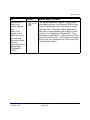
can be exported. For Concordance® output, the OCRTXT field can be
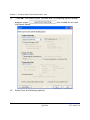
exported. When the export is complete, a status screen appears showing time,
exported number of files, and disk space information. The data extraction
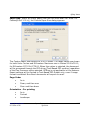
export uses wizard screens.
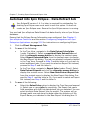
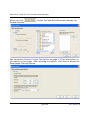
1.
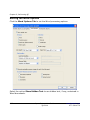
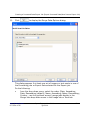
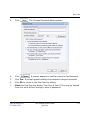
Click the Client Management Tab.
2.
Do one of the following:
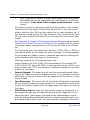
•
•
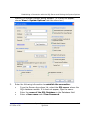
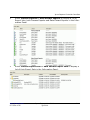
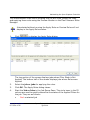
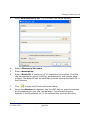
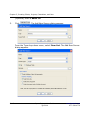
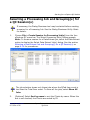
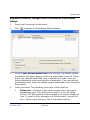
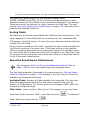
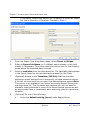
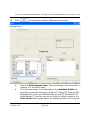
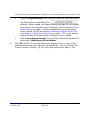
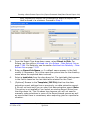
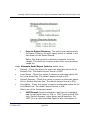
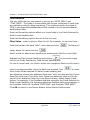
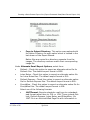
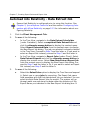
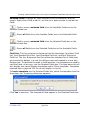
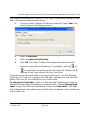
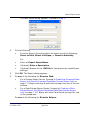
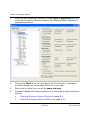
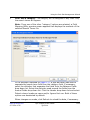
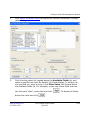
In the Tree View, navigate to the Data Extract Jobs folder
(under Custodian). Select a completed Data Extract Job and
click the alternate mouse button to display the context menu.
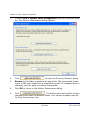
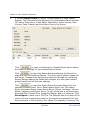
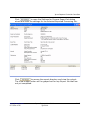
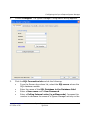
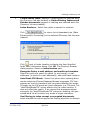
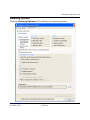
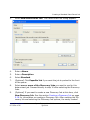
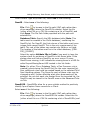
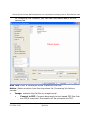
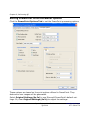
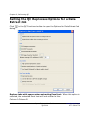
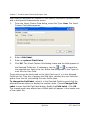
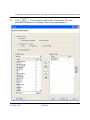
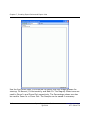
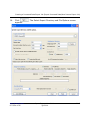
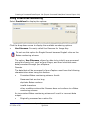
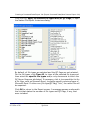
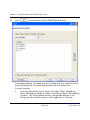
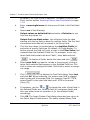
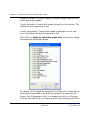
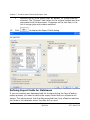
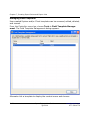
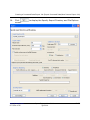
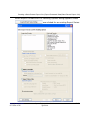
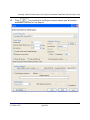
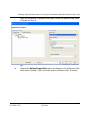
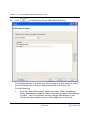
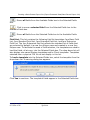
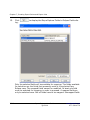
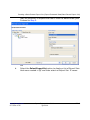
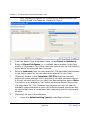
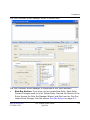
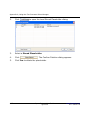
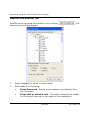
Select Export Extracted Data from the context menu to display
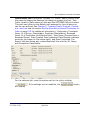
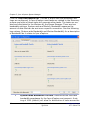
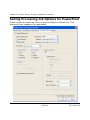
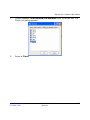
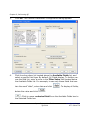
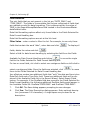
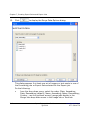
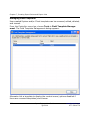
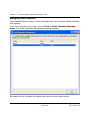
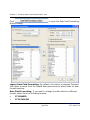
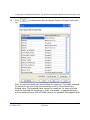
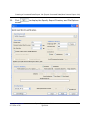
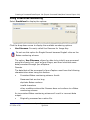
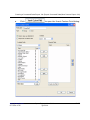
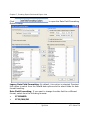
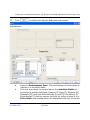
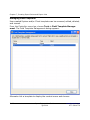
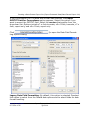
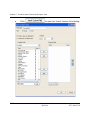
the New Export Job dialog. The job you selected is already checked
in the Tree View. Proceed to Step 3 and the letter a if you wish to
select additional jobs. If you want to select an Export Set instead,
proceed to Step 3 and the letter b.
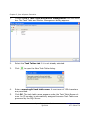
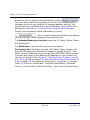
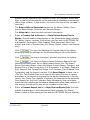
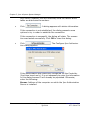
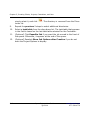
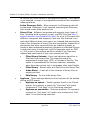
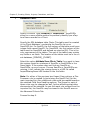
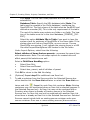
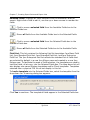
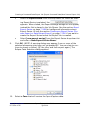
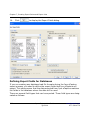
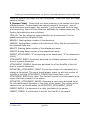
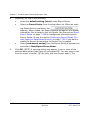
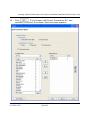
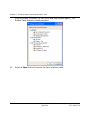
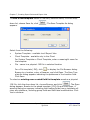
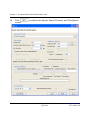
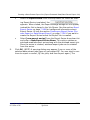
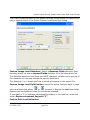
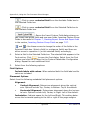
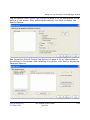
In the Tree View, navigate to Export Jobs (under Client). Select
Data Extract Exports and click the alternate mouse button to
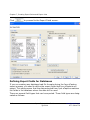
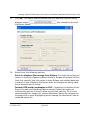
display the context menu. Select New Data Extract Export Job
www.iprotech.com
877-324-4776
Ipro eCapture User Guide
Q1 2014
7-147