1
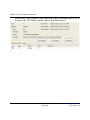
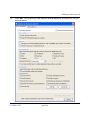
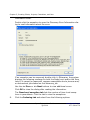
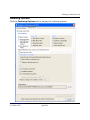
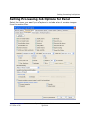
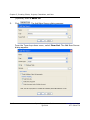
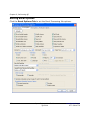
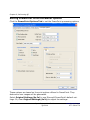
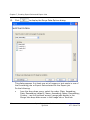
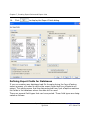
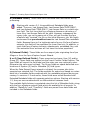
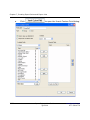
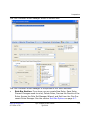
Creating a Processed Data Export Job (Export Processed Data/New Process Export Job)
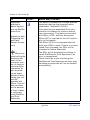
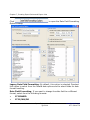
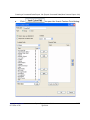
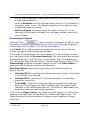
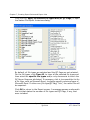
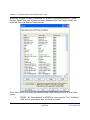
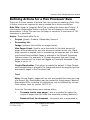
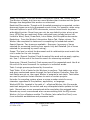
ORIGINAL_CUSTODIAN: Populates with the name of the custodian the original
file belonged to when an item duplicates against another file when doing deduplication at the Project or Client level.
BATCHID: Contains the Batch ID assigned for the Discovery Job.
FULLTEXT: Contains combined contents of body text and OCR text.
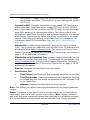
EXPORTED_TEXT_FILES: Contains the path to the exported extracted text files
when the option, Export document text as single file, is selected in the first
export screen. The value of this field will be affected if the Replace the export
path with the following drive letter/path field is populated (located in last
Export screen). This field cannot be used for a Group field and is not available
for endorsements.
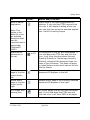
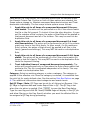
DocType: Contains eMail, eDoc, and eAttach types.
DocCategory: Contains definitions that represent the document based on
Email (absolute parent and loose email only, e.g. not email attached to email),
Email Attachment (any email attachments to an email), Edocument (files that
are not email and not an attachment of an email family), Edocument Attachment (any embedded file in an edocument; including emails).
USERDEFINED1 through USERDEFINED5: Values to be entered using SQL
Server Manager. These fields can be used for endorsements, custom placeholders, etc.
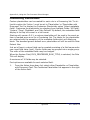
BARCODE: Contains the barcode (USS Code 39 specification).
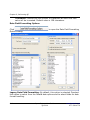
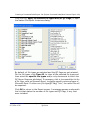
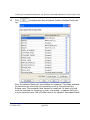
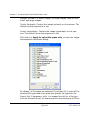
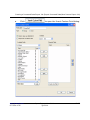
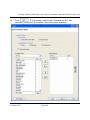
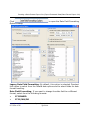
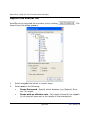
F (QC Flags): The QC flags that appear in the list are both system QC flags
and any user defined QC flags for the selected Processing Job or Jobs. The
CUSTMDAT.TXT file, created from the Export, will show a value of Y for flags
that are “on” or be blank for flags that are “off”.
www.iprotech.com
877-324-4776
Ipro eCapture User Guide
Q1 2014
7-69