1
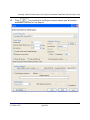
Ipro eCapture Controller Interface
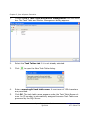
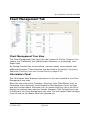
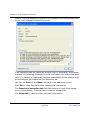
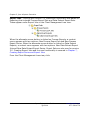
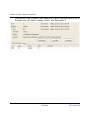
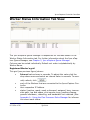
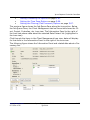
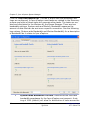
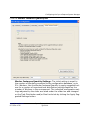
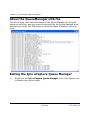
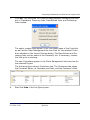
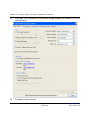
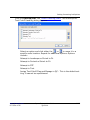
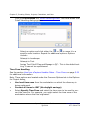
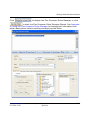
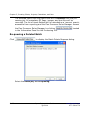
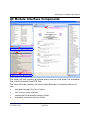
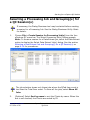
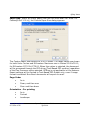
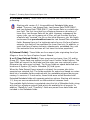
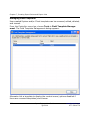
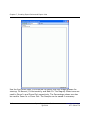
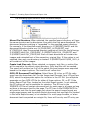
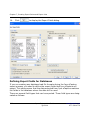
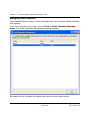
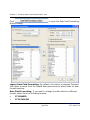
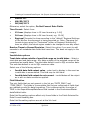
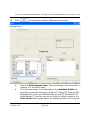
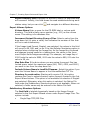
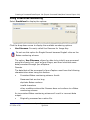
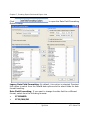
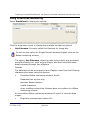
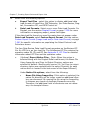
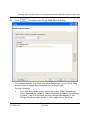
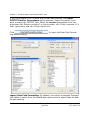
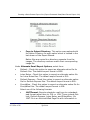
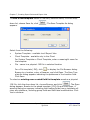
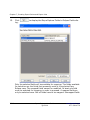
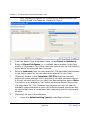
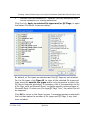
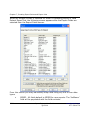
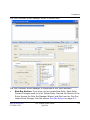
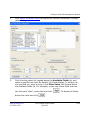
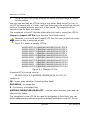
Worker Status Information Tab View
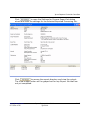
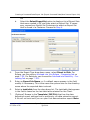
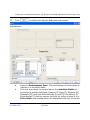
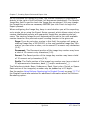
The Ipro eCapture Queue Manager is responsible for the data shown in the
Worker Status Information tab. For further information about the Ipro eCapture Queue Manager, see Chapter 3, Ipro eCapture Queue Manager.
Columns can be sorted individually. Default sort order is alphabetically by
Worker Name.
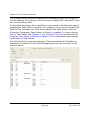
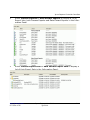
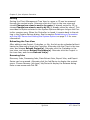
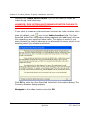
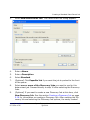
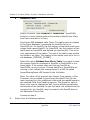
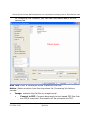
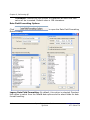
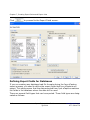
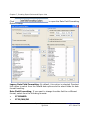
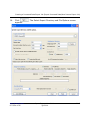
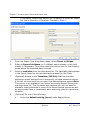
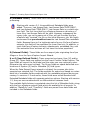
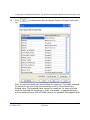
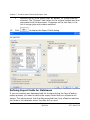
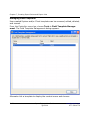
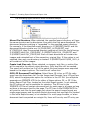
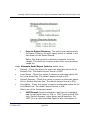
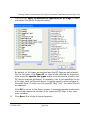
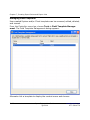
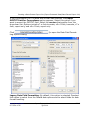
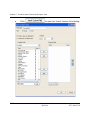
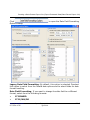
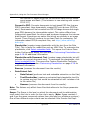
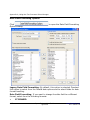
Registered Worker’s grid
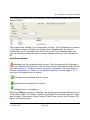
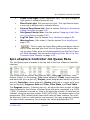
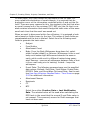
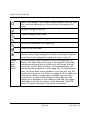
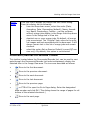
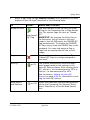
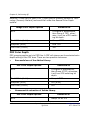
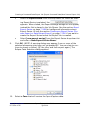
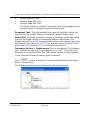
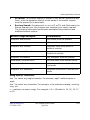
This grid (see previous figure) shows:
•
•
•
•
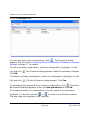
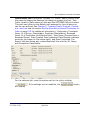
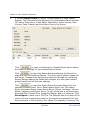
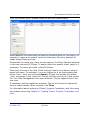
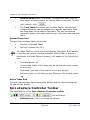
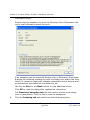
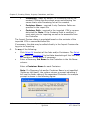
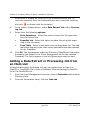
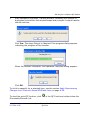
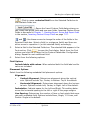
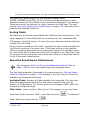
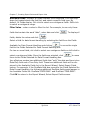
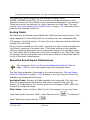
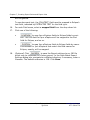
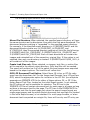
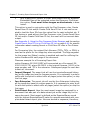
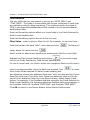
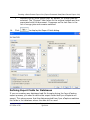
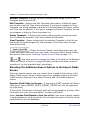
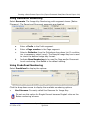
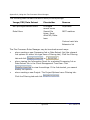
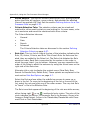
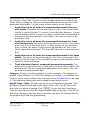
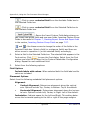
Interval value shown in seconds. To adjust this value click the
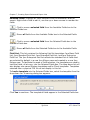
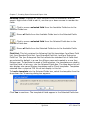
drop-down arrow and select an interval value in seconds. To manually refresh, click
.
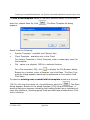
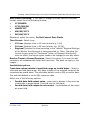
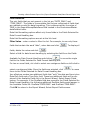
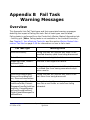
each of the Workers that are connected to the Ipro eCapture Controller
their respective IP Address
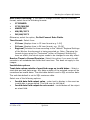
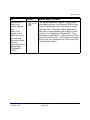
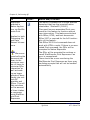
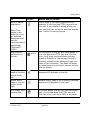
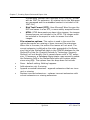
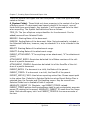
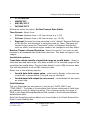
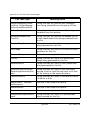
status (inactive, ready, ready unlicensed, assigned, busy, inaccessible path, low disk space, print spooler error, pending cleanup,
graceful shutdown, restarting, and bandwidth limit reached.) See
Appendix A - Using the Flex Processor Rules Manager for information about each status.
www.iprotech.com
877-324-4776
Ipro eCapture User Guide
Q1 2014
2-49