1
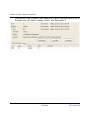
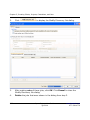
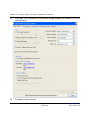
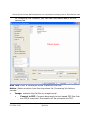
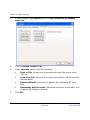
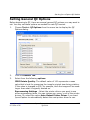
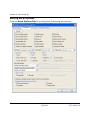
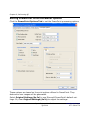
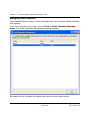
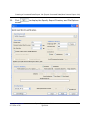
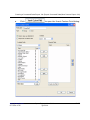
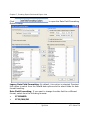
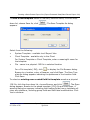
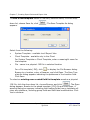
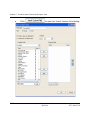
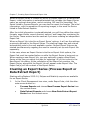
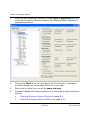
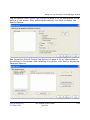
Creating a Processed Data Export Job (Export Processed Data/New Process Export Job)
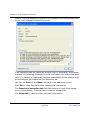
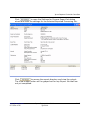
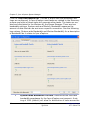
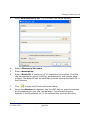
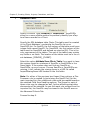
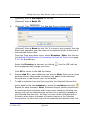
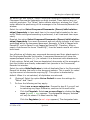
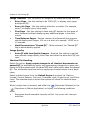
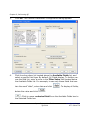
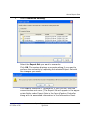
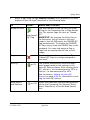
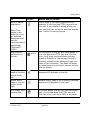
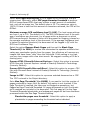
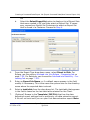
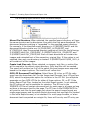
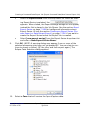
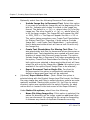
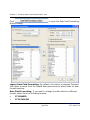
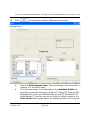
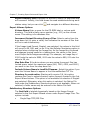
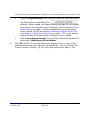
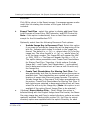
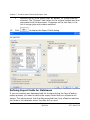
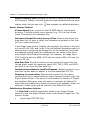
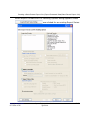
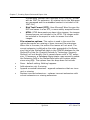
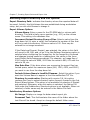
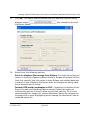
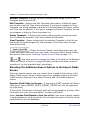
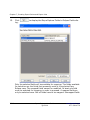
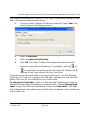
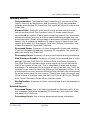
Rename Template- displays the Edit Template Name dialog. Enter a new
Template name and click OK.
Edit Template - displays the Edit Template name dialog. A different name
may be given and the Type can be changed. If the type is changed to Client
Template, the dialog expands to display a Client drop-down list where a different Client can be selected. If the type is changed to System Template, the dialog collapses to hide the Client drop-down list.
Delete Template - A Delete Confirmation dialog appears prompting a decision to delete the template. Click Yes to delete the template.
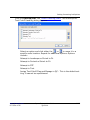
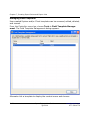
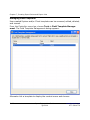
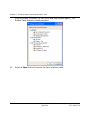
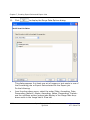
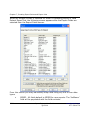
View Template - Opens a dialog with the selected Template in the title bar
and shows the fields assigned for that template. Click Close when through
viewing the fields.
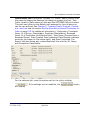
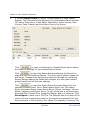
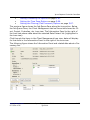
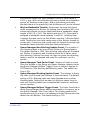
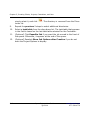
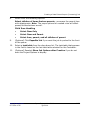
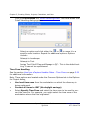
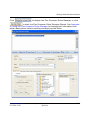
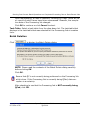
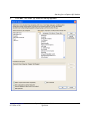
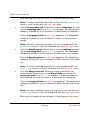
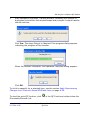
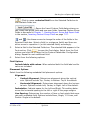
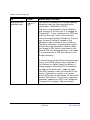
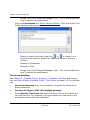
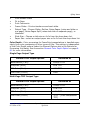
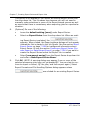
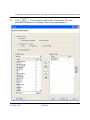
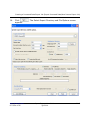
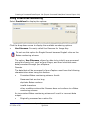
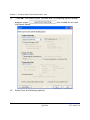
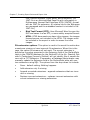
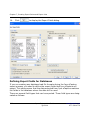
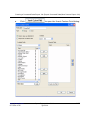
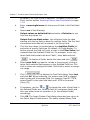
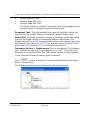
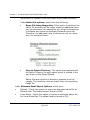
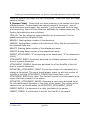
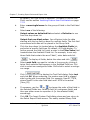
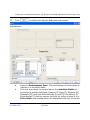
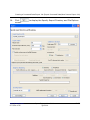
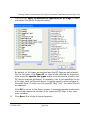
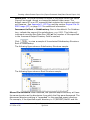
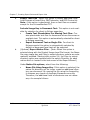
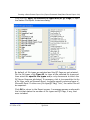
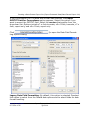
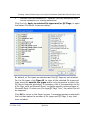
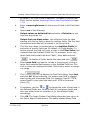
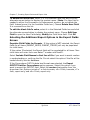
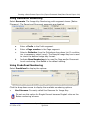
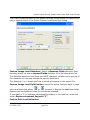
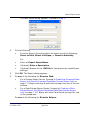
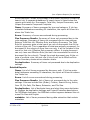
: Moves the Standard Fields from the Available Fields box to
the Selected Fields box.
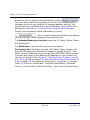
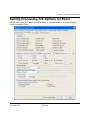
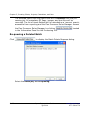
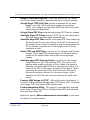
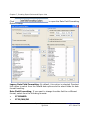
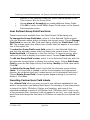
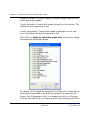
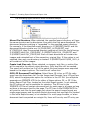
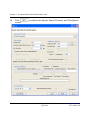
: Allows the loading of only selected export fields from a previously saved .INI file. The Fields from Export Settings come from the .INI file
which you can optionally load when creating a new export job.
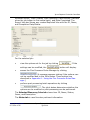
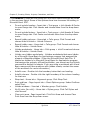
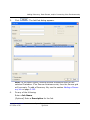
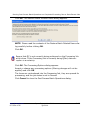
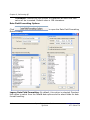
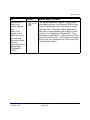
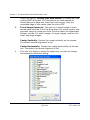
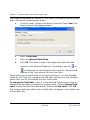
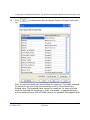
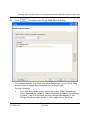
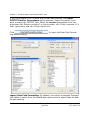
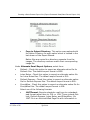
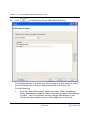
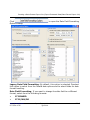
: Opens the Insert Custom Field dialog where you can
create new group fields and new user fields. Inserting Custom Group Fields is
discussed in the section, Inserting Custom Group Fields on page 7-27.
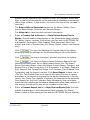
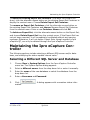
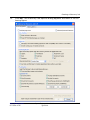
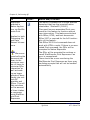
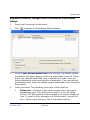
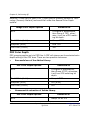
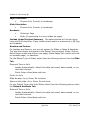
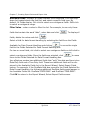
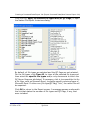
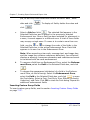
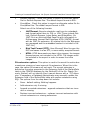
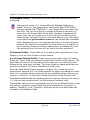
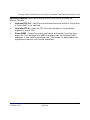
Use
and
to change the order of the fields in the Selected Fields box.
Select a field (or contiguous fields) and then use either arrow to reposition it
(or the selected fields) accordingly.
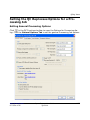
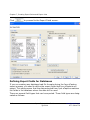
Inserting Custom Group Fields
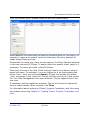
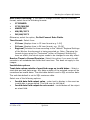
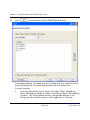
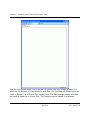
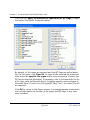
You can group several Ipro eCapture fields into a single field in the export file.
For example, you can group the Author and Manager fields to create a group
field called authorgroup.
www.iprotech.com
877-324-4776
Ipro eCapture User Guide
Q1 2014
7-121