1
MPLAB® IDE User’s Guide
15.2
CONFIGURING THE EDITOR
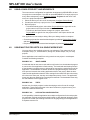
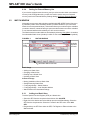
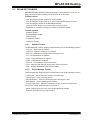
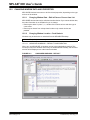
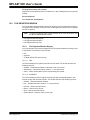
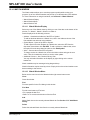
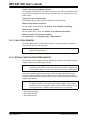
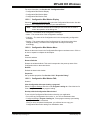
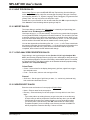
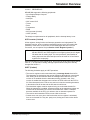
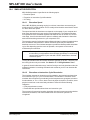
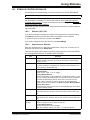
The editor may be configured using two dialogs:
• Editor Options Dialog
• Editor Color Customization Dialog
15.2.1
Editor Options Dialog
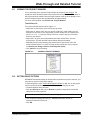
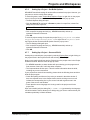
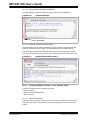
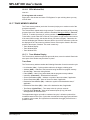
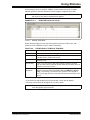
You can set editor properties in the Editor Options dialog. Select Edit>Properties or
right click in a file (editor) window and selecting Properties.
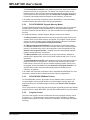
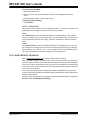
• Editor Tab
• Text Tab
• Sizes Tab
15.2.1.1
EDITOR TAB
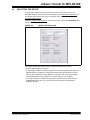
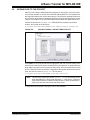
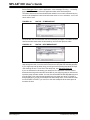
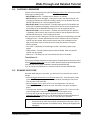
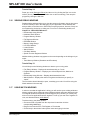
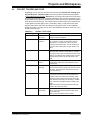
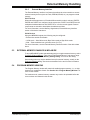
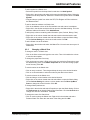
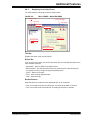
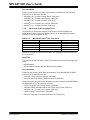
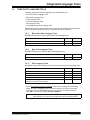
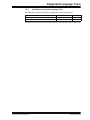
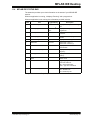
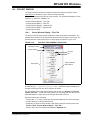
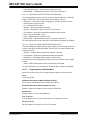
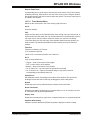
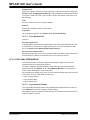
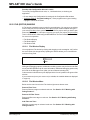
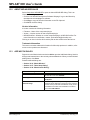
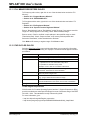
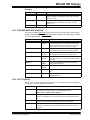
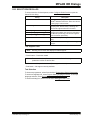
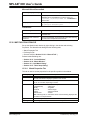
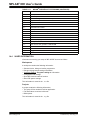
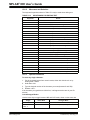
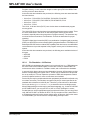
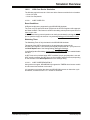
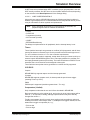
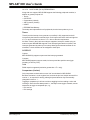
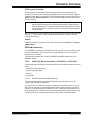
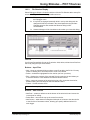
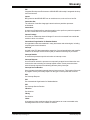
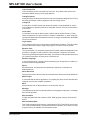
Set up editor properties using the Editor tab on the Editor Options dialog as shown in
Table 15-1.
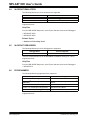
TABLE 15-1:
EDITOR OPTIONS DIALOG
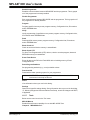
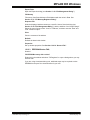
Option
Line Numbers
Description
When checked, line numbers are visible in the display.
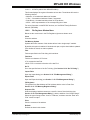
Print Line Numbers
When checked, line numbers are printed out.
Enable Color Printing
When checked, print-out will be in color. This is useful for
preserving syntax information.
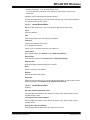
Word Wrap
When checked, word wrap is enabled.
Auto Indent
When checked, a new line is automatically indented by the
same number of spaces and/or tabs as the line above it.
Protect Read Only Files
When checked, read-only files cannot be edited. When
unchecked, you can edit the file and save the changes to
another file.
Enable Code Folding
When checked, provides a mechanism to collapse/expand
nested code (similar to file folders).
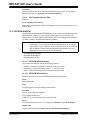
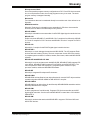
Enable Variable Mouseover
Values
When checked, hovering mouse over a variable will pop up
its value.
Show Address in Mouseover
When checked, prepends the address to the mouseover,
e.g., ‘Addr = 0x0003 Name = 0x00’
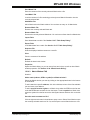
Enable Source Locator
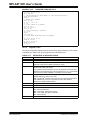
For C code, enable “GoTo Locator” functionality. See
Section 12.4 “Project Window”.
Double-click Toggles Breakpoint When checked, double clicking on a line will alternately
enable/disable the breakpoint.
When unchecked, double clicking selects the text under the
caret.
DS51519B-page 190
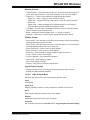
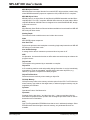
Find Wrap MessageBox
When checked, a message box is displayed when the find
wraps top or bottom, in addition to the current message of
“Find Wrapped” in the status bar position panel.
Use Tabbed Window
When checked, displays tabs within a single window,
instead of separate windows for each file.
© 2006 Microchip Technology Inc.