1
MPLAB IDE Dialogs
13.4
BREAKPOINTS DIALOG
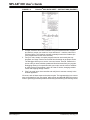
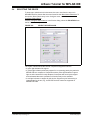
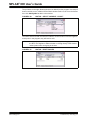
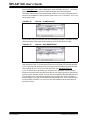
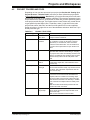
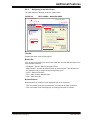
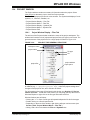
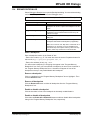
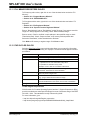
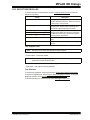
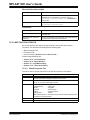
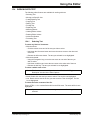
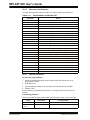
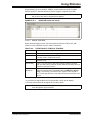
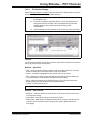
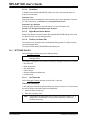
Select Debugger>Breakpoints to open the Breakpoints dialog. You must select a debug
tool before this option is available on the Debugger menu.
Note:
There are other ways to set breakpoints. See Section 6.4 “Breakpoints”.
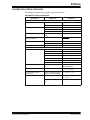
Dialog
Description
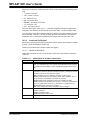
Break At:
Enter the source code line number or address of a
breakpoint. Hit <Enter> to place the breakpoint in the list
below.
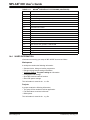
Program Memory Breakpoints
List of breakpoints set in program memory. These
breakpoints may be selected and then acted on by the
buttons to the right.
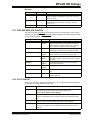
Active Breakpoint Limit
Total number of breakpoints that may be set for selected
debug tool.
Available Breakpoints
How many breakpoints are left after subtracting the code
breakpoints AND advanced breakpoints (if applicable).
Note: “Run to Cursor” and “Step Over” commands use a
breakpoint to run and stop. If none is available, these
commands step-and-compare until they reach their stop
location, which may cause them to execute slower.
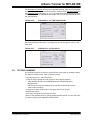
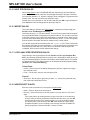
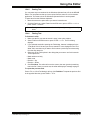
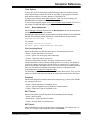
Enter a breakpoint
Enter a breakpoint location in the “Break At” box.
- Enter a line number, e.g., 27. You must also enter the source file path and name for
this to work, e.g., c:\project1\program1.asm, 27.
- Enter a line address (in hex), e.g., 002A.
You will see the breakpoint you are typing also appear in the “Program Memory
Breakpoints” box. Once you have entered a breakpoint, hit return to see it entered in
the “Program Memory Breakpoints” box. A checkbox will appear in front of the
breakpoint so that you may enable/disable this breakpoint.
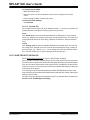
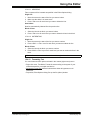
Remove a breakpoint
Click on a breakpoint in the “Program Memory Breakpoints” box to highlight it. Then
click the Remove button.
Remove all breakpoints
Click the Remove All button to delete all breakpoints from the “Program Memory
Breakpoints” box.
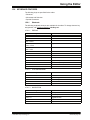
Enable or disable a breakpoint
Click the checkbox in front of the breakpoint to alternately enable/disable it.
Enable or disable all breakpoints
Click either the Enable All or Disable All button to enable or disable all the breakpoints
listing in the “Program Memory Breakpoints” box, respectively.
© 2006 Microchip Technology Inc.
DS51519B-page 163