1
MPLAB® IDE User’s Guide
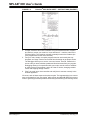
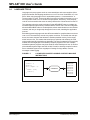
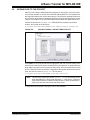
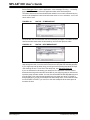
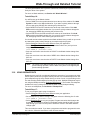
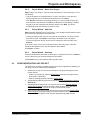
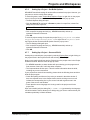
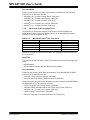
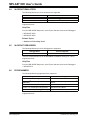
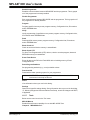
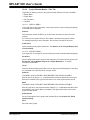
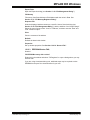
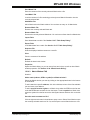
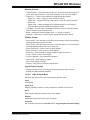
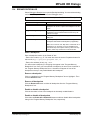
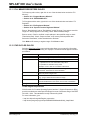
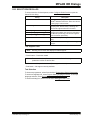
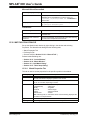
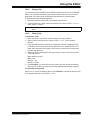
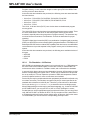
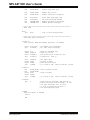
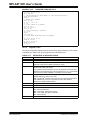
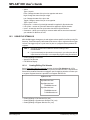
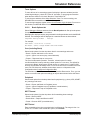
Microsoft Visual SourceSafe
For Project “project.mcp”
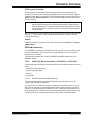
Description
SRCSAFE.INI file
Specify the path to and name of the Visual SourceSafe
initialization file for the database you will be using, e.g.,
C:\VSS\VSS_6.0\win32\scrsafe.ini. Click Browse to
locate the file.
VSS project path
Specify the path within Visual SourceSafe to the project files,
e.g., $/Project Files/Project2.
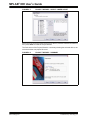
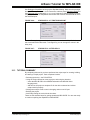
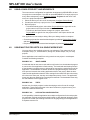
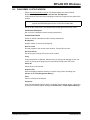
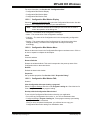
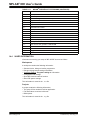
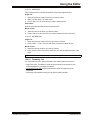
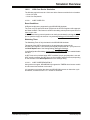
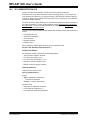
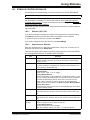
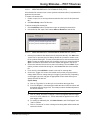
Subversion
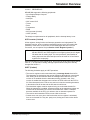
System
Description
SVN Executable
Enter or browse to the directory containing the Subversion
executable files.
Remember user name and
password
Check to automatically access the SVN system after entering
your user name and password the first time.
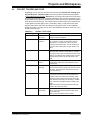
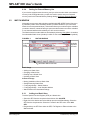
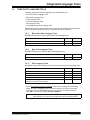
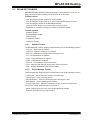
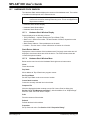
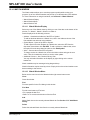
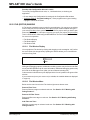
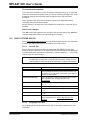
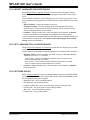
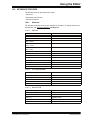
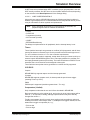
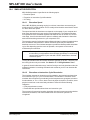
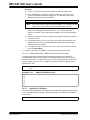
13.30 WATCH/LOCALS DIALOG
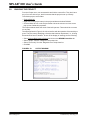
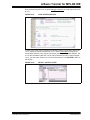
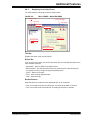
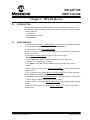
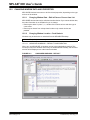
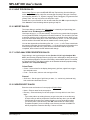
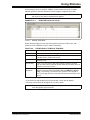
Set up the Watch/Locals window by right clicking in the window and selecting
Properties. The Watch/Locals dialog has the following tabs:
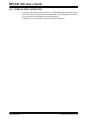
• Watch Properties Tab
• Preferences Tab
• General Tab (See Section 13.21.2 “General Tab”.)
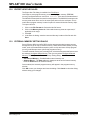
Related windows/dialogs are:
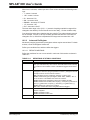
•
•
•
•
Section 12.13 “Locals Window”
Section 12.14 “Watch Window”
Section 13.3 “Add Watch Dialog”
Section 13.27 “Table Setup Dialog”
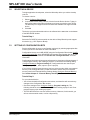
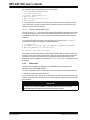
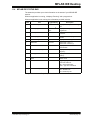
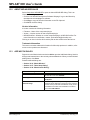
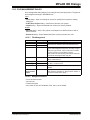
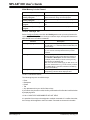
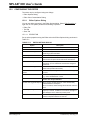
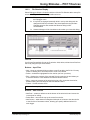
13.30.1 Watch Properties Tab
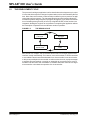
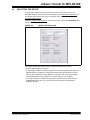
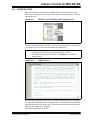
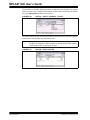
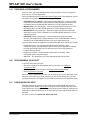
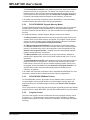
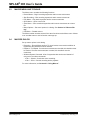
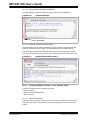
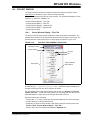
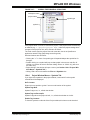
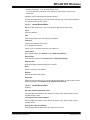
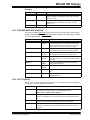
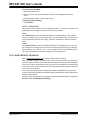
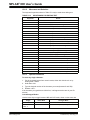
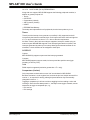
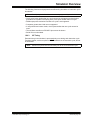
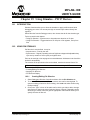
This tab is used to set the properties for the specific symbols in the window.
Property
DS51519B-page 180
Description
Symbol
Select the watch symbol for which to set properties. Choose from the
currently selected and displayed symbols in the window.
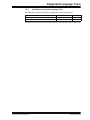
Size
Select the bit size of the selected watch symbol value. Choose from 8, 16,
24, 32, 40 or 64 bits, depending on device.
Format
Select the format of the selected watch symbol value. Choose from:
- Hex(adecimal)
- IEEE Float
- Binary
- Single Bit
- Decimal
- dsPIC Integer
- ASCII
- dsPIC Fractional
- MCHP Float
- Double
Note: With single bit, no information about which bit is being displayed will
be shown in the Symbol Name.
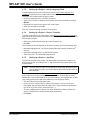
Byte Order
View or change the byte order of the selected watch symbol.
Memory
View the type of memory for the selected watch symbol.
© 2006 Microchip Technology Inc.