1
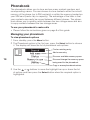
When creating or editing a message:
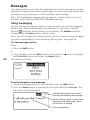
• Use the main numeric keys to enter text. Press a numeric key
repeatedly to produce the appropriate character (characters appear
in the order printed on the key).
• When the required character has been entered, wait for one second
before entering another character that is situated on the same key. A
new character on a different key can be entered immediately.
• To change between upper and lower case characters, press the #
button.
• To enter a space, press the 0 button once.
• To begin a new line, press the 0 button twice.
• To erase a character: Press and release the Clear button.
• To erase the whole message: Press the Select button, choose the
Clear text option and press the Select button. Choose the Write
text option to re-enter the message editor.
• Press the SMS button to return to the previous options menu.
• Press the Menu button to return to the standby screen.
22
To view new or old received messages
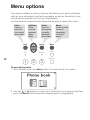
1 View the message options: From standby, press the SMS button.
2 Press the
button to highlight the Inbox option and press the Select
button. A list of received messages will be displayed.
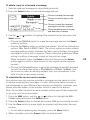
• Unread messages are prefixed with
• Previously viewed messages are prefixed with
Note: If the sender is listed within the phonebook, their name will be
shown, otherwise a preview of the message will be displayed.
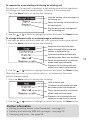
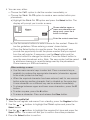
3 Use the
or
buttons to highlight the required message and press the
Select button to view it.
4 Once viewed, either:
• Press the Clear button to exit from the message, or
• Press the Select button to view the message options, as described opposite.