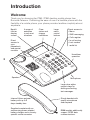
1
Headset
The optional headset is ideal when the phone is being used on a continual
basis. The headset replaces the standard handset and a special menu setting adjusts the behaviour of the phone to allow the Handsfree button as well
as the handset hook switch to be used to control calls via the headset.
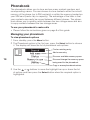
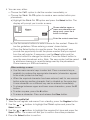
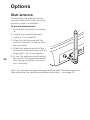
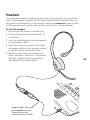
To link the headset
1 Ensure that the phone is switched off.
2 Unplug the normal phone handset, if it
is installed.
3 Link the cable leading from the headset
to the adapter cable.
4 Insert the small connector of the headset adapter cable to the handset socket
in the left side of the phone body.
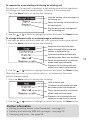
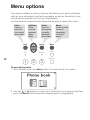
5 Switch on the phone and access the
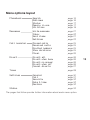
menu: Settings > General > Advanced
Settings. Enable the Headset option.
See page 30 for further details. 35
ll
Ca
Na
me
s
1
M1
M2
M3
M4
Adapter cable - this must
be compatible with the
‘Panasonic’ pin-out
(Plantronics p/n: U10PS)