1
ADT Model 7100 Semi-Automatic Dicing System Operations Manual
Logging In
3.2
Logging In
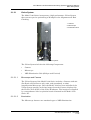
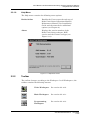
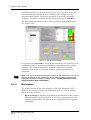
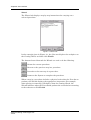
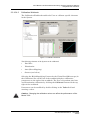
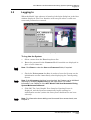
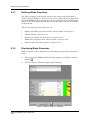
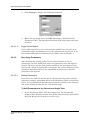
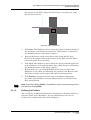
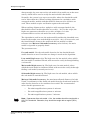
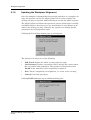
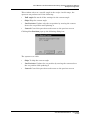
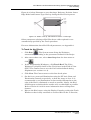
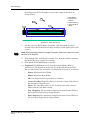
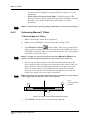
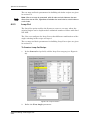
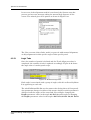
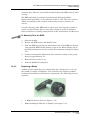
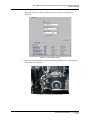
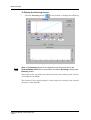
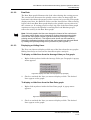
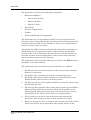
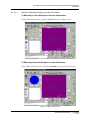
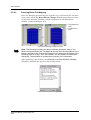
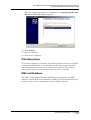
When the Model 7100 software is launched, the login dialog box is the first
window displayed. The User Interface will not open unless a valid user
name and password are entered.
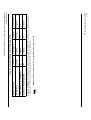
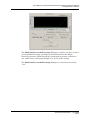
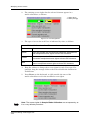
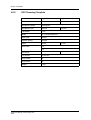
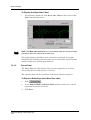
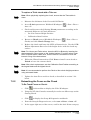
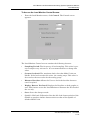
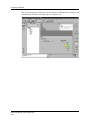
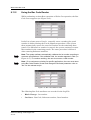
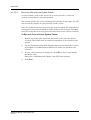
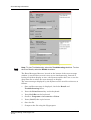
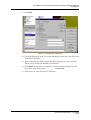
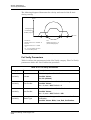
Figure 3-2: Login Dialog Box
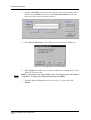
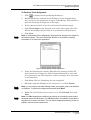
To Log into the System:
1
Select a name from the User drop-down list.
2
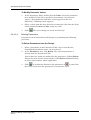
Enter the password in the Password field. Asterisks are displayed in
place of each character.
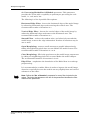
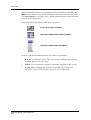
Note: Click Reset to clear the User and Password fields, if required.
3
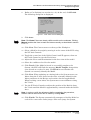
Check the Unit system checkbox in order to have the System run its
initialization routine immediately after displaying the 7100 Opening
Screen.
Note: If the Init system checkbox is not checked, the System can be initialized
manually by selecting System Init from the User menu. For further
information, see Chapter 4 of the ADT Model 7100 Semi-Automatic Dicing
System Maintenance Manual.
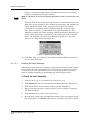
4
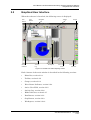
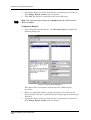
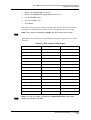
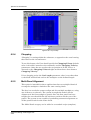
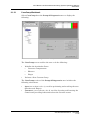
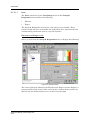
Click OK. The 7100 Graphic User Interface Opening Screen is
displayed, and the System automatically begins running its
initialization routine (unless the Init system checkbox has not been
selected).
Note: For information about adding new Users and User access levels, see
Chapter 4.
P/N 97100-9002-000-14
Ver 06/05
3.2-1