1
Blade Handling
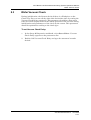
To Replace a Blade:
1
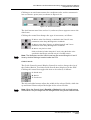
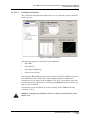
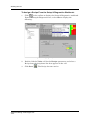
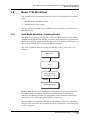
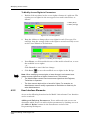
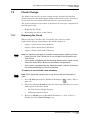
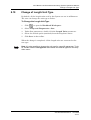
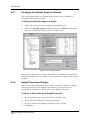
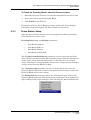
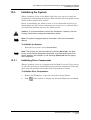
Initiate the Blade Change procedure in one of the following ways:
•
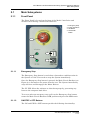
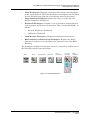
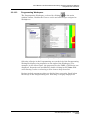
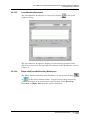
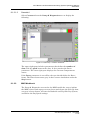
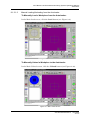
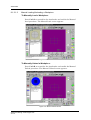
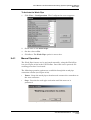
Right-click the Blade Indicator and select Blade Change.
•
From the Manual menu, select Services > Blade Change.
•
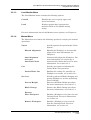
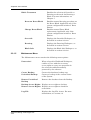
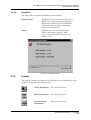
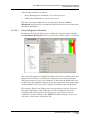
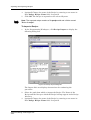
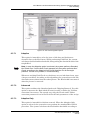
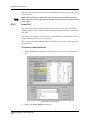
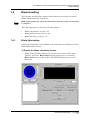
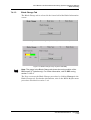
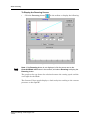
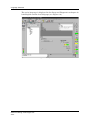
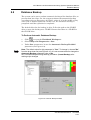
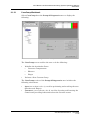
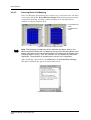
In the Blade Change tab of the Blade Information screen (see
Figure 7-9), click Change.
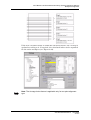
1
2
3
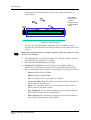
4
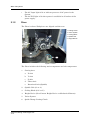
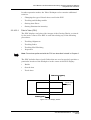
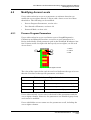
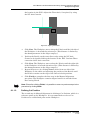
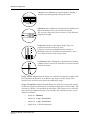
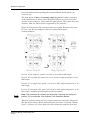
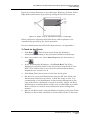
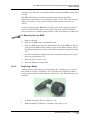
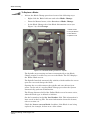
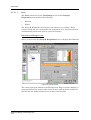
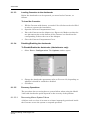
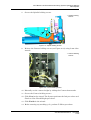
3
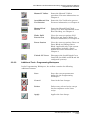
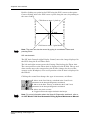
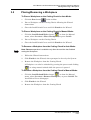
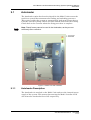
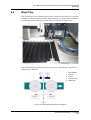
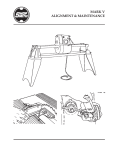
Blade Holder
Torque Wrench
Hex Wrench
Spanner Tool
4
2
1
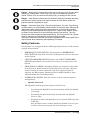
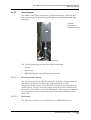
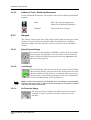
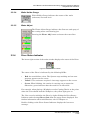
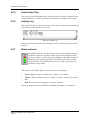
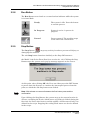
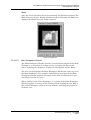
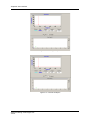
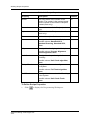
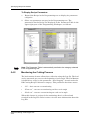
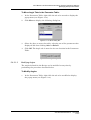
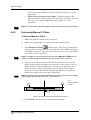
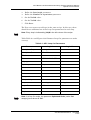
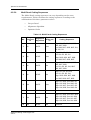
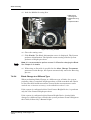
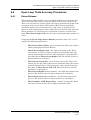
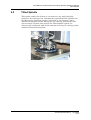
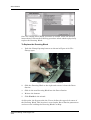
Figure 7-15: Full Blade Handling Toolkit for 2" Spindle
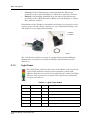
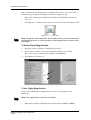
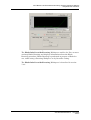
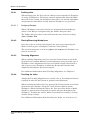
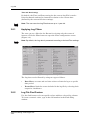
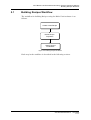
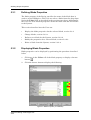
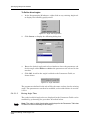
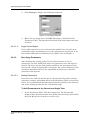
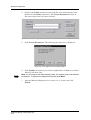
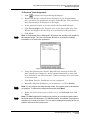
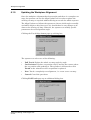
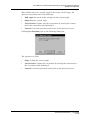
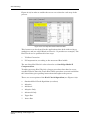
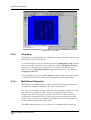
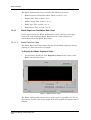
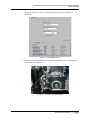
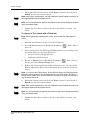
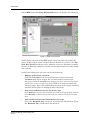
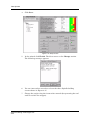
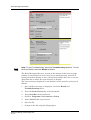
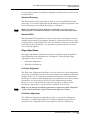
The Spindle stops rotating and moves automatically to the Blade
Change station to enable easy access to the Blade. The GUI displays
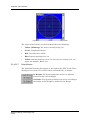
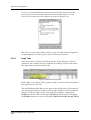
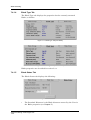
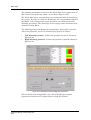
the Define Blade screen.
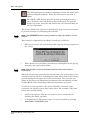
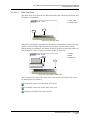
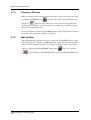
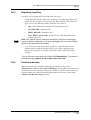
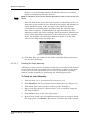
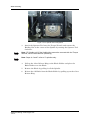
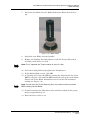
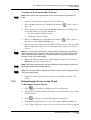
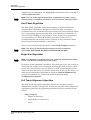
The Spindle Interlock automatically unlocks, which enables the user to
open the cover and change the blade.
Opening the cover disconnects the spindle and axes drivers from
power. At the end of a regular Blade Change procedure the System
automatically performs initialization.
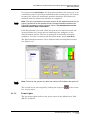
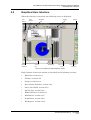
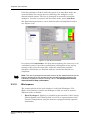
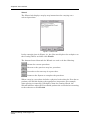
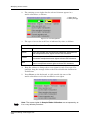
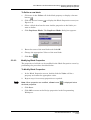
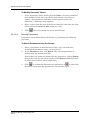
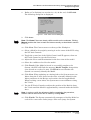
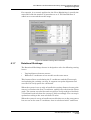
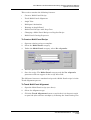
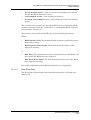
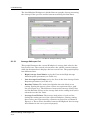
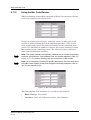
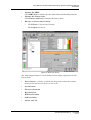
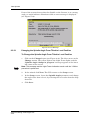
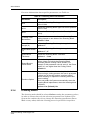
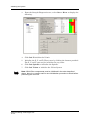
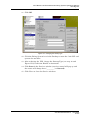
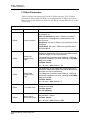
The Flange diameter field of the Define Blade screen becomes active,
when the blade type is defined as hubless.
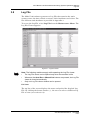
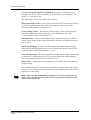
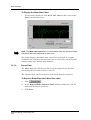
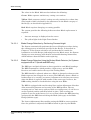
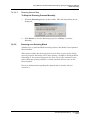
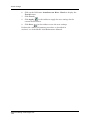
Set the lot number in the Set Lot Number field. This information is
later saved in the Log File. For more information about this feature,
refer to section 3.8.
Check the Leave current blade checkbox, if the Blade is not being
replaced, for example, if there was a false alarm.
Advanced Dicing Technologies Ltd.
7.4-10