1
Using the ID Works Production Application
19
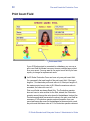
TWAIN (Fast)
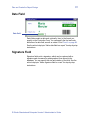
If the photo source selected is TWAIN (Fast), the software
application that is associated with the last TWAIN device used in an
ID Works project (or the only TWAIN device installed on your
computer) starts. Because there are many different TWAIN devices
made by many different manufacturers, this document cannot supply
explicit instructions for using your TWAIN device. See the
documentation that came with your device or ask your supervisor or
ID Works System Administrator for step-by-step instructions.
Video for Windows
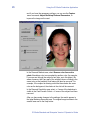
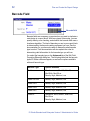
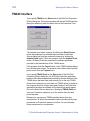
If the photo source selected is Video for Windows, the Video for
Windows Interface dialog box opens. (Video for Windows is a
Microsoft standard interface for storing and playback of video and
audio information. It also lets you capture a single frame to a bitmap
or JPEG file. Single-frame capture is the capability of Video for
Windows that ID Works software uses.)
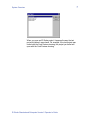
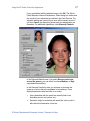
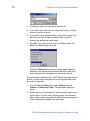
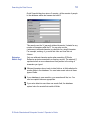
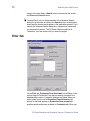
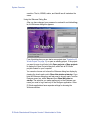
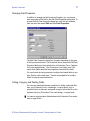
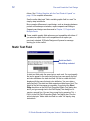
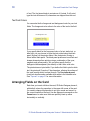
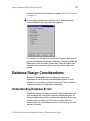
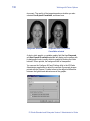
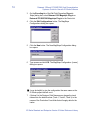
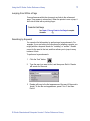
When you click the Select Source button, the Select Source dialog
box opens. It lists all the Video for Windows devices installed on your
computer.
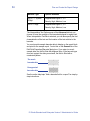
Select the device you want to use and click the OK button. The Select
Source dialog box closes.
ID Works Standard and Enterprise Version 5 Operator’s Guide