1
56
Searching the Data Source
Navigating Search Results
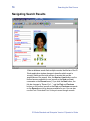
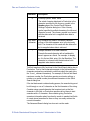
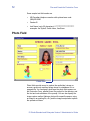
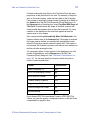
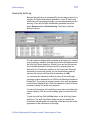
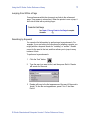
When a database search finds multiple records, the title bar of the ID
Works application window changes to describe which record is
currently visible and the total number of records that met the
specifications of the search. Also, the Next and Last buttons on the
toolbar become available for use (as well as the Next and Last
commands on the Record menu). If you click the Next button, the
title bar changes to “Record 2 of ...” and the First and Previous
buttons on the toolbar (as well as the First and Previous commands
on the Record menu) also become available for use. You can also
use the PAGE DOWN and PAGE UP keys to move through records.
ID Works Standard and Enterprise Version 5 Operator’s Guide